CHYRON Corporation
Start-Up 3-22 Revision D
To return any of the sliders to its default setting:
• Select the slider and press the
CLR key.
5HFDOOLQJ0$;!
6\QF6HWWLQJV
To save the sync settings:
[ ] 1. Press
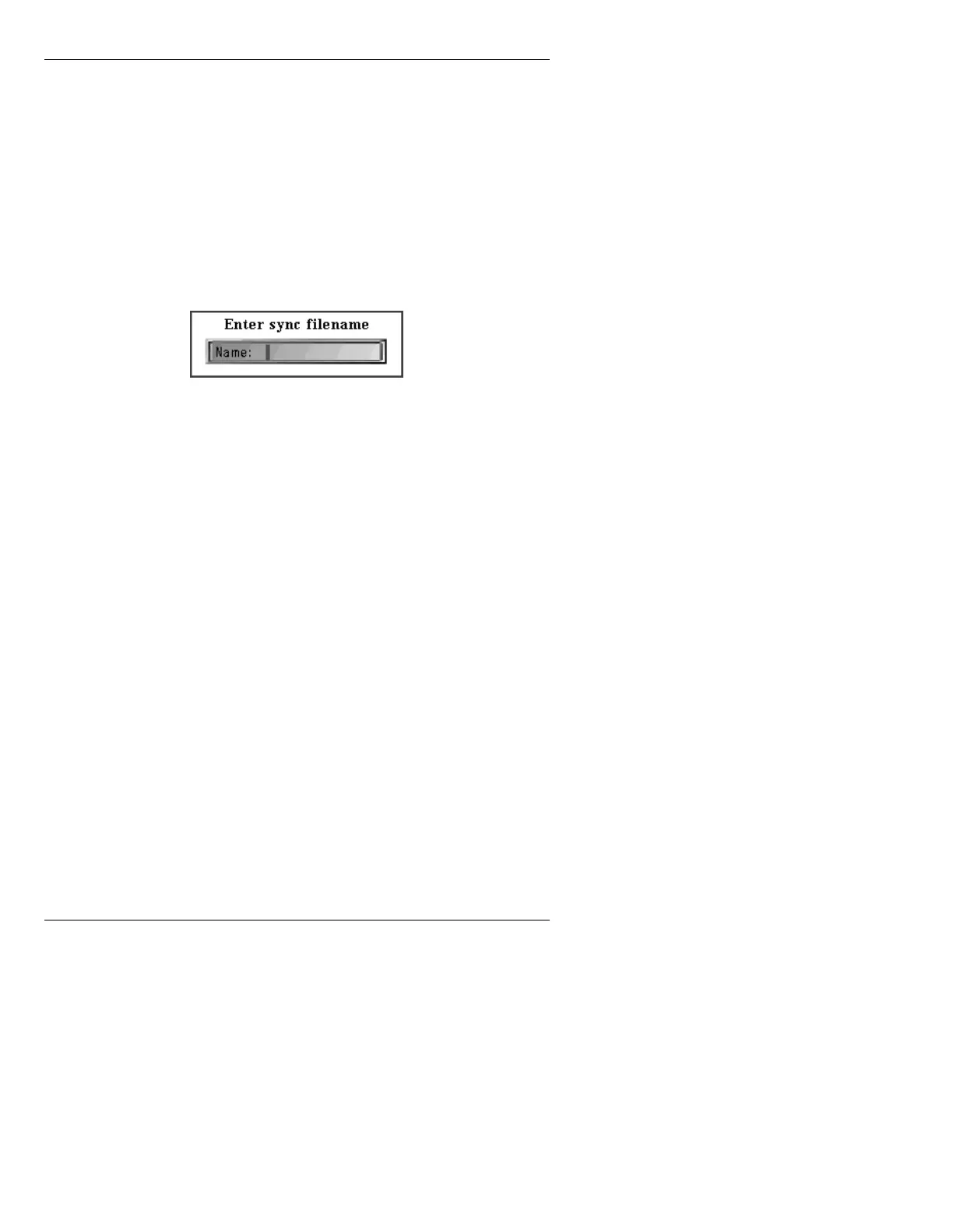
RCD. The Enter Sync Filename window
is displayed.
Figure 3-17. Enter Sync Filename Window
[ ] 2. Enter a filename for the settings, up to 12
characters long, with no spaces. Press
to
save the settings.
NOTE
The power up default sync settings
are read from a file named SYNC.DEF.
To change the default, record your
settings using this file name.
To recall sync settings:
• Press the
READ key while in the Sync Setup window,
enter the filename, then press
.
0$;,1(9LGHR6HWXS
The MAXINE! video hardware must be configured to
match the external video source and hardware. Follow
this procedure to configure the video hardware:
[ ] 1. From the Loader Menu, press the
SETUP key.



 To Next Page