iNFiNiT! Family Operation Manual
Revision D 3-23 Start-Up
[ ] 2. Press V (or select Set Video) to display the
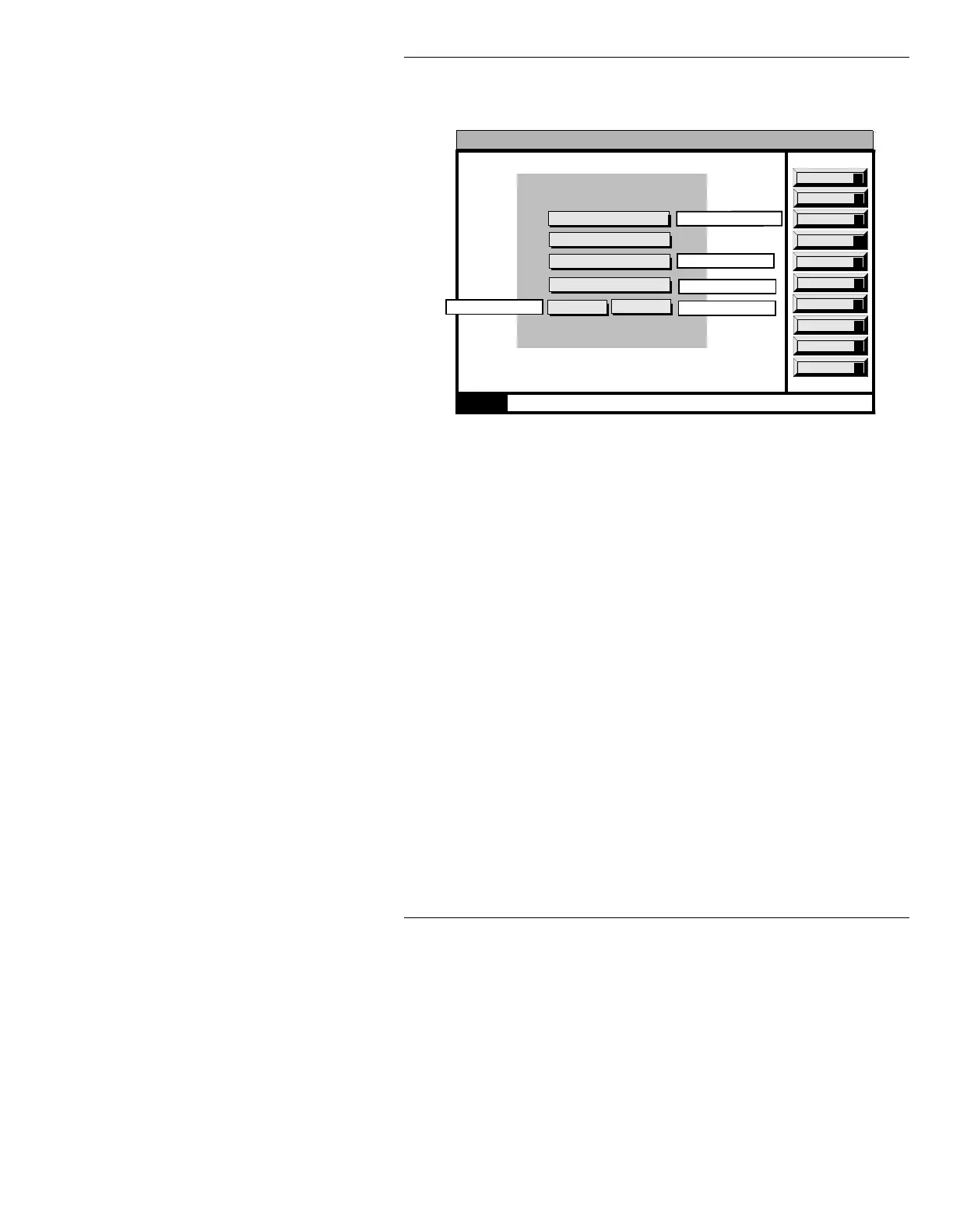
Video Control window (Figure 3-18):
Figure 3-18. MAXINE! Video Control Window
NOTE
This menu varies depending on
system configuration. Your Video
Control menu may be different than
the sample shown in Figure 3-18. Use
the cursor UP/DOWN keys to move
through the fields in this menu; each
field is described below. The Sync
Control item displays a second menu
- this item is described last.
Input Sync:
Video Input Module-equipped systems only. Selects
the system’s sync source - either sync on green (sys-
tem strips sync from the GREEN input), or external
sync (sync from the SYNC IN input.) Highlight the
Input Sync field using the cursor keys, then press the
SPACE BAR to choose either Green (system
default) or External.
15:07 12/2
0000
Reboot
B
Set Com
C
Machine ID
I
Set Drive
D
Next Page
Network
N
Keybd ID
K
Set Video
V
Set Clock
S
Quit
Q
Video Control
VIM Input Sync: GREEN
Sync Control
Gamma Out: 1.0
Hot Key: OFF
Genlock Source: ANALOG
RCD - Save READ - Recall CNTL - Exit
v4.3Program Loader
601 Only
Video Input Module
Analog Only
601 Only
Chroma Boost: OFF
601 Only
P
Program Loader



 To Next Page