iNFiNiT! Family Operation Manual
Revision D 21-17 RGB Tools
NOTE
If storing a character with any level of
Transparency, press M
before
adding
character to a font.
If you attempt to save a font to which new characters
have been added, and the save fails due to insufficient
disk space, try deleting characters until it fits.
NOTE
If a Record operation fails and you do
not re-record the font, the font on the
disk will be corrupted.
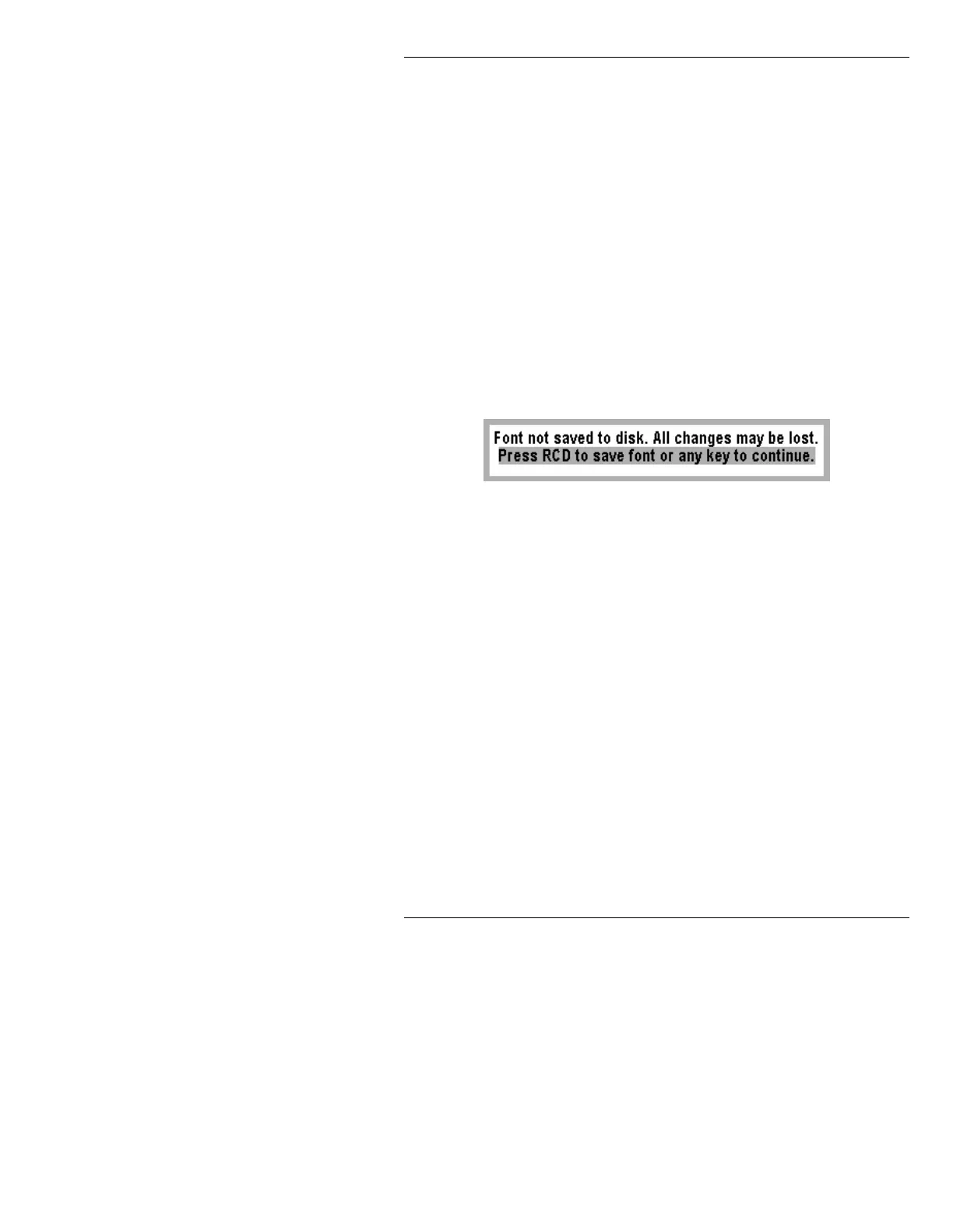
If you modify a font by adding or deleting characters and
is not recorded to disk, the following warning message
appears when you try to exit from the Font Utility:
Figure 21-9. Font Not Saved to Disk Warning
If you press Y, all changes in the font are lost. To save the
font, press
RCD. After recording the font (or after exiting
in any other way), you are returned to the RGB Tools
main menu.
When the RGB font is loaded,
NA (instead of a sample
character) appears in the
Fonts Loaded and Font Info
areas of the Message Compose main menu.
5 HFRUGLQJD Q5*%0HVVDJH5
An RGB message can be recorded in two ways:
•If
Full Screen is Off, only the RGB image within the
Crop Box is recorded.
•If
Full Screen is On, the entire screen is recorded.



 To Next Page