CHYRON Corporation
RGB Tools 21-18 Revision D
Recording an image as an RGB message saves font mem-
ory when the message is recalled, as it is placed directly
in the frame buffer and consumes no font memory.
An RGB message cannot be used in a Roll or Crawl. The
image must first be converted into a Machine Font char-
acter.
To record an RGB message:
[ ] 1. Press
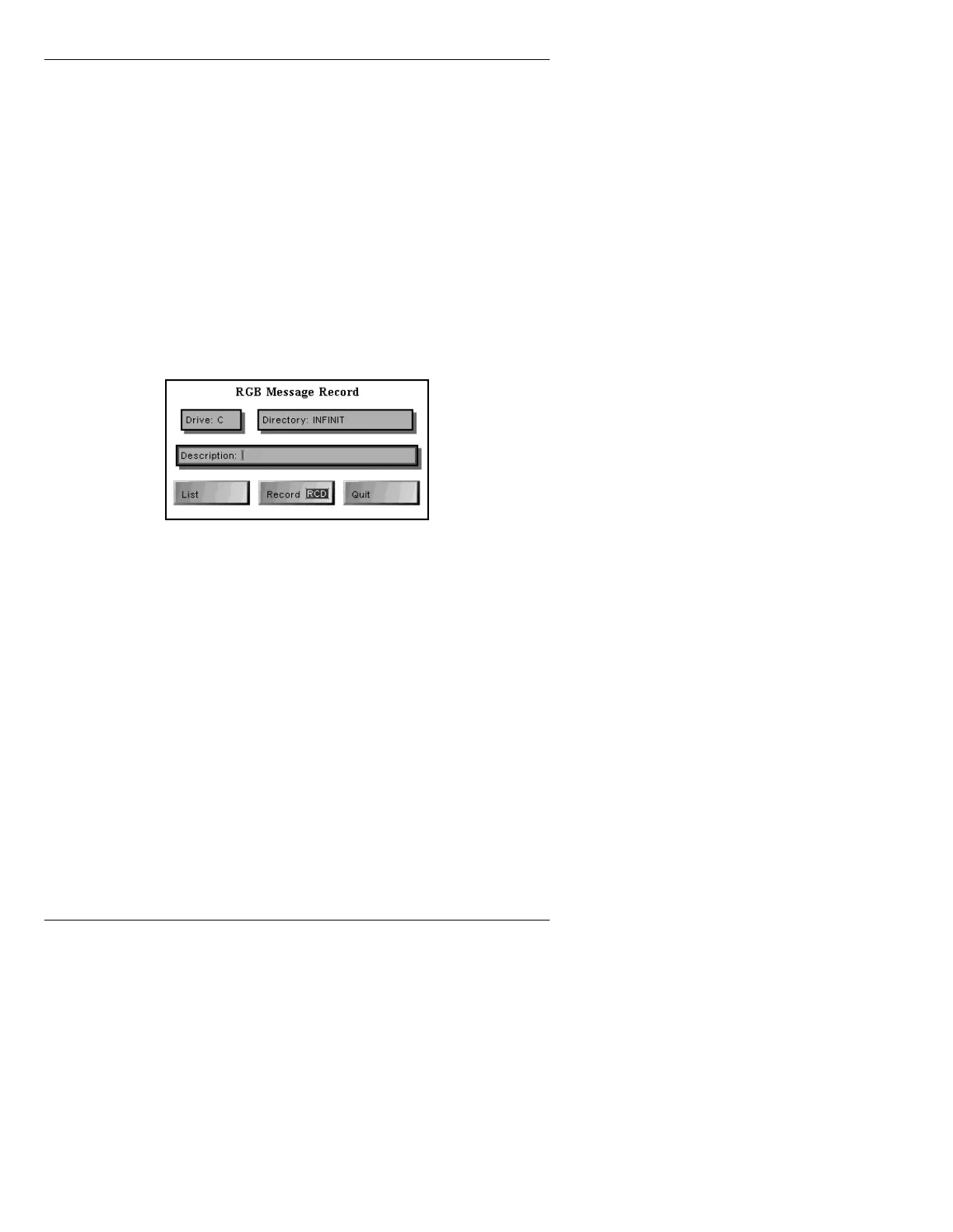
R or select Message Record to display the
RGB Message Record Window (Figure 21-10).
The current directory is displayed in the
Directory:
field, and the cursor is in the
Directory: field.
Figure 21-10. RGB Message Record Window
[ ] 2. If necessary, enter a new drive and/or a new
directory name in the
Drive: and Directory:
fields respectively.
[ ] 3. To find an unoccupied ID number, display a
list of all files in the stored directory:
• Select
List.
To exit the list:
• Press
CNTL or click on the screen.
[ ] 4. A
Description is optional but suggested, since
it appears in the file listing for the directory.
To enter a description:



 To Next Page