iNFiNiT! Family Operation Manual
Revision D 21-19 RGB Tools
• Press the SPACE BAR, then enter a name
consisting of letters and/ or numbers in the
Description: field. Press
. The cursor
moves to the
Record icon.
To clear the
Description field:
• Press
ERASE.
[ ] 5. Use one of the following two methods to
record the RGB message:
• If necessary, press
CLR to clear the
Address Readout. Then, enter an ID num-
ber using the Address Keypad and press
RCD or select Record.
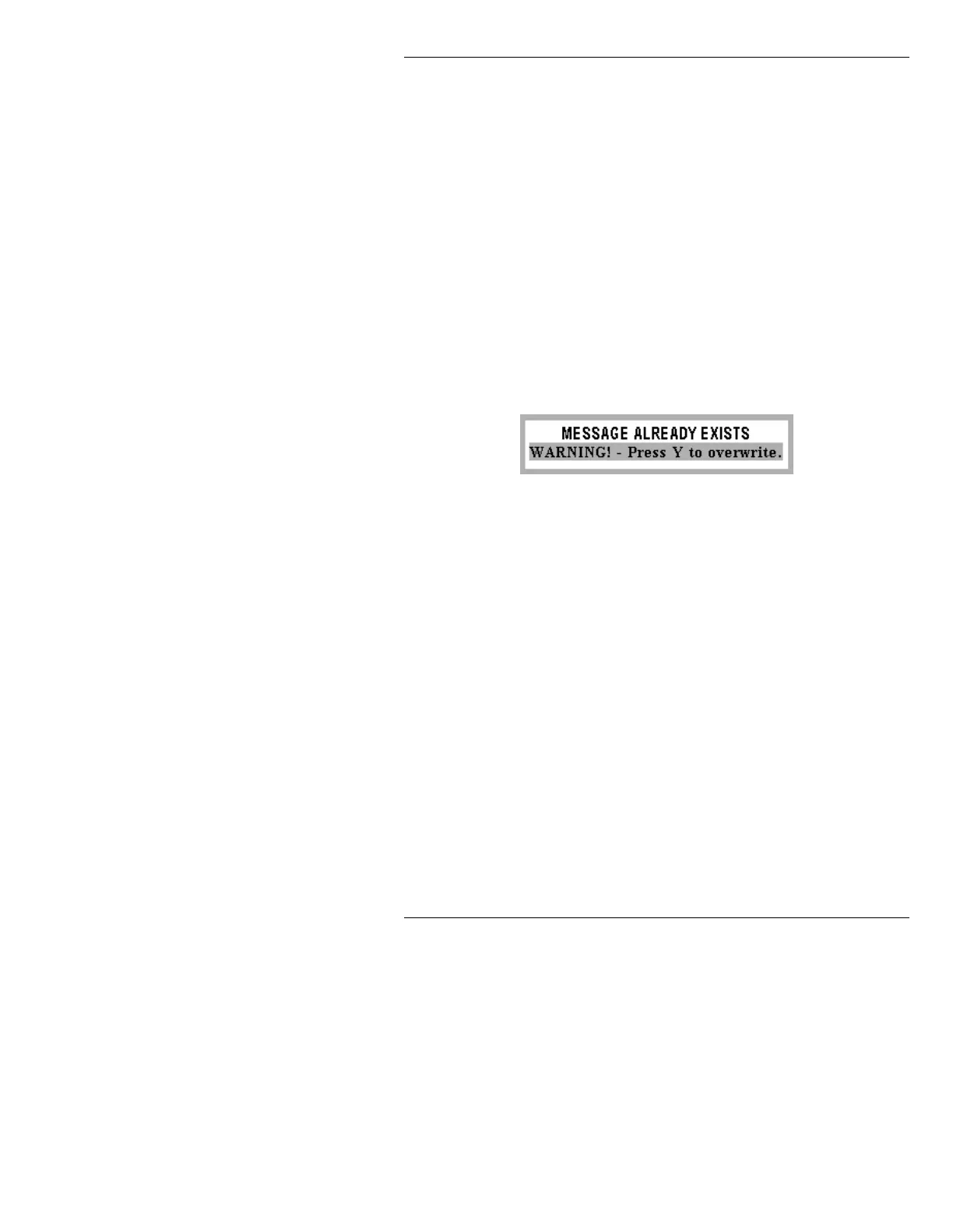
If the ID number is already occupied, the
following appears:
Figure 21-11. Message Overwrite Warning
If you press Y to overwrite, the file is over-
written and the RGB Message Record win-
dow closes. If you press any other key, the
window stays open so that a new ID num-
ber can be entered.
• To record the current RGB message over
the last-read Message ID, press
ALT RCD
or press
ALT, then select Record.
This records over a previously recorded
message, but preserves the
Description.
Note that the old
Description does not
appear in the
Description: field, but does
show up when the Block Message Direc-
tory List function (§8.3.2.2) lists the RGB
files.



 To Next Page