iNFiNiT! Family Operation Manual
Revision D 3-35 Start-Up
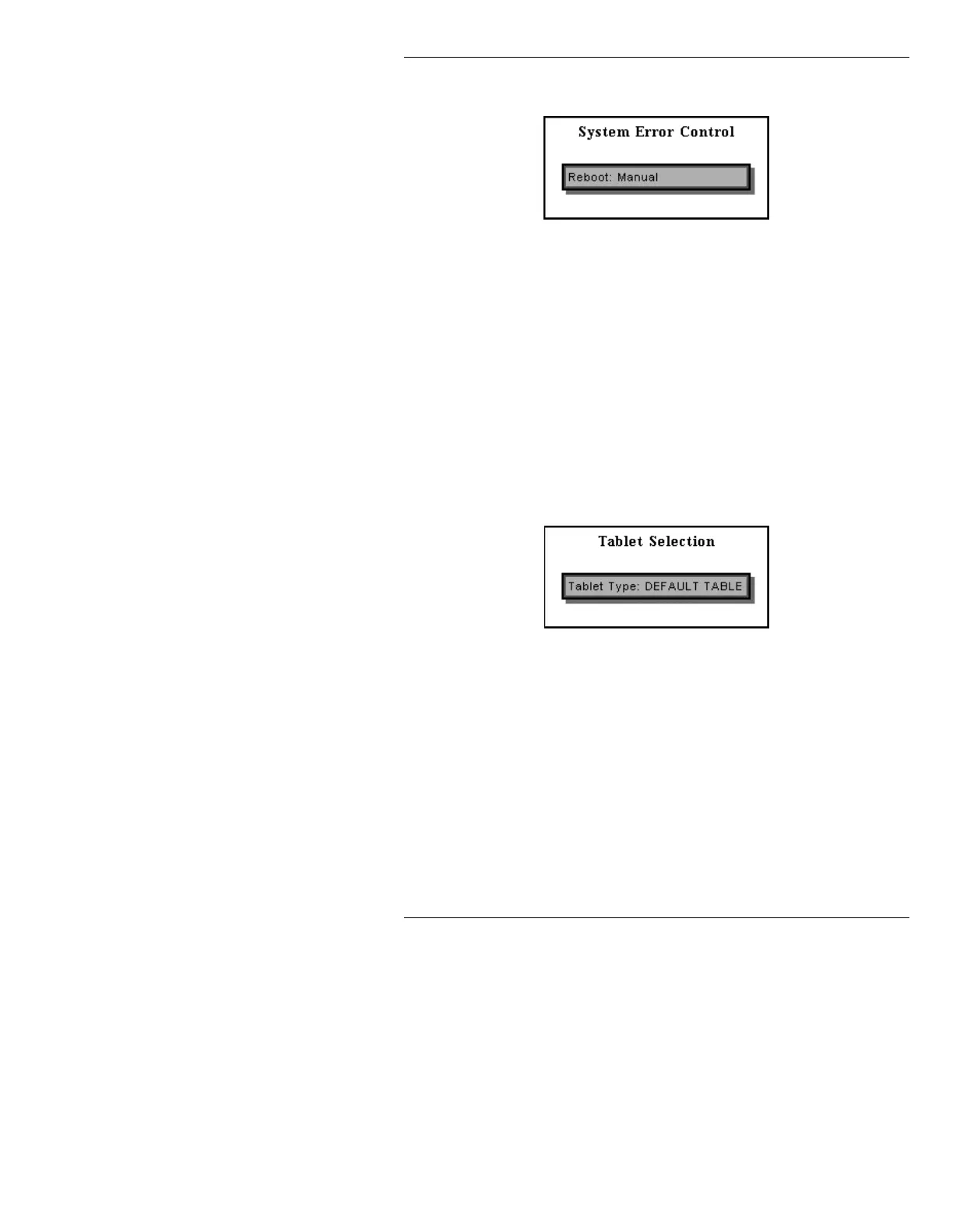
[ ] 1. Press E or select the Error Mode icon. The
System Error Control window is displayed.
Figure 3-31. System Error Control WIndow
[ ] 2. Press the SPACE BAR to toggle between
Manual and Automatic reboot.
7DEOHW7\SH6(7837
This utility enables you to select the proper tablet type as
used with the Logo Compose and Image Tools options.
[ ] 1. Press
T or select the Tablet Type icon. The
Tablet Selection window (Figure 3-32) is
displayed.
Figure 3-32. Tablet Selection Window
[ ] 2. Press the SPACE BAR to toggle through the
tablet choices, then press
CNTL to exit.
5HFDOO.EG.H\ERDUG6(7835
Frame buffers and CHANNELS A, B and PREVIEW can
be exclusively dedicated to use by the IMAGESTOR!
Recall Keyboard. The optional Third Channel Output
(iNFiNiT! only) can be used to dedicate CHANNEL B to
exclusive use by the IMAGESTOR! Recall Keyboard.



 To Next Page