CHYRON Corporation
Start-Up 3-36 Revision D
To set the Recall Keyboard window:
[ ] 1. Press
R or select the Recall Kbd icon. The
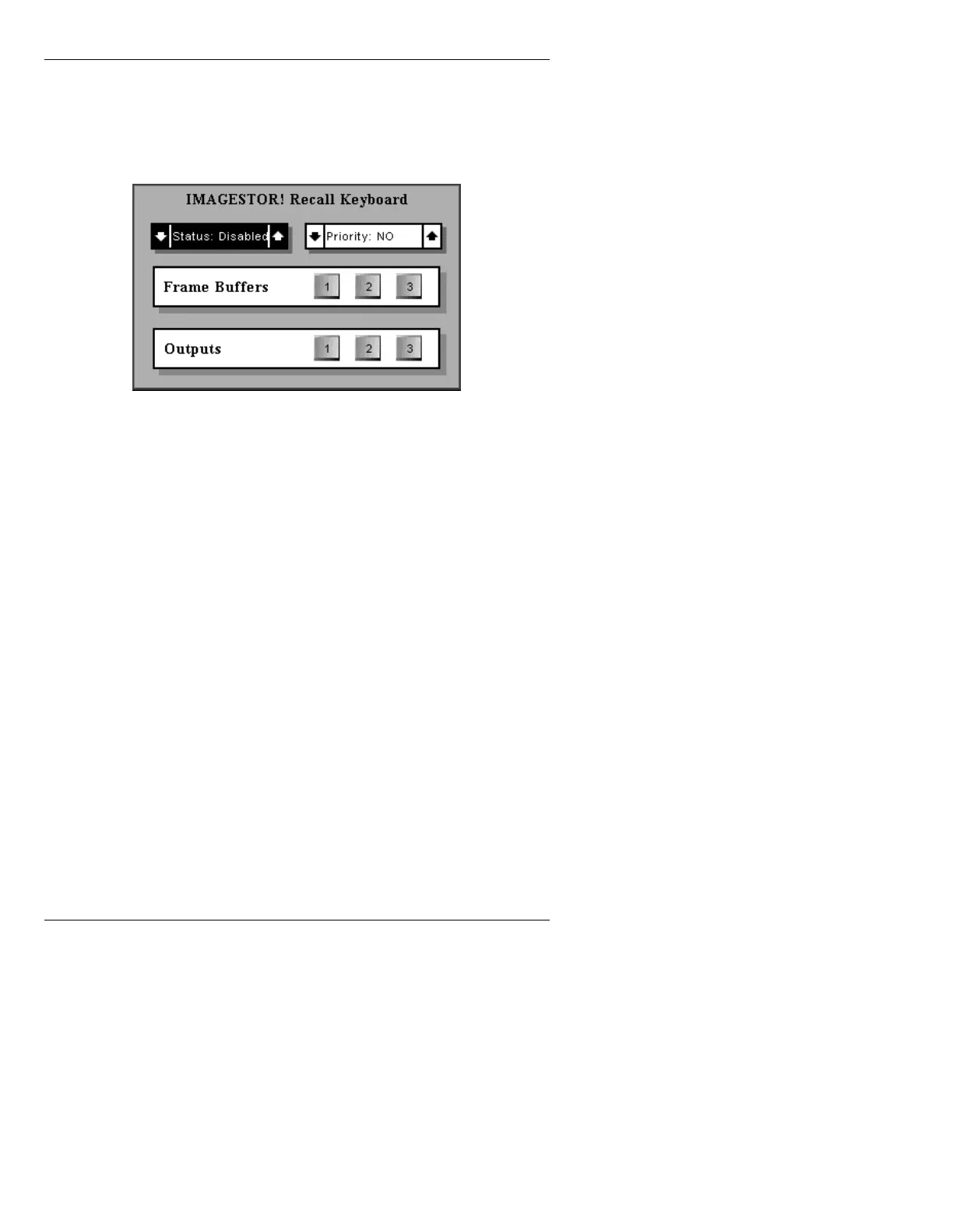
IMAGESTOR! Recall Keyboard menu is
displayed.
Figure 3-33. IMAGESTOR! Recall Keyboard Menu
Default Settings
[ ] 2. To navigate the window, use the cursor keys or
the
TAB key. Set the following parameters:
Status: This indicates whether or not the IMAGESTOR! Recall
Keyboard can be used. Press the
SPACE BAR or SHIFT
CHAR +
ÎÏÌÍ to toggle between Disabled and
Enabled. The default is Disabled.
Priority: When set to YES, the highlighted Frame Buffer(s) and
Output(s) are exclusively dedicated to the IMAGESTOR!
Recall Keyboard. The selected buffer(s) and output(s)
are not accessible for use by Message Compose.
When set to
NO, the selected Buffer(s) and Output(s) are
also accessible to use by Message Compose. Additionally,
the channel selection and Output Percentage levels can be
changed at any point by the Message Compose operator,
thereby affecting the operation of the Recall Keyboard.
Keep in mind that if Priority: is set to NO, the frame
buffer can be erased or overwritten during a mes-
sage Read operation in Message Compose. Priority:



 To Next Page