CHYRON Corporation
Disk Utilities 19-46 Revision D
The Disk Fragmentation function helps you eliminate frag-
mented files without having to move them to a different disk,
but is not as efficient as moving the files back and forth.
'HIUDJPHQWDWLRQ2SHUDWLRQ
• From the Disk Utilities main menu, Press G or select
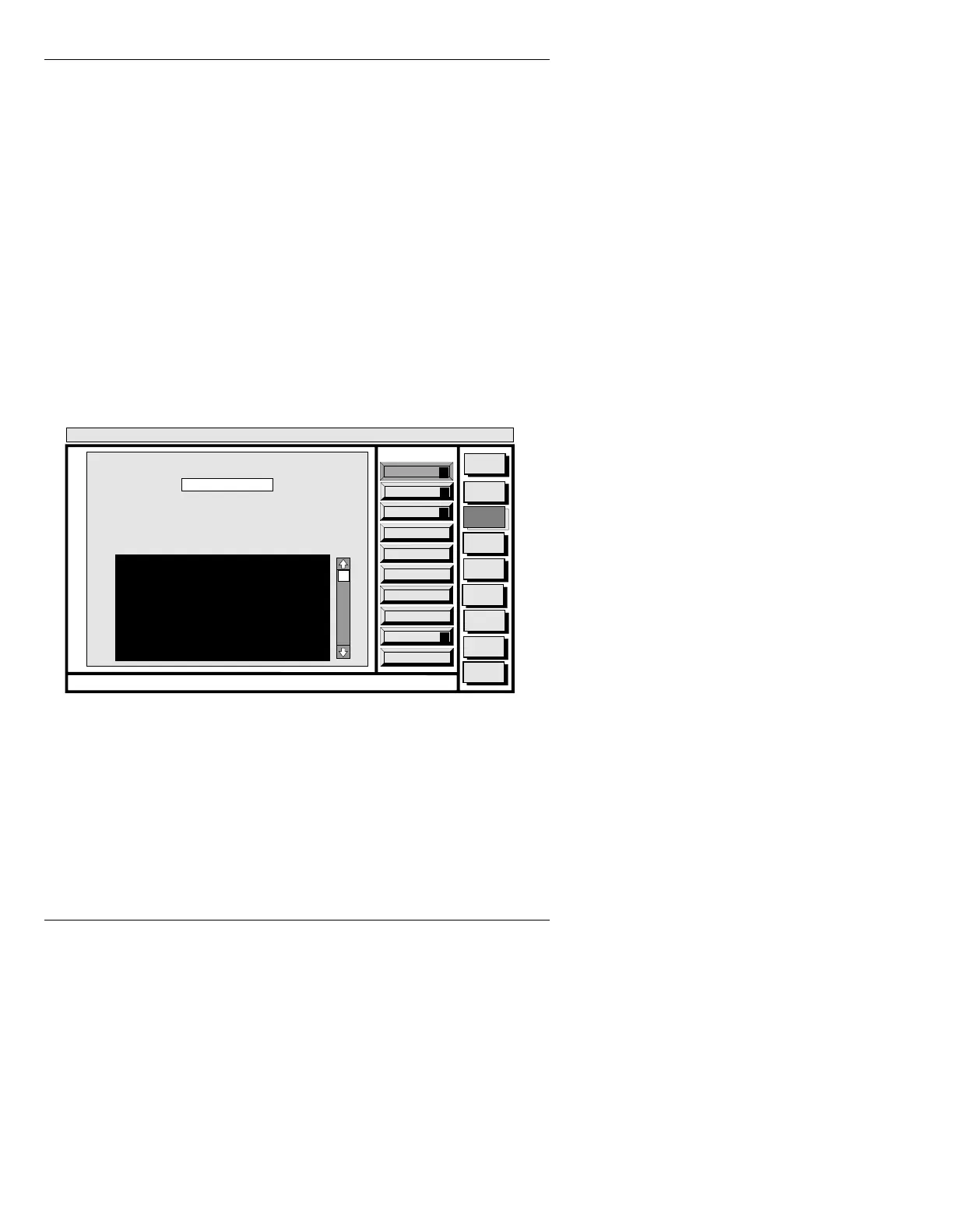
Defragment to display the DISK FRAGMENTA-
TION window (Figure 19-31). This window contains
three function icons and a blank file list.
The
DRIVE: field contains the currently selected drive
(typically
C). To use the Disk Fragmentation function:
• First enter the letter for the drive to be searched in the
DRIVE: field, then select Report (R), Fix Files (F),
or
Pack Disk (P). A report appears as follows:
Figure 19-31. DISK FRAGMENTATION Window
Report: Press CNTL R or select Report to display a status report
similar to the one shown in Figure 19-31.
Names preceded by the letter
D are directories. Time
required for the system to compile the report depends on
the capacity of the disk. A typical report contains the fol-
lowing values:
Quit
Q
Fix Files
F
Report
R
Message
Compose
Advcd.
Font
Disk
Utils
Network
Utils
<System>
Disk Utility
< version >
15:07 5/29/95
DISK FRAGMENTATION
CNTL
DRIVE: C
Fragmented Files
/SYSTEM/PROGRAMS/MC.V1
D/MAX/MACHINE
D/MAX/MESSAGE
/USER1/MACHINE/.4567
Pack Disk
P
Total Files: 4 of 460
Available Blocks: 4987
Total Directories: 2 of 21
Largest Contiguous: 1239
Largest Contiguous/Available Blocks: 0.08



 To Next Page