CHYRON Corporation
Total Motion Control 23-36 Revision D
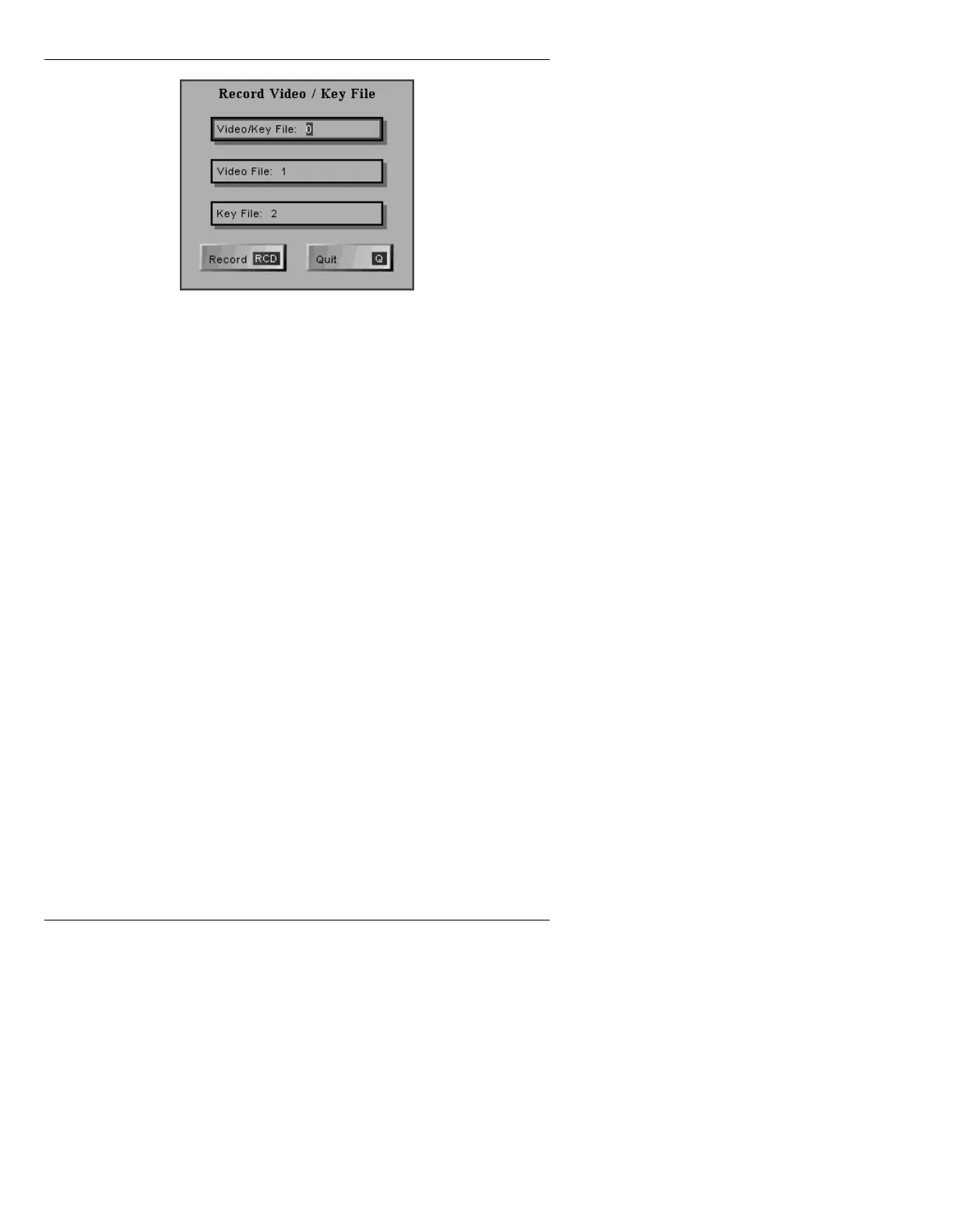
Figure 23-13. Record Video/Key File Window
[ ] 4. Enter ID numbers for the three files that are to
be recorded.
[ ] 5. Press
RCD. Note that the Address Readout
does not advance after a JPEG Video/Key
Record operation.
NOTE
After loading (reading) a recorded
JPEG Video/Key message, it is not
possible to overwrite that file while it
is loaded. It is possible, however, to
overwrite other files.
&RPELQLQJ3UH([LVWLQJ
9LGHRDQG.H\)LOHV
A JPEG Video and Key file can be recorded from pre-
existing Video and Key files. To do so:
[ ] 1. Press
ALT RCD. The Record Video/Key File
window (Figure 23-13) is displayed.
[ ] 2. Enter ID number of the
Video/Key File: that is
to be recorded, and the ID numbers of the
Video File: and the Key File: from which the
Video/Key File will be built.



 To Next Page