CHYRON Corporation
Flash Font 13-28 Revision D
• To change the entire screen to the Flash Font, press
CNTL HOME CNVRT (FLASH).
/RDGLQJ7\SLQJ0XOWLSOH)ODVK )RQWV
It is possible to have access to six Flash Fonts at one
time, making a total of 22 fonts available for use. Before
loading more than one Flash Font, the maximum number
that you intend to use must be set in the
Configure menu
(§13.6.5), accessible from the Flash Font main menu.
To load multiple Flash Fonts:
[ ] 1. From the Message Compose main menu, press
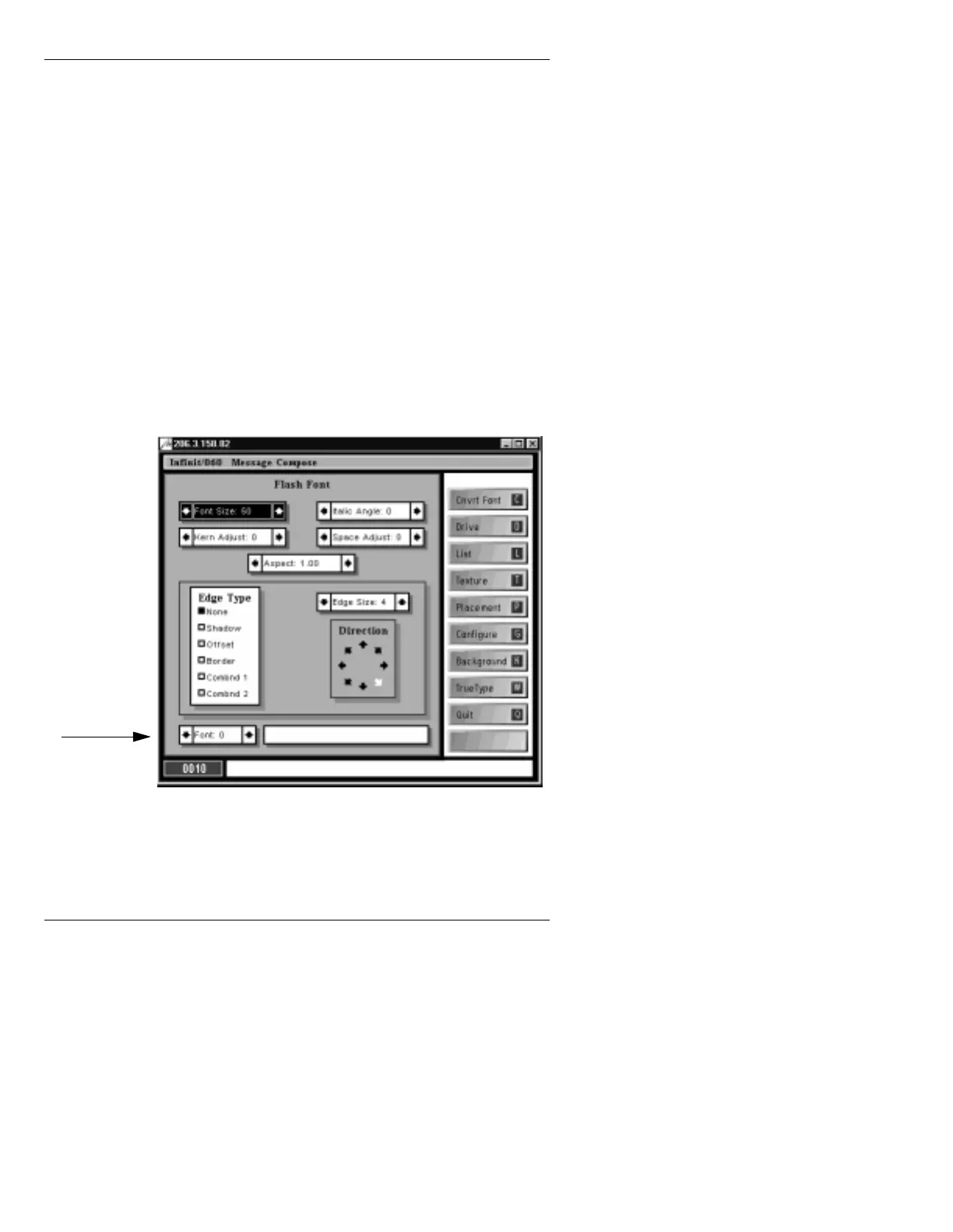
CNVRT (FLASH). The Flash Font main menu
(Figure 13-18) is displayed.
Figure 13-18. Flash Font Main Menu
[ ] 2. Press M or use the cursor keys, TAB, or SHIFT
+ TAB
to place the cursor on the Font: field.
Font
Field



 To Next Page