CHYRON Corporation
Installation 2-60 Revision D
the same name on the
TO:
disk that has the same
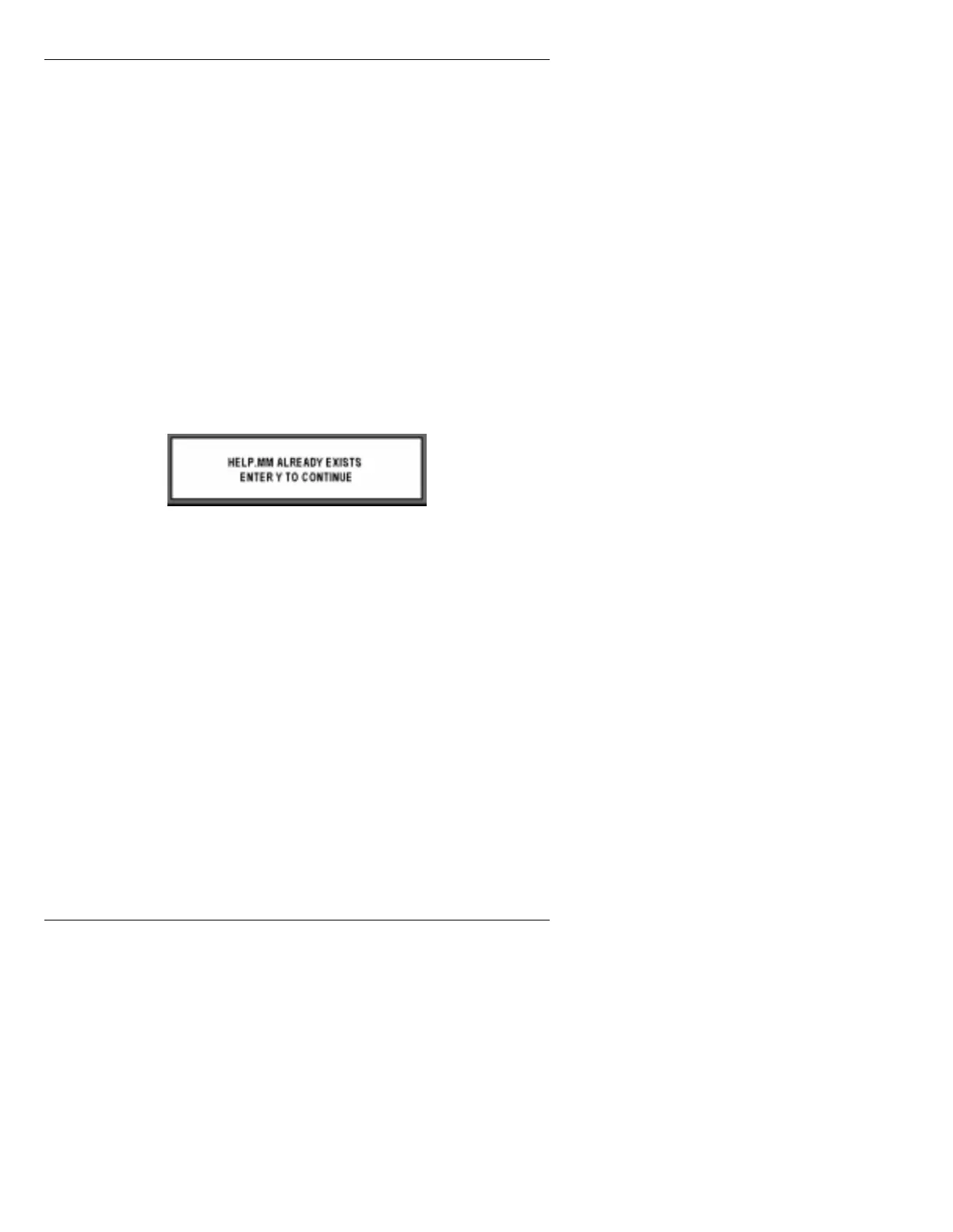
name as the file being copied, a pop-up window
(such as in Figure 2-31) appears asking if the file on
the
TO:
disk should be overwritten.
It is recommended, though not necessary, that
VERIFY:
be set to
Y
. Once a copy operation is
complete,
VERIFY
performs a bit-by-bit
comparison of the original and copied files, to make
sure that both versions are identical, thereby
verifying the integrity of the copies. When
VERIFY
is set to
Y
,
Copy
execution takes slightly
longer.
[ ] 3. Press
CNTL X
or select
Execute
. If a pop-up
window (Figure 2-31) appears asking for overwrite
permission, press
Y
to overwrite the file, or any other
key to stop the overwrite.
Copy
execution will move
to the next file.
To completely exit
Copy
execution, press
ESC
.
Figure 2-31. Overwrite Permission
Copy complete.
appears on the Prompt Line
when the backup is complete.
'HOHWLQJ6\VWHP)LOHVIURP
+DUG'ULYH
[ ] 1. From the Disk Utilities main menu, press
D
or
select
Delete
. The Disk Utilities DELETE menu
(Figure 2-32) is displayed.



 To Next Page