iNFiNiT! Family Operation Manual
Revision D 21-31 RGB Tools
$GMXV WLQ JWKH &X W %R[&
To set the Cut box:
[ ] 1. From within the Cut and Paste Control menu,
press
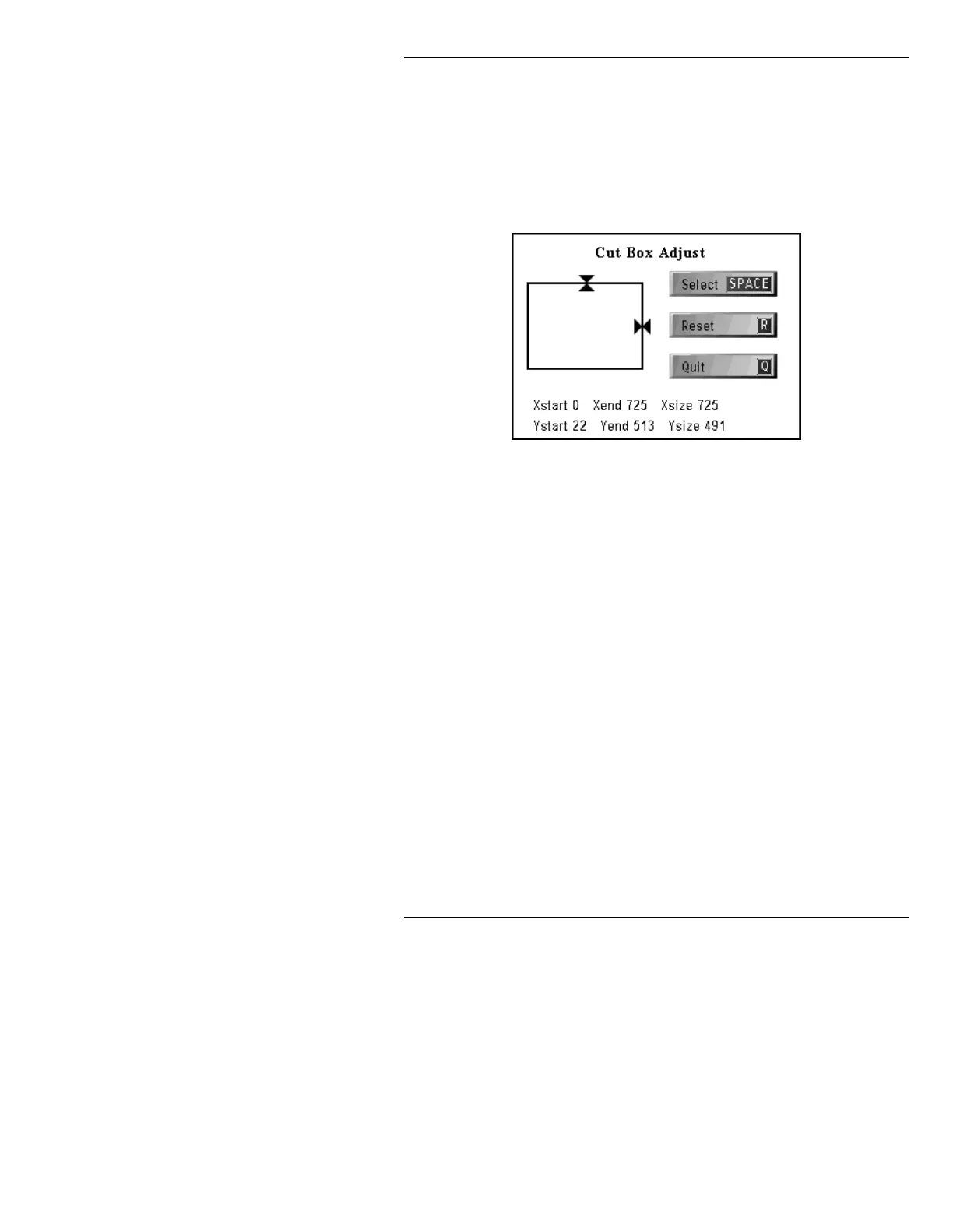
C or select Cut Box. The Cut Box
Adjust menu is displayed.
Figure 21-18. Cut Box Adjust Menu
[ ] 2. Choose which border(s) to adjust:
• To adjust the TOP border, use the cursor
ÎÏ keys.
• To adjust the RIGHT border, use the cursor
ÌÍ keys.
Press the
SPACE BAR or select SPACE. You
can now adjust the BOTTOM and LEFT
borders.
• To adjust the BOTTOM border, use the
cursor
ÎÏ keys.
• To adjust the LEFT border, use the use the
cursor
ÌÍ keys.
If necessary, press the
SPACE BAR or select
SPACE to toggle back to TOP/RIGHT
adjustment.



 To Next Page