iNFiNiT! Family Operation Manual
Revision D 23-35 Total Motion Control
5HFRUGLQJ9LGHRDQG.H\
The JPEG Video and Key clip can be recorded to a SCSI
Express message directory as a
VK file. Two other files
are also recorded simultaneously: a
Vid file and a Key
file. In point, Out point and Loop value are recorded as
well. To record a JPEG Video and Key message:
[ ] 1. Press
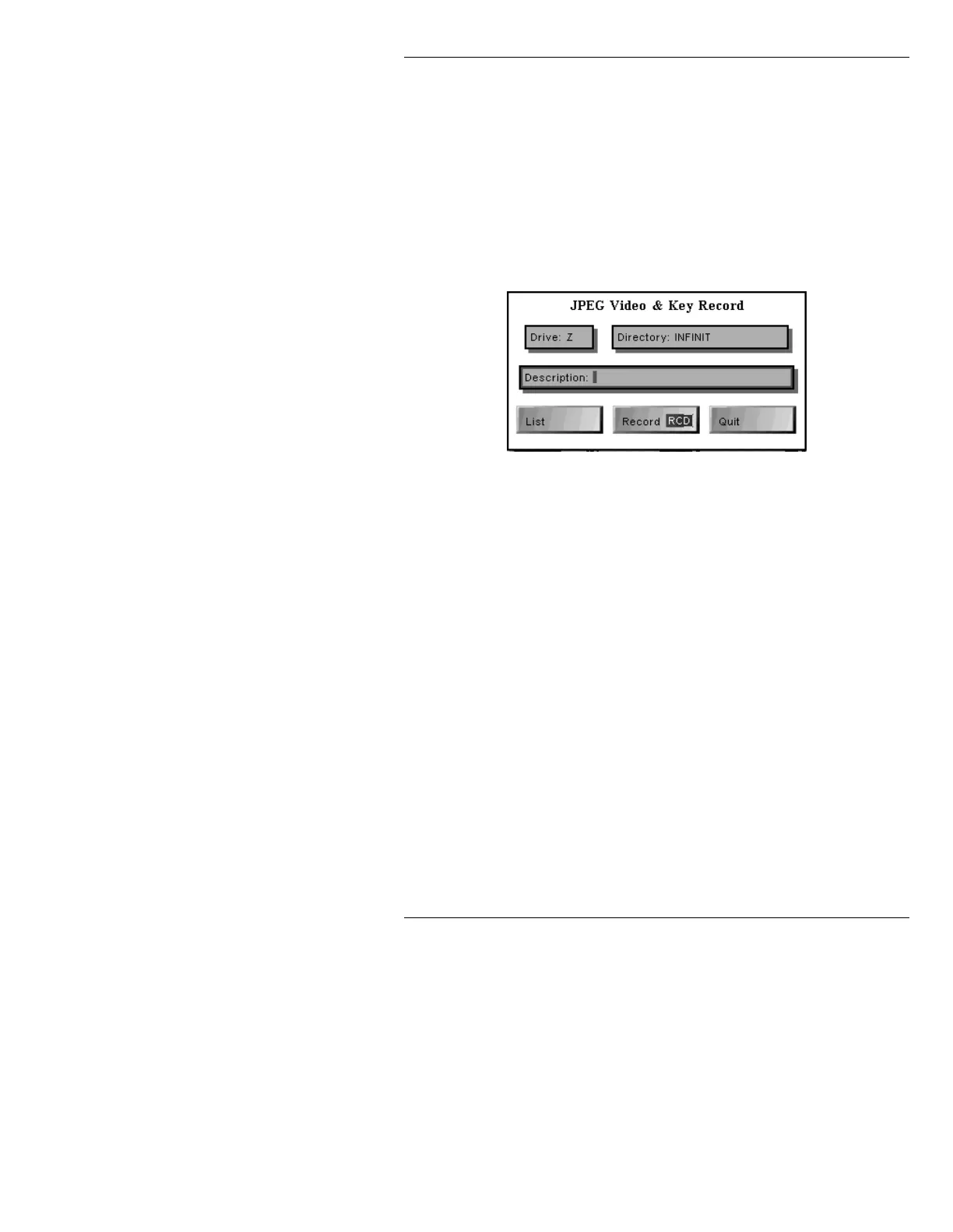
RCD or select Record. The JPEG Video
& Key Record window is displayed.
Figure 23-12. JPEG Video & Key Record Window
[ ] 2. If necessary, perform any or all of the
procedures in this step:
• Enter a new
Drive: letter.
• Select
List to list the files on that drive.
• Enter a new
Directory:
• Enter a Description:
[ ] 3. Press RCD or select Record. The Record
Video/Key File window is displayed.



 To Next Page