CHYRON Corporation
Total Motion Control 23-34 Revision D
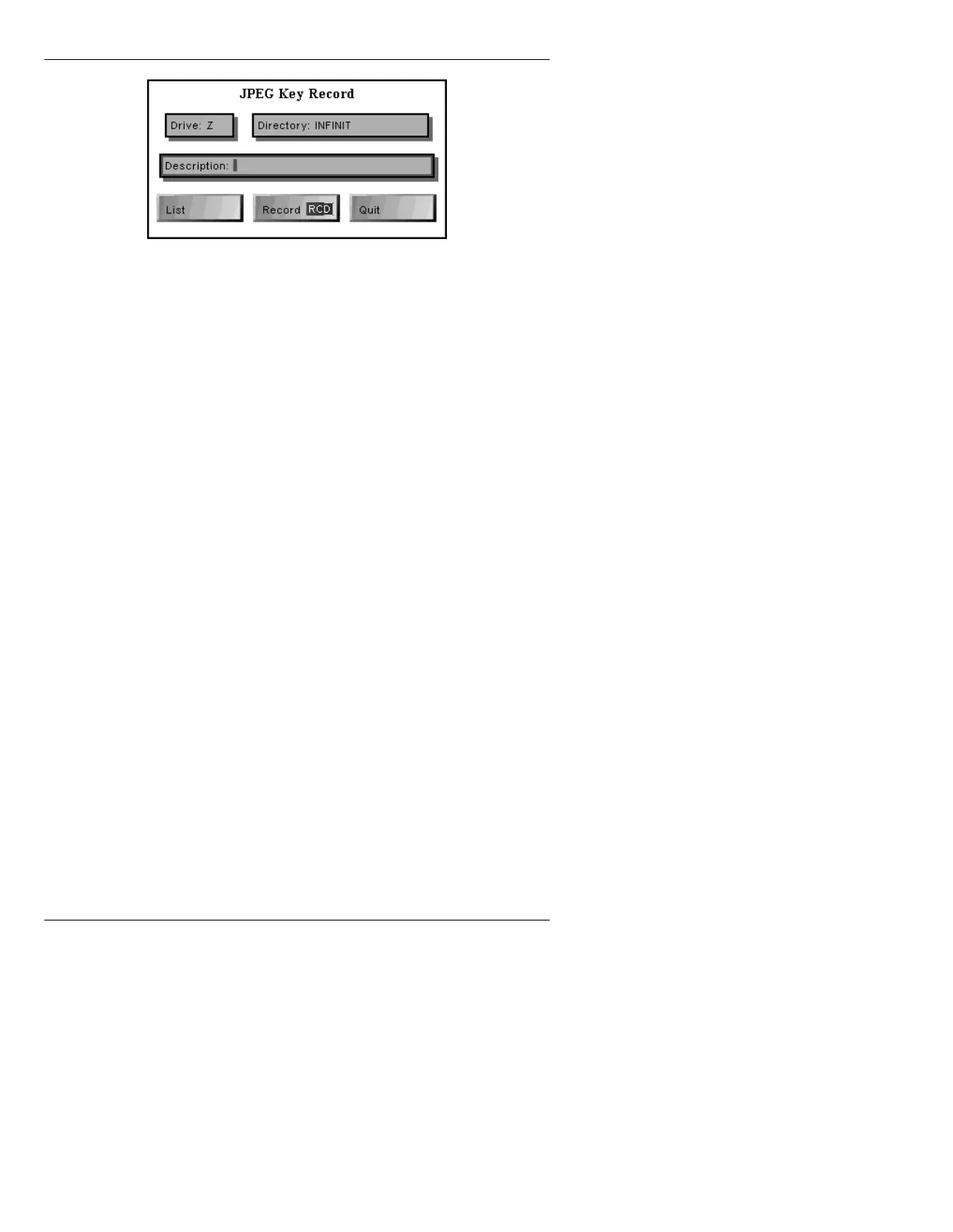
Figure 23-11. JPEG Key Record Window
[ ] 2. If necessary, perform any or all of the
procedures in this step:
• Enter a new
Drive: letter.
• Select
List to list the files on that drive.
• Enter a new
Directory:
•Enter a Description:
[ ] 3. Press CLR; enter an unoccupied message
number; then press
RCD or select Record. If
an attempt is made to record over an existing
file, a warning box appears asking for
permission to overwrite. Press
Y to overwrite;
or press any key or click to return to the JPEG
Video or Key Record window. Note that the
Address Readout does not advance after a
JPEG Video or Key Record operation.
NOTE
After loading (reading) a recorded
JPEG Video or Key message, it is not
possible to overwrite that file while it
is loaded. It is possible, however, to
overwrite other files.



 To Next Page