CHYRON Corporation
Multiple Effects 17-26 Revision D
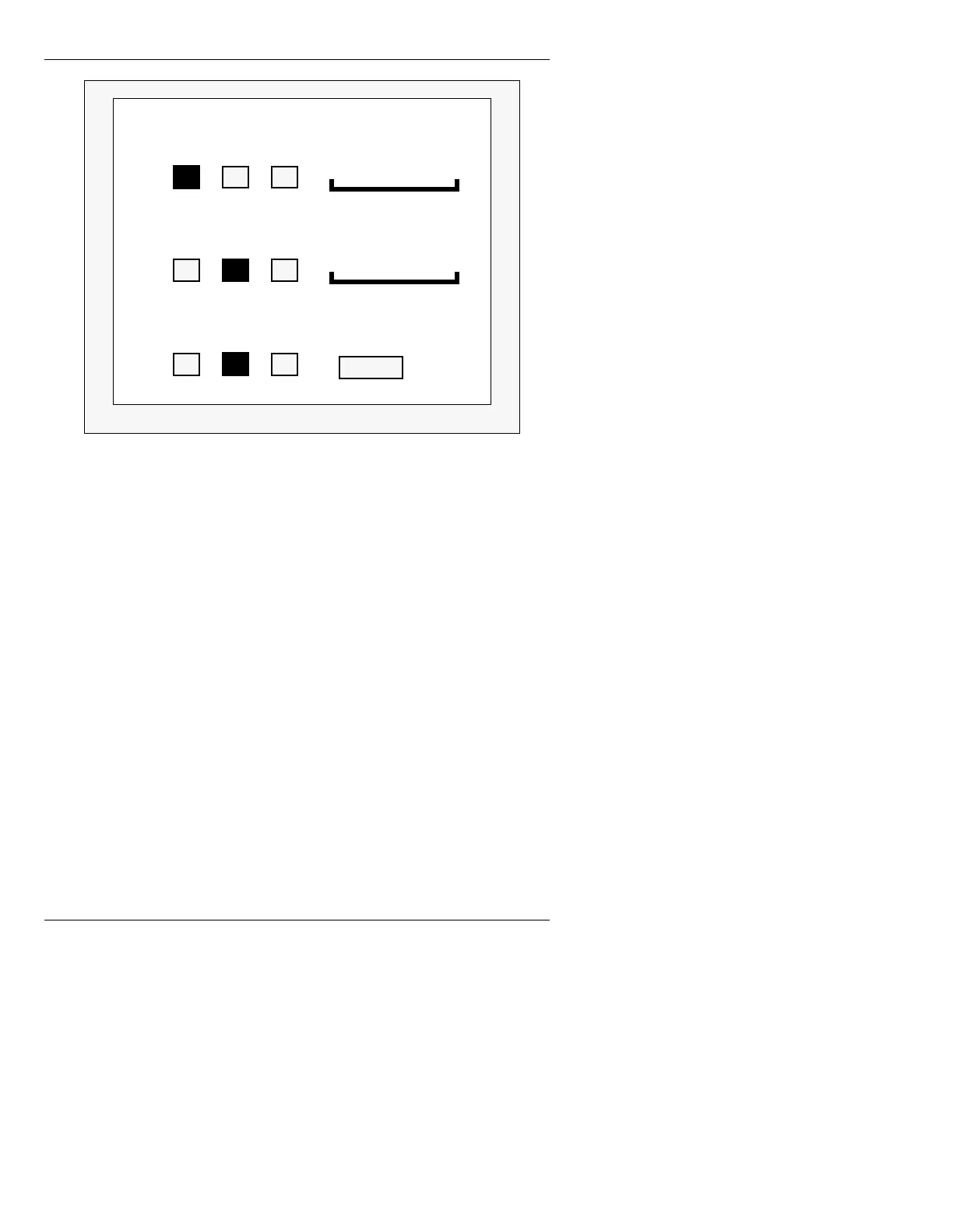
Figure 17-7. Mix Settings Window
%XIIHUDQG&KDQQHO$VVLJQPHQWV
To assign a buffer to a specific CHANNEL A, CHAN-
NEL B, or PREVIEW:
• Use the mouse to select (highlight) the buffer in the
desired CHANNEL or PREVIEW row.
OR...
[ ] 1. Place the cursor on the buffer you want to
assign to the CHANNEL or PREVIEW.
[ ] 2. Press
or
SPACE BAR.
[ ] 3. Repeat the above steps for any other
assignments.
To turn off a buffer assignment:
• Use the mouse to deselect the buffer.
OR...
Ch A
2
3
Percent
Ch B
1
3
Prev
1
3
Mix Settings
Soft: 20
100
Percent
100
1
2
1
2



 To Next Page