CHYRON Corporation
Start-Up 3-26 Revision D
The following can be set in the MAXINE! Sync Control menu.
6DYLQJ5HFDOOLQJ0$;,1(
6\QF6HWWLQJV
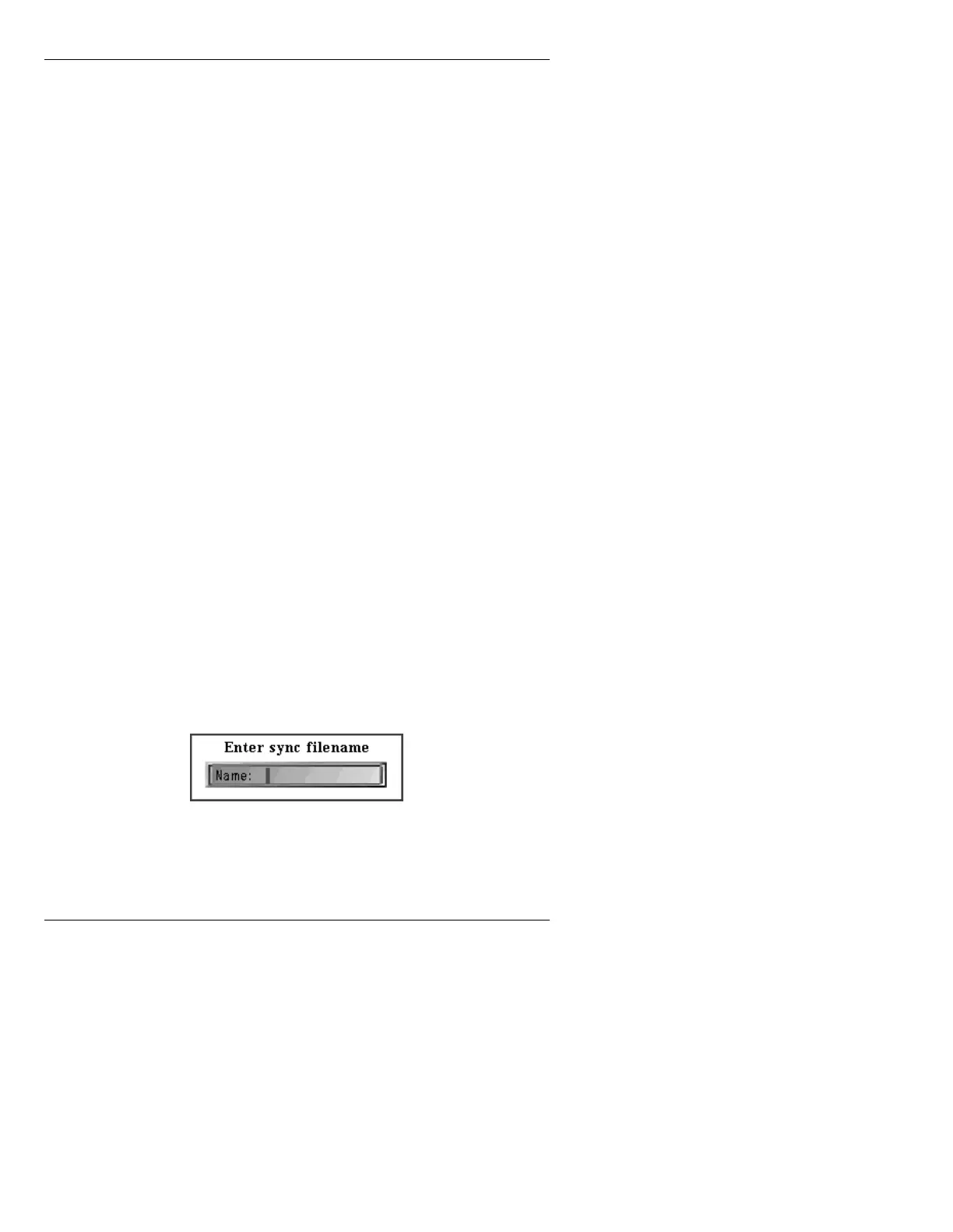
To save the sync settings:
[ ] 1. Press
RCD. The Enter Sync Filename window
is displayed.
Figure 3-20. Enter Sync Filename Window
[ ] 2. Enter a filename for the settings to be stored
under, then press
.
Subcarrier
Quadrant:
Analog Sync Generator-equipped systems only. This item
selects the subcarrier phase quadrant (a coarse range
selection for subcarrier phase.) Use the
SPACE BAR to
cycle through the available choices (in degrees): 0, 90, 180,
or 270.
Subcarrier
Phase:
Analog Sync Generator-equipped systems only. This slider
provides over a 90-degree range of phase adjustment
within the selected quadrant.
Vertical
Phase:
This slider provides an adjustment of the vertical phase
component over a range of +/-3 lines
Horizontal
Phase:
This slider adjusts horizontal phase component to advance
or delay the sync generator timing when genlocked to an
external reference source.
Horizontal
Phase Fine:
601 Digital Sync Generator-equipped systems only. This
slider provides a fine adjustment of horizontal phase, in sub-
pixel steps.
Key Output
Timing:
This slider adjusts the timing of MAXINE!’s Key Out signal
with reference to its video output, in sub-pixel steps.



 To Next Page