CHYRON Corporation
Disk Utilities 19-24 Revision D
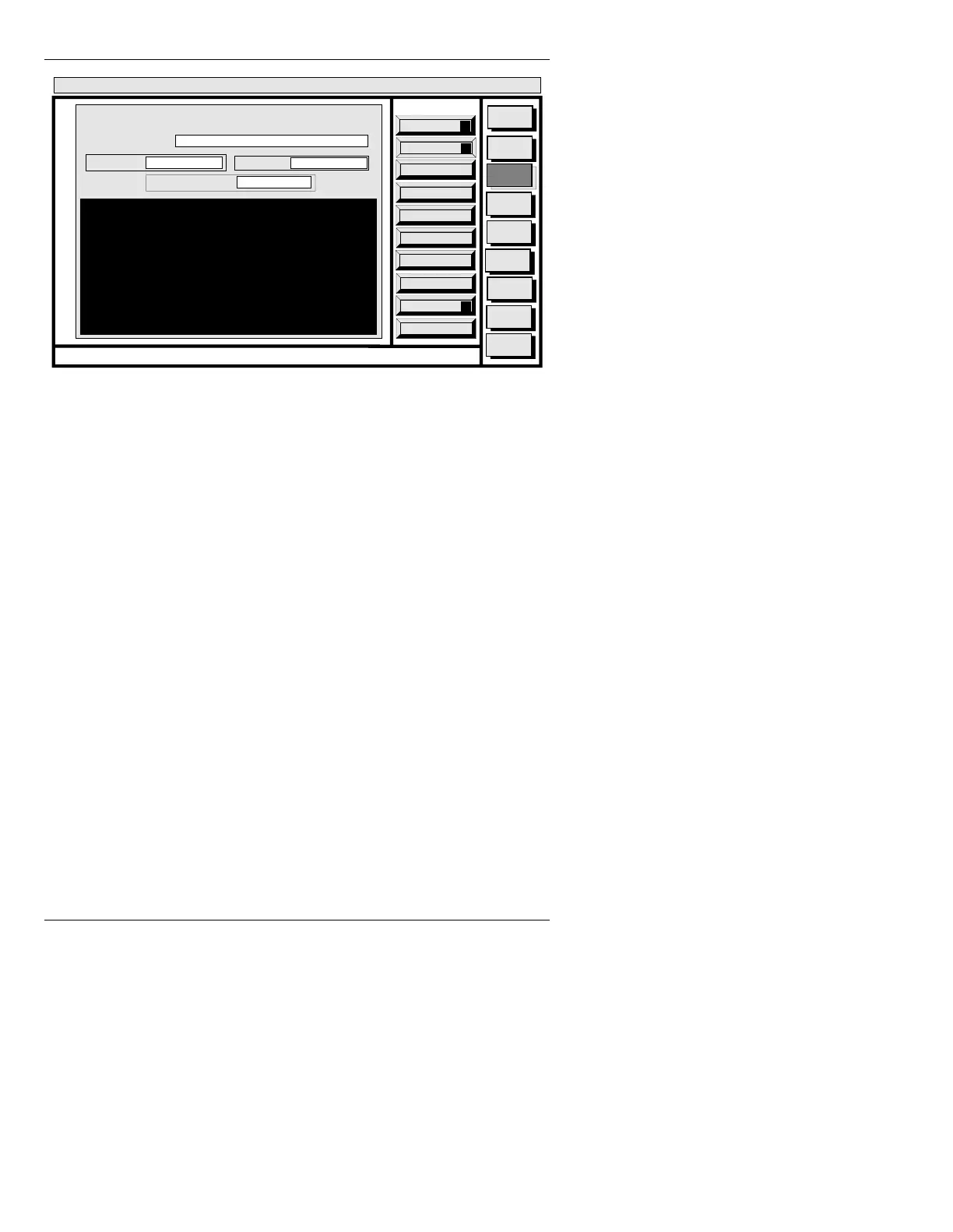
Figure 19-14. DELETE Window
'HOHWLQJD'LUHFWRU\
To delete a directory:
[ ] 1. Enter the Drive name containing the directory
you want to delete (e.g.
C/).
[ ] 2. Press
CNTL L or select List to list the
directories on that disk. Select the desired
directory from the listing.
[ ] 3. If you want the name of each file in the
directory displayed prior to its deletion, leave
the
CONFIRM: field at Y. Enter N and the
directory is erased with no confirmation from
you.
[ ] 4. Press
Ï to enter the list, then press
to
highlight items for deletion. Note: Selecting a
highlighted item by pressing
deselects
(removes the highlight) it. To leave the list,
Quit
Q
List
L
Execute
X
Message
Compose
Advcd.
Font
Disk
Utils
Network
Utils
<System>
Disk Utility
< version >
15:07 5/29/95
DELETE
CURRENT DIR:
FILE TYPE: ALL
A/INFINIT
CONFIRM: Y
DELETE NAMES: *
CNTL



 To Next Page