CHYRON Corporation
Buffers & Channels 14-22 Revision D
You can still see and work in the buffer assigned to
CHANNEL B on the Third Channel Output monitor, but
it does not appear on AIR. The outputs of CHANNELS
A and B can then be swapped to transfer the contents of
the buffer assigned to CHANNEL B to A, so it displays
on AIR.
To swap the outputs of CHANNELS A and B:
• Press
ALT XFER.
&+1*DQG;)(52YHUYLHZ
The CHNG and CNTL CHNG functions (§14.8) allow
you to change the active frame buffer. The
XFER, CNTL
XFER
(§14.9) and ALT XFER (§14.10) functions allow
you to switch each of the frame buffer outputs from AIR
to PREVIEW or vice versa.
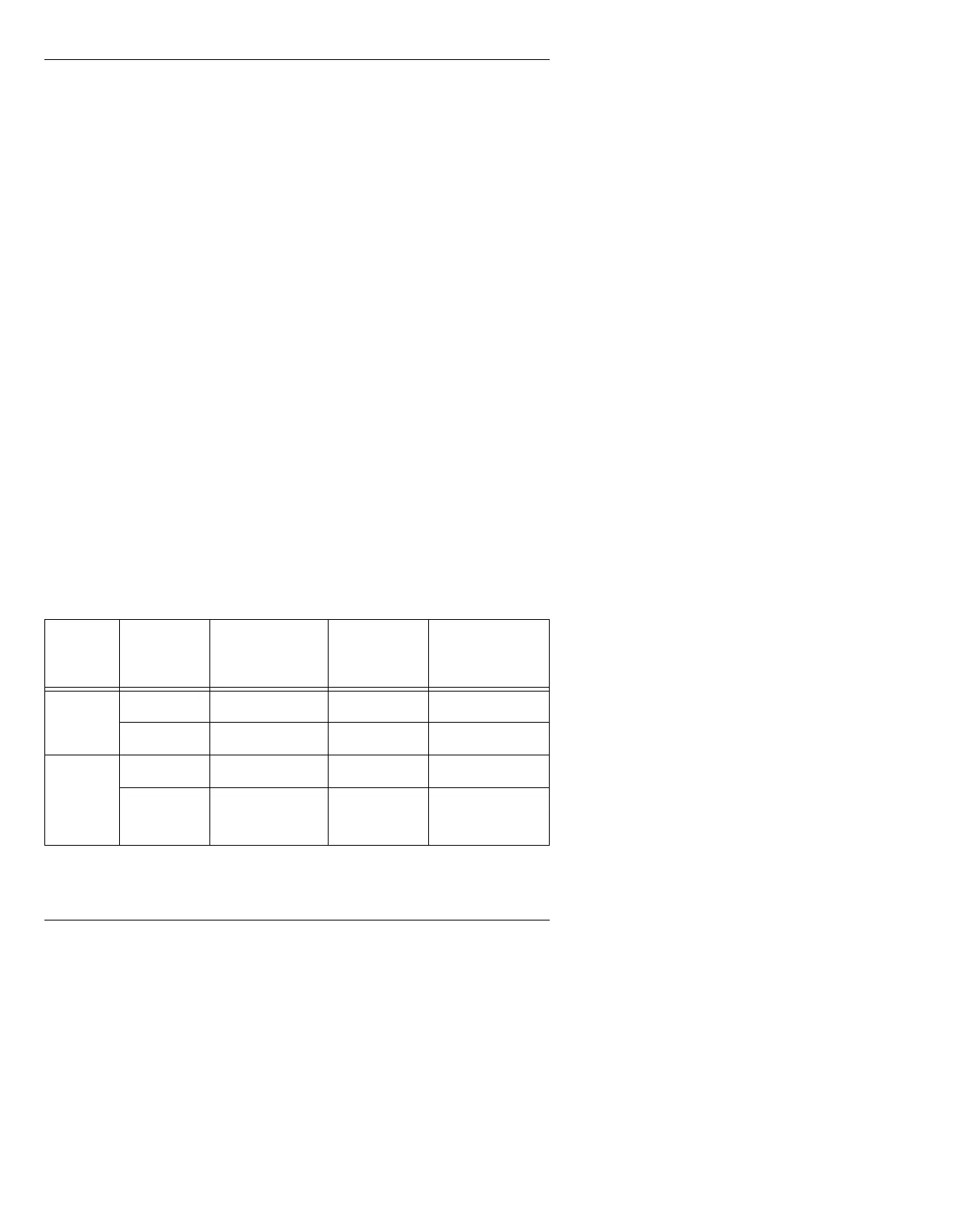
Not all systems can perform all of these functions. The
following table lists the different system configurations
and whether or not
CHNG and /or XFER functions are
operational in each system.
Table 14-1: Summary of CHNG and XFER Operations
6\VWHP
1XPEHURI
)UDPH
%XIIHUV
&+1*DQG
&17/&+1*
;)(5DQG
&17/;)(5
$/7;)(5
MAX!> 1 No Yes No
2YesYesYes
iNFiNiT!
Single
User
2YesYesYes
3YesYesYes



 To Next Page