CHYRON Corporation
RGB Tools 21-40 Revision D
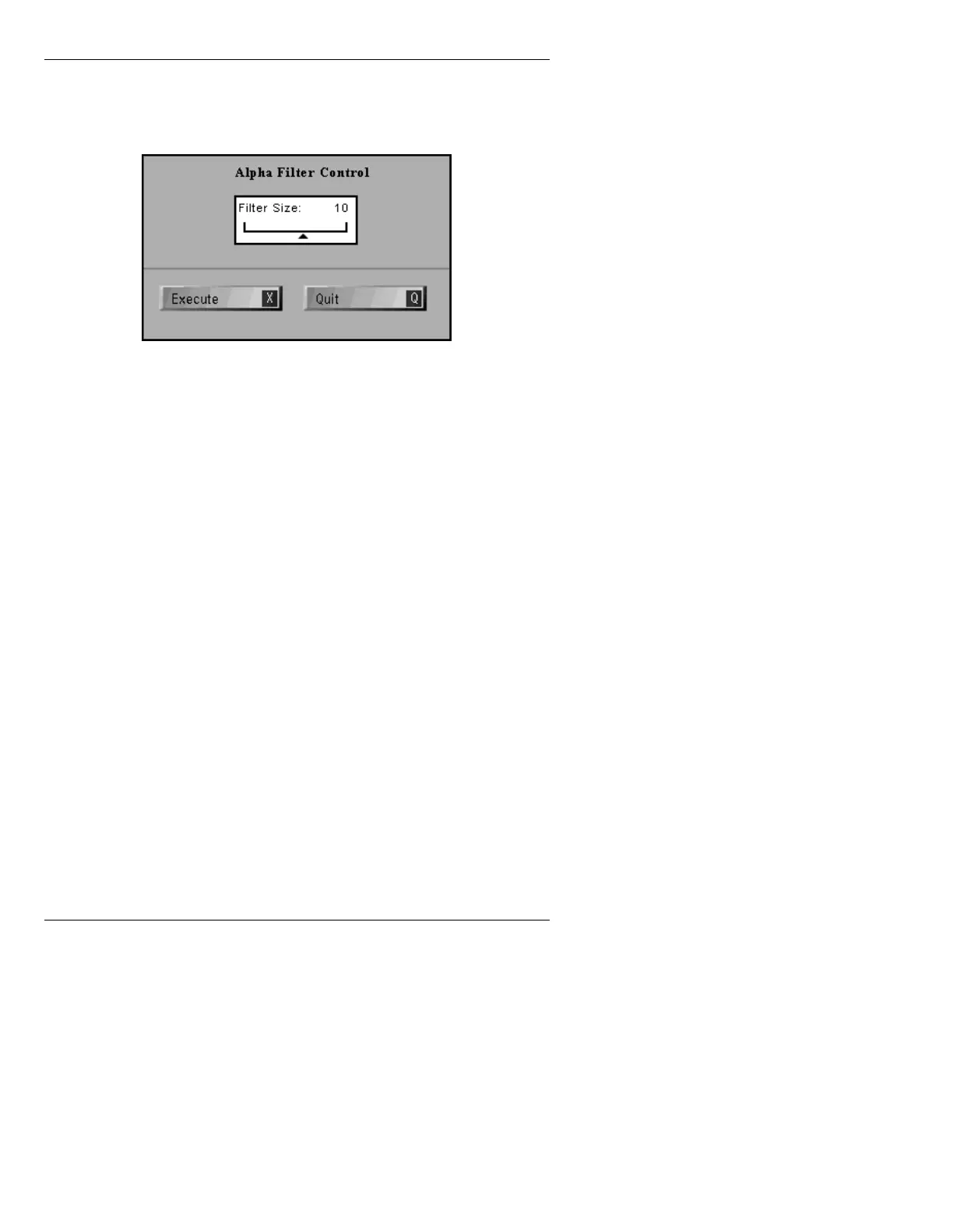
[ ] 1. From the Matte Tools menu, press F or select
Alpha Filter to display the Alpha Filter
Control menu.
Figure 21-22. Alpha Filter Control Menu
[ ] 2. Using the Address Keypad, enter a value from
2 to 20, then press
.
Also see §21.13.2 for more Alpha Filter information.
,PDJH0DWWH0
Image Matte works differently depending on the system
and whether or not the function is accessed from within
IMAGESTOR!.
• If working in Message Compose on a MAX!> or
iNFiNiT! system that has two or more available buff-
ers, please refer to §21.13.5.1. Note that if the sys-
tem has only one available buffer (even if it is
equipped with more than one buffer),
Image Matte
is
not available.
• If working in Message Compose on a MAXINE! sys-
tem, or in IMAGESTOR! on any system, please refer
to §21.13.5.2.



 To Next Page