iNFiNiT! Family Operation Manual
Revision D 8-7 Directory Features
'HOHWLQJ'LUHFWRULHV
To delete a directory:
• In the Message Directory Utility menu, use the cur-
sor keys
ÎÏ to highlight the directory that will be
deleted, then press
CNTL D.
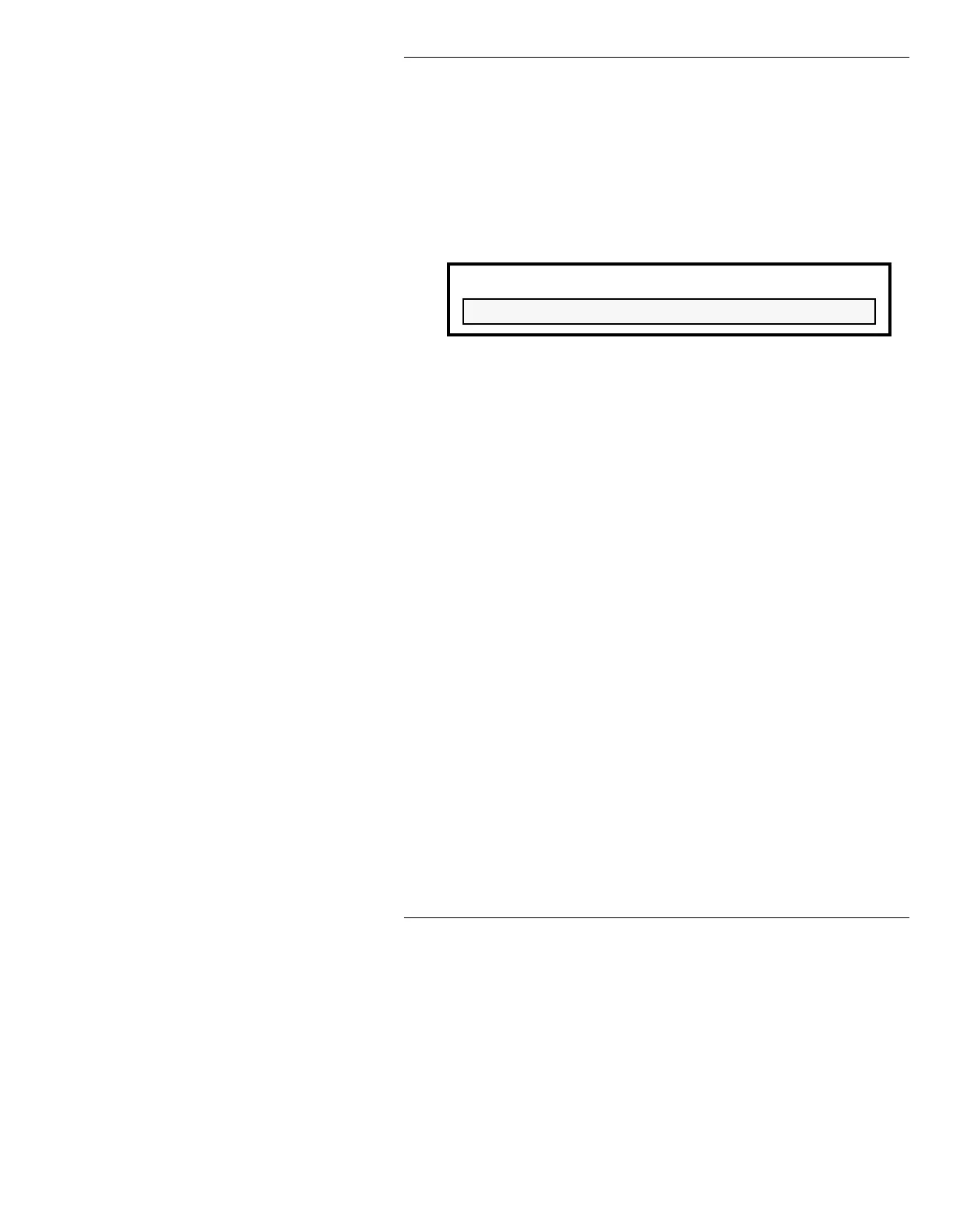
The following window is displayed:
Figure 8-3. Message Delete Warning
• Pressing any key other than Y cancels the Delete
Operation. To delete the directory, press
Y.
NOTE
The
current
working directory cannot
be deleted. To delete the current
directory, you must change to a
different directory using the Change
function. You can then highlight the
previous current directory, and delete
it as described above.
To leave the Message Directory Utility and return to
Message Compose:
• Press
CNTL, Q or select the Quit icon.
&UHDWLQJ'LUHFWRULHV
To create a new message directory:
[ ] 1. Press
CNTL R or select the Create icon. The
following window appears:
WARNING - Press Y to continue.
All message files in DRIVE/DIRECTORY will be deleted



 To Next Page