iNFiNiT! Family Operation Manual
Revision D 19-29 Disk Utilities
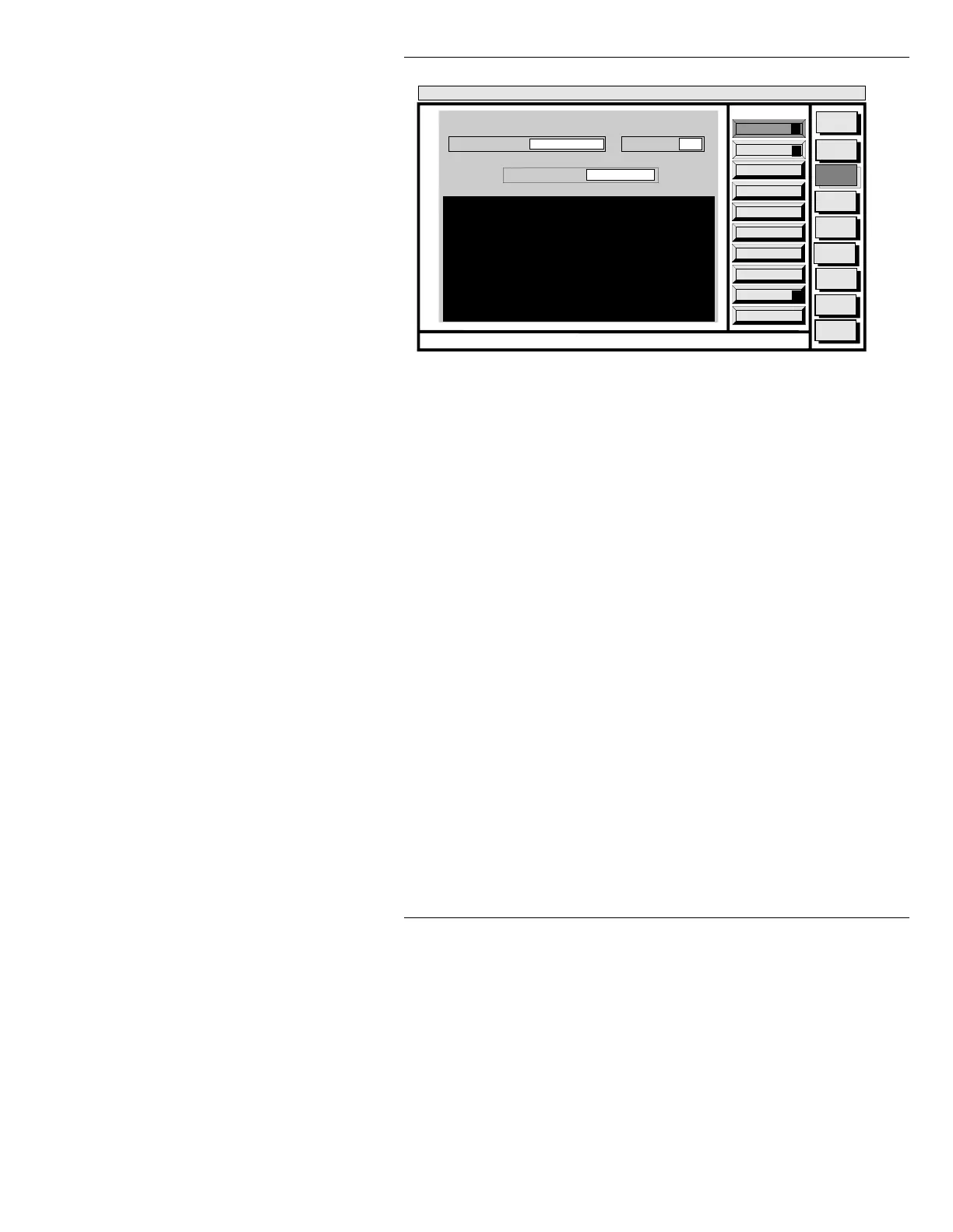
Figure 19-19. File Status List (
Message Directory Shown
)
The NAME in a message directory is the address number;
in a Machine or Master Font file, the name is the ID num-
ber. All other files use a text name (for example, "
MC" in
a System Program directory is Message Compose).
File size is measured in units called “bytes”. 1,048,576
bytes equals one megabyte.
To exit from the Disk Status mode:
• Press
CNTL Q or select Quit.
$YDLODEOH%\WHV
To see how much memory remains on any disk in the
system, enter the drive letter, then a “
/” in the CURRENT
DIR:
field of the Disk Status window, then press CNTL A
or select
Avail Bytes.
The message line displays
CALCULATING AVAILABLE
BYTES...
for a few seconds.
When the system is finished calculating available mem-
ory, the AVAILABLE BYTES window (Figure 19-20)
appears.
Quit
Q
Avail Bytes
A
Execute
X
Message
Compose
Advcd.
Font
Disk
Utils
Network
Utils
<System>
Disk Utility
<version>
15:09 5/29/95
DISK STATUS
CURRENT DIR:
FILE TYPE: ALL
C/INFINIT
STATUS NAMES: *
CNTL
MESSAGE FILES
NAMES DATE TIME BYTES
0001 05/29/95 09:18:21 5330
0002 05/29/95 09:41:08 6146



 To Next Page