CHYRON Corporation
Spell Check 22-2 Revision D
NOTE
The Spell Check function recognizes
all characters and fonts created in
Advanced Font Create, Font Create
and Flash Font, but not those created
using Advanced On-line Font Create.
2SHUDWLRQ
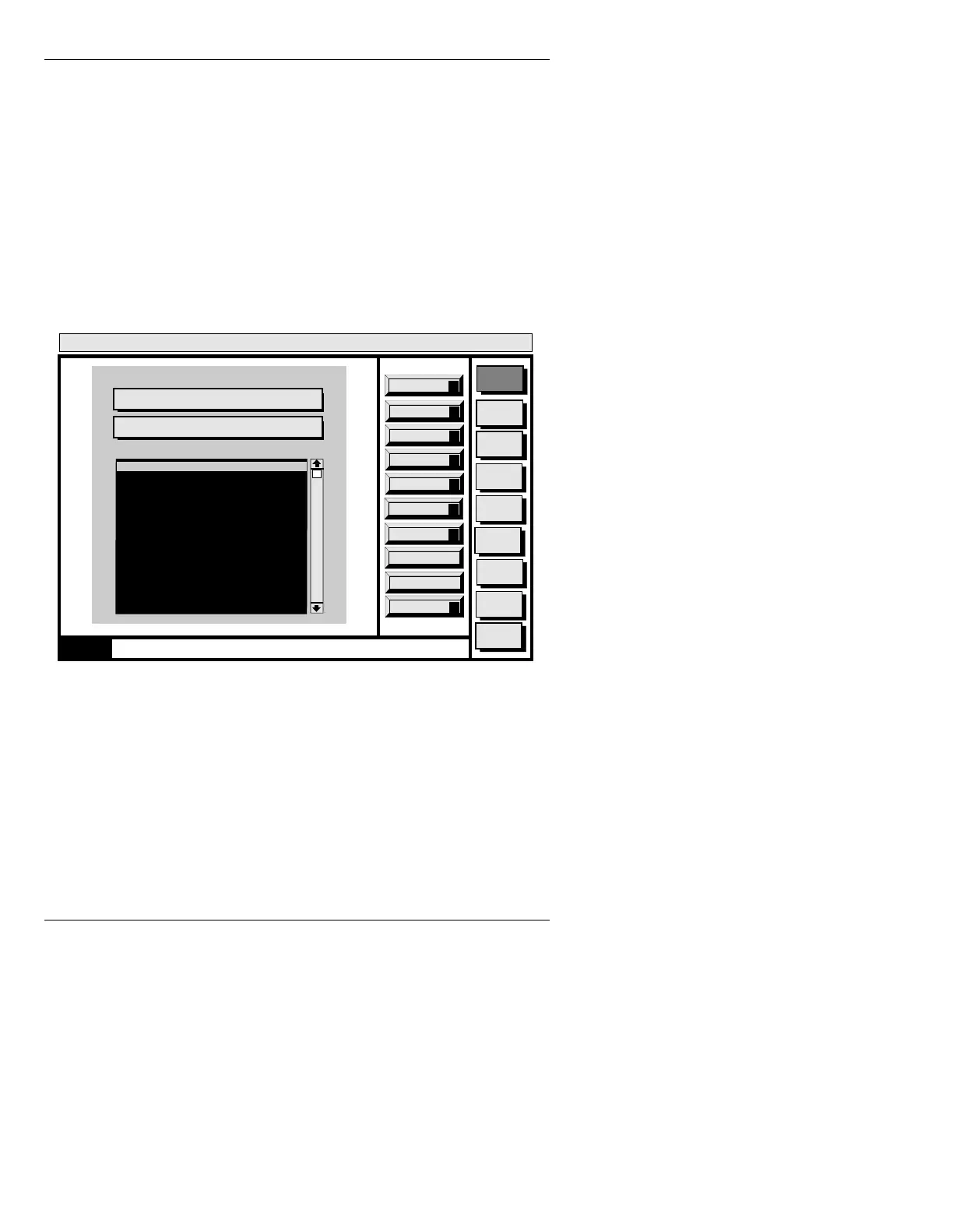
Figure 22-1 shows an example of the Spell Check main
menu that appears on the Prompts Monitor after pressing
CNTL Y in Message Compose.
Figure 22-1. Spell Check Main Menu
On entry, the default operation is “Replace Word”. Press-
ing
CNTL R results in the replacement of the misspelled
word by the “Replace Word” and the continuation of the
search for the next misspelled word.
The system’s concept of the best choice is the first word
in the alternatives list. To select another replacement
word press
Ï to move down the list, then when the
desired word is highlighted, press
CNTL R or click using
Message
Compose
Advcd.
Font
Disk
Utils
Network
Utils
Font
Utils
Logo
Compose
Message Compose
<version>
01:27 3/9/96
Skip All
A
Spell Check
Alternatives
Replace
R
0000
Add to Dict
D
Replace Word: mouse
Mouse
Moul
Mouser
Mows
Moussy
Mouls
Mouses
Moud
Moused
Mousse
Quit
Q
Configure
C
Edit Dict
E
CNTL
Mispelled Word: mouse
Replace All
L
Skip
S
Select a word or type in a word



 To Next Page