iNFiNiT! Family Operation Manual
Revision D 13-57 Flash Font
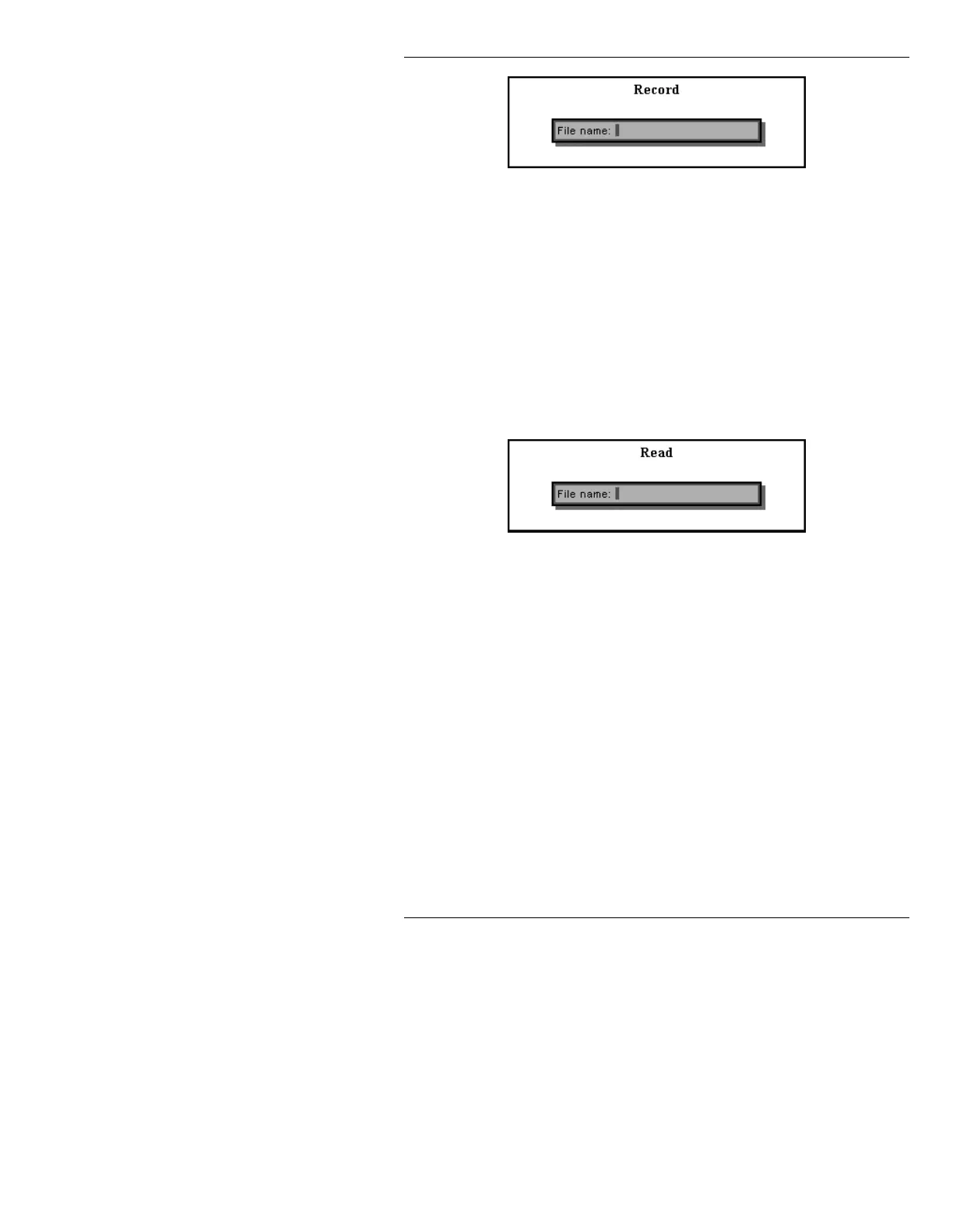
Figure 13-31. 3D Record Window
[ ] 2. Enter a File Name:, then press
. The
attribute file is stored in the current directory,
as specified by the
Change Dir function in
Message Compose.
To recall attributes:
[ ] 1. Press
READ to display the Read window
(Figure 13-32).
Figure 13-32. 3D Attributes Read Window
[ ] 2. Enter a File Name:, then press
.
5HVWULFWLRQVIRU'&RQYHUVLRQV
• Overlapped characters cannot be 3D-converted.
• For logos, the color of see-through outlines (holes) is
taken from the last filled outline of lower priority.
This means holes should be defined immediately
after the outlines which contain them. The Logo
Compose option can be used to adjust outline prior-
ity. See the Logo Compose manual (Pub. No.
2A01990) for more information.



 To Next Page