CHYRON Corporation
Start-Up 3-40 Revision D
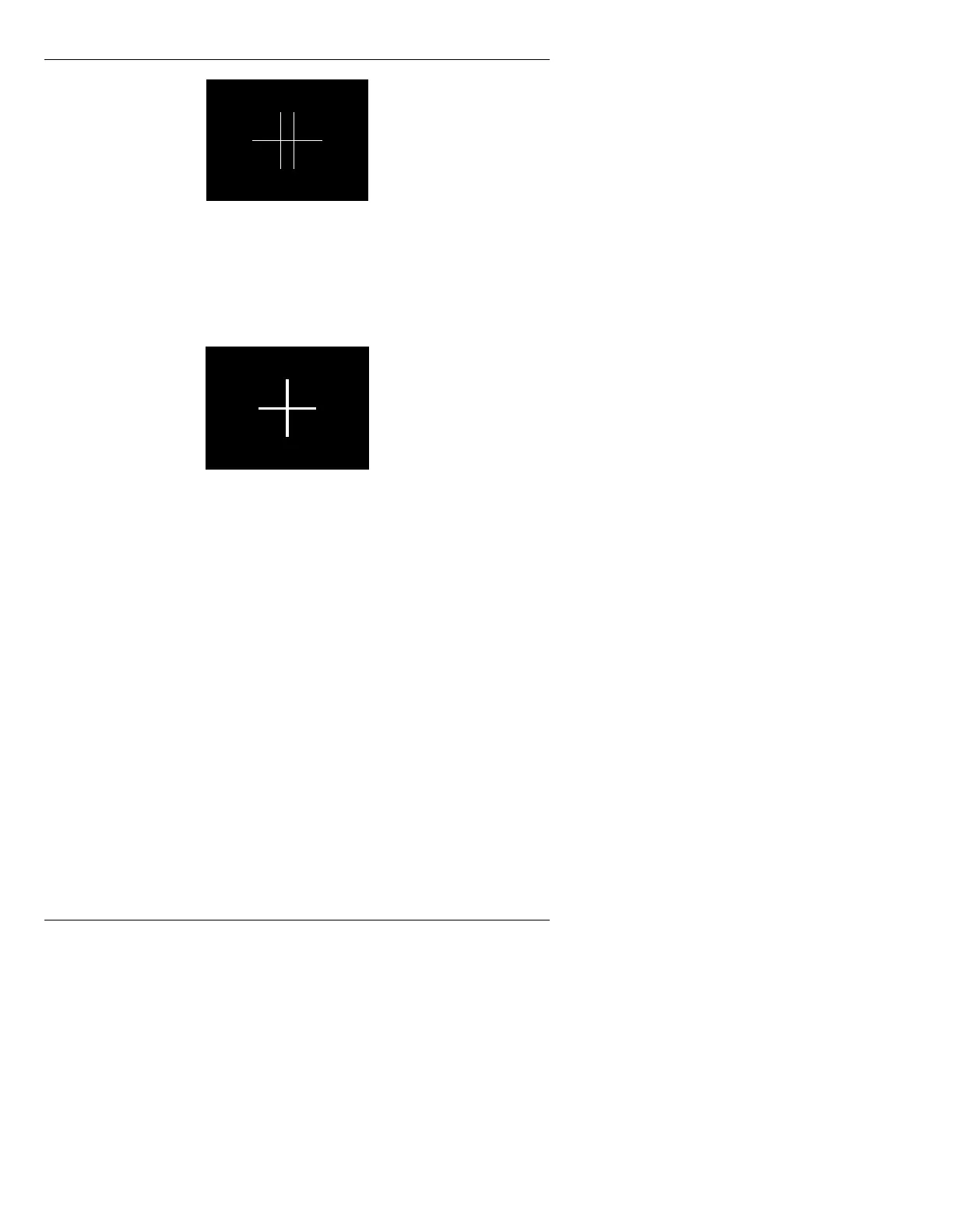
Figure 3-35. Unaligned Cursor
[ ] 2. Press SHIFT CHAR + the cursor keys to place
one cross directly on top of the other, then
press
S or select Save. The cross should
appear as in Figure 3-36. Press
Q to exit.
Figure 3-36. Aligned Cursor
• To reset the cursor to the original setting, press R or
select
Reset.
&HO5$0$OLJQPHQW
6(783$$/7
Frame Buffer Cel RAM is aligned properly at CHYRON
before the system is shipped. However, when software or
hardware is changed or upgraded, it can result in align-
ment problems. You may see pieces of a previous cel in
frame buffer (Flipbook) cel animations or other unex-
plained pixels on the left or right edges of the image,
while executing cel animations or Read Effects.
To align frame buffer Cel RAM:
[ ] 1. Press
A or select the Align Cursor icon. The
Cursor Channel Alignment window (Figure 3-
34) is displayed.



 To Next Page