CHYRON Corporation
Function Keys 12-14 Revision D
If it is necessary to exceed the number of times a function
key can loop, program another Function Key, and trigger
it from within the first Function Key list. Keep in mind,
however, that once another Function Key is triggered, the
first Function Key is exited. To get back into the first
Function Key, it must be triggered by the new Function
Key. Keep in mind that when the original Function Key
is retriggered, it does not continue where it left off, but
starts execution at the top of the list.
0RYH
To move an existing step:
[ ] 1. While in the Function Key list, place the cursor
in the Step column of the step that you want to
move. In this example, move the
END OF
LOOP
000 command at Step 2. Press M or
select
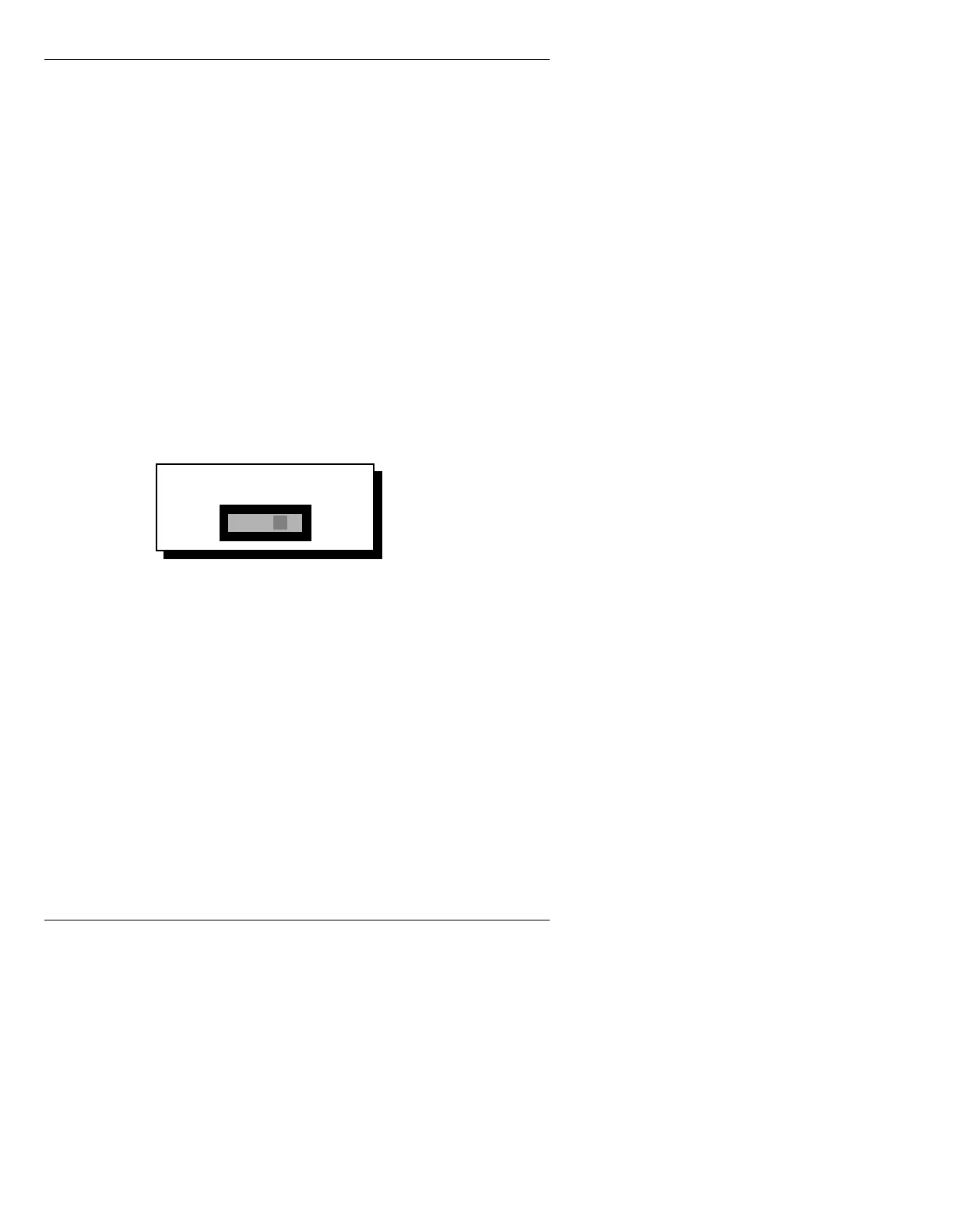
Move. The following window appears.
Figure 12-5. Move Function Key Step Entry
[ ] 2. Enter the step number that follows the position
where you are inserting the step. Press
.
The inserted step takes on the step number
directly before the entered step number; and
the list adjusts to fill the hole left by the step
that was moved.
8VLQJ0RUH7KDQ
6WHSVLQD6HTXHQFH
If you need to program more than 500 steps in a single
Function Key, program another Function Key as the last
step (step #499) in the list.
Insert step 002 before:
Step 2



 To Next Page