CHYRON Corporation
Start-Up 3-34 Revision D
0DFKLQH,'6(783,
If Intelligent Interface is installed in the system, Machine
ID must be set. If more than one system is being sup-
plied with data from an external update source, the
Machine ID identifies a particular system to the external
computer.
[ ] 1. Press
I or select the Machine ID icon to display
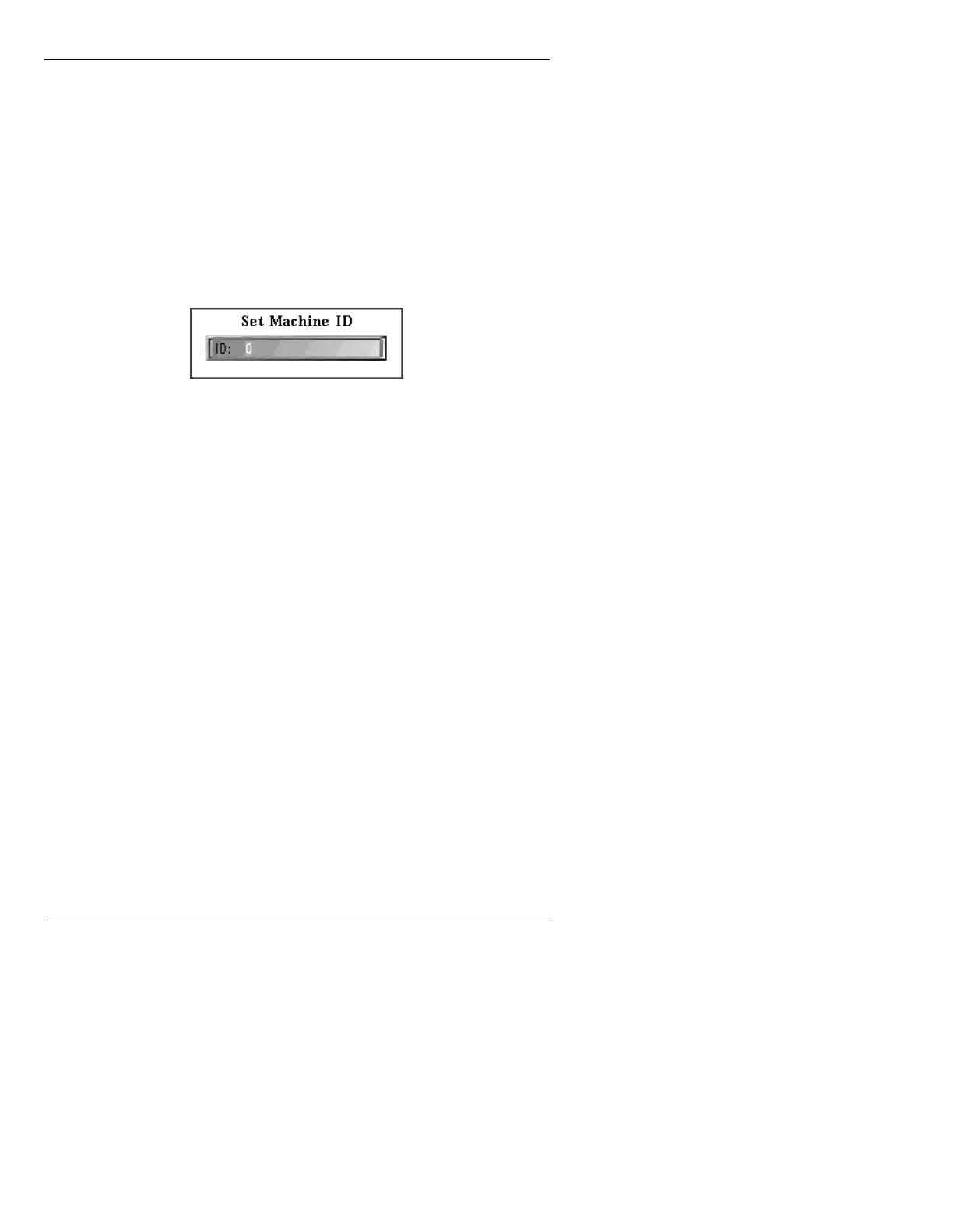
the Set Machine ID window.
Figure 3-30. Set Machine ID Window
[ ] 2. Press CLR, then enter the ID number.
Refer to the Intelligent Interface manual (Pub. No.
2A01989) for more information.
(UURU5HERRW0RGH6(783(
This command enables the operator to select manual or
automatic reboot after a serious system error.
NOTE
It is possible that even though a
serious system error has occurred,
the system frame buffers continue to
display what was on screen when the
error occurred. If the Reboot: is set to
Manual, the operator can perform the
reboot after the message has finished
airing. If Reboot: is set to Automatic,
the reboot interrupts the message
being displayed. Therefore,
CHYRON recommends that Reboot:
be set to Manual if the system is to be
used for live broadcast.



 To Next Page