CHYRON Corporation
Directory Features 8-58 Revision D
6&6,'LUHFWRU\DV&XUUHQW'LUHFWRU\
Use the Directory (§8.2.2.1) function in the Message
Compose main menu to change the directory to make a
SCSI Express drive directory the current directory.
Stills can be directly read from and recorded to the direc-
tory, and Block Message functions (§8.3) can be applied.
8VLQJWKH6&6,([SUHVV.H\
If you prefer not to make the SCSI drive message direc-
tory the current directory, files can be individually
accessed by using the
SCSI Express key, located directly
to the right of the
SPACE BAR.
6&6,([SUHVV'LUHFWRU\6HW XS
First, the SCSI drive message directory that will be
accessed must be specified:
[ ] 1. From the Message Compose main menu, press
SET-UP. The Setup icons are displayed.
[ ] 2. Press
E or select SCSI Exp The Setup SCSI
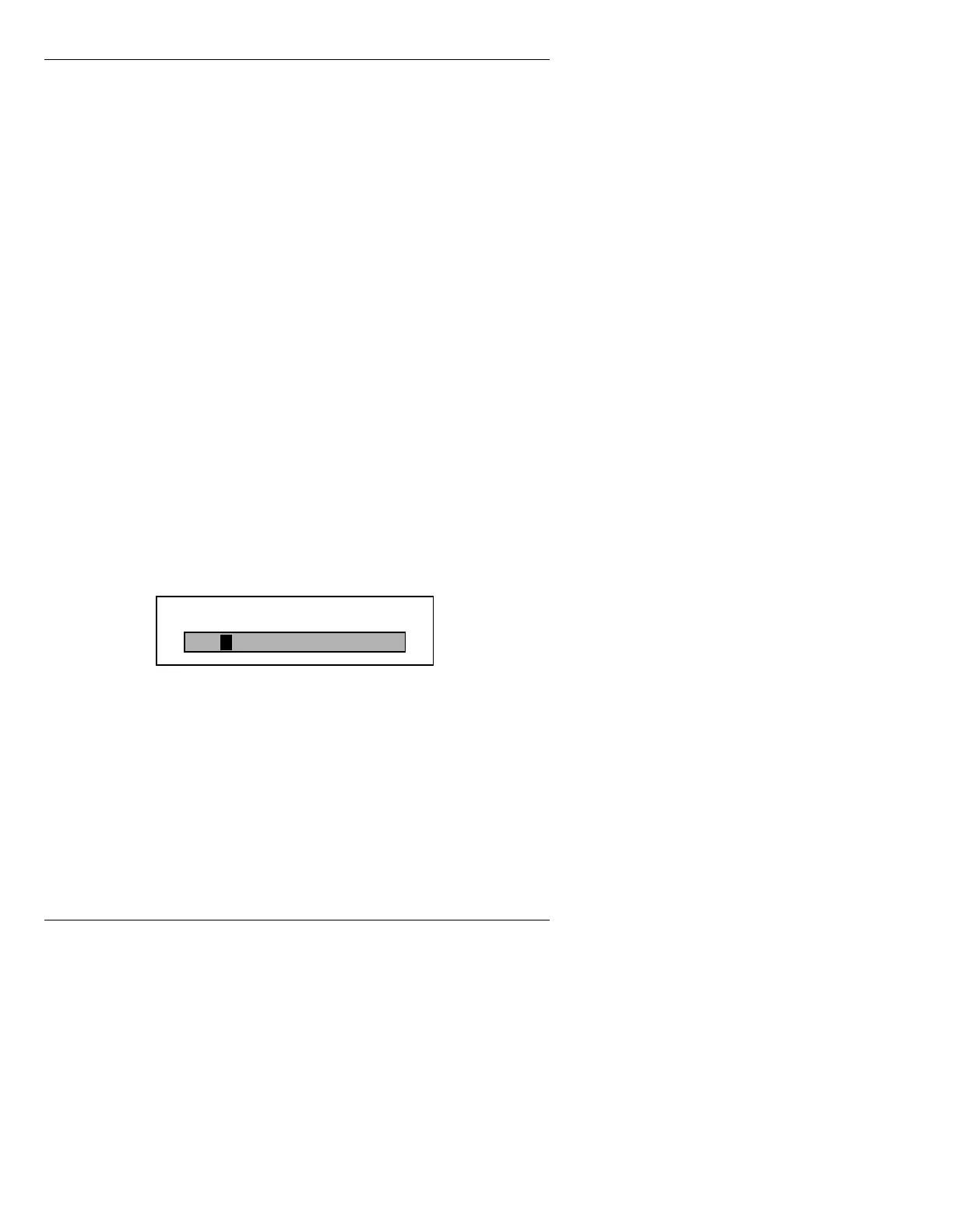
Express window (Figure 8-23) is displayed.
Figure 8-23. Setup SCSI Express Window
[ ] 3. Enter the name of the directory that will be
accessed on the SCSI Express drive, then press
.
This is the directory that will be accessed
whenever the
SCSI Express key is used.
Dir:
Setup SCSI Express



 To Next Page