CHYRON Corporation
Flash Font 13-14 Revision D
,WDOLF$QJOH
Italic can be set to angle the character left, right or
straight up as follows:
Left Set value from -1 to -20.
Right Set value from 1 to 20.
Straight Set value to 0.
.HUQ$GM.HUQ$GMXVW
Kern Adj (Kern Adjust) changes the distance between
the characters, by adding blank space to or subtracting
blank space from the right of each character. The Edit
Monitor cursor reflects the change.
When
Kern Adj is decreased, characters are placed closer
together when typed. When
Kern Adj is increased, char-
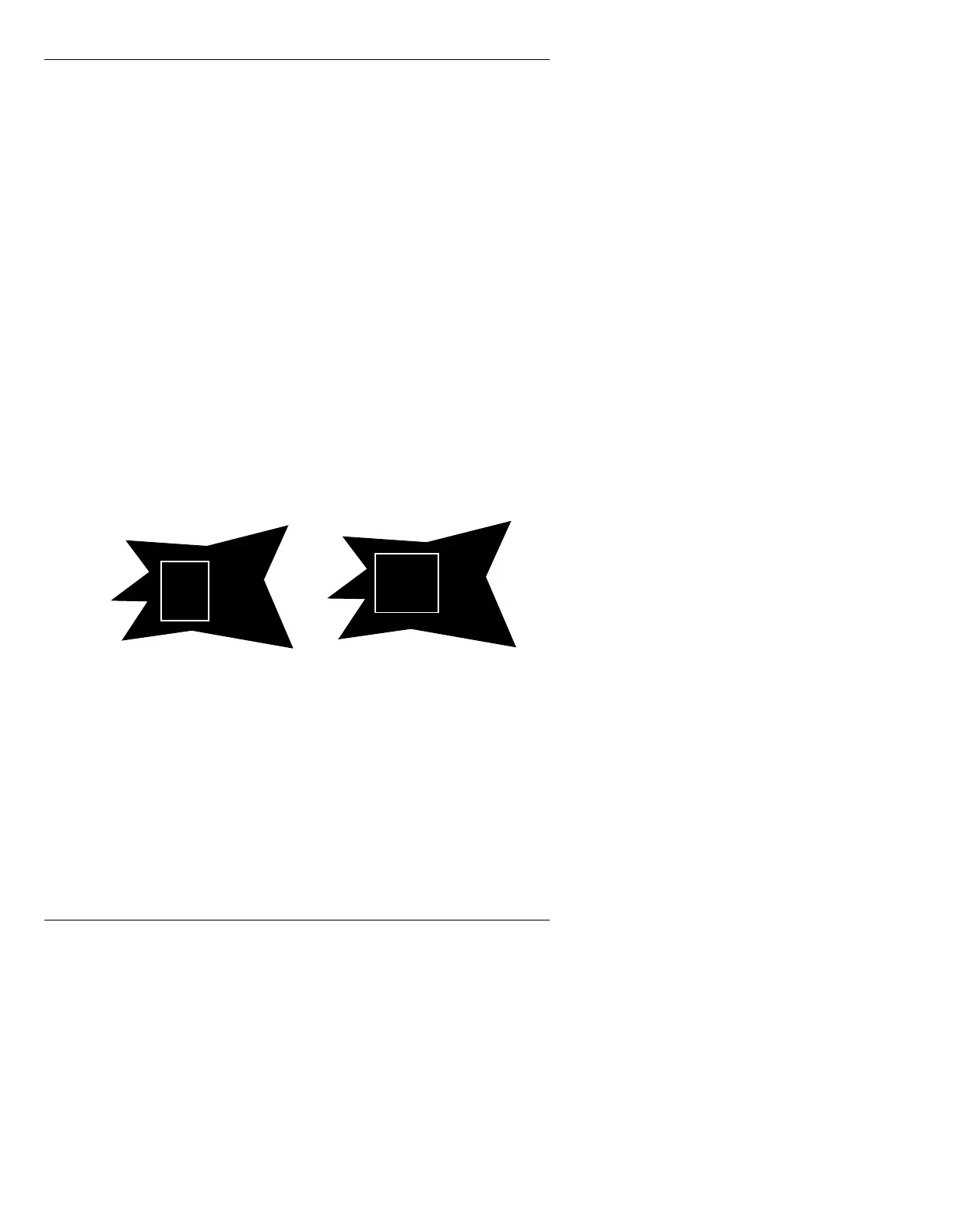
acters are placed farther apart when typed. Figure 13-8
illustrates an increase in
Kern Adj.
Figure 13-8. Kern Adj - Increase Inter-Character Distance
Kern Adj can be set to decrease or increase the inter-
character distance as much as
500 pixels. Set a negative
value (
-40, for example) to type characters closer
together; a positive value to type them farther apart.
B
B
E
E
After Kern AdjustBefore Kern Adjust



 To Next Page