CHYRON Corporation
Directory Features 8-42 Revision D
/LVWLQJ0HVVDJHV:KLOHLQ
$OSKDQXPHULF0RGH
To list the contents of the current directory from any of
the Alphanumeric Mode windows:
• Cursor to the
List field, then press
.
([LWLQJ$OSKDQXPHULF0RGH
To exit Alphanumeric Mode:
• Press
CNTL 2.
Standard Read and Record enabled appears on the
Prompt Line.
6HOHFWLYH5HFRUGLQJ&17/5&'
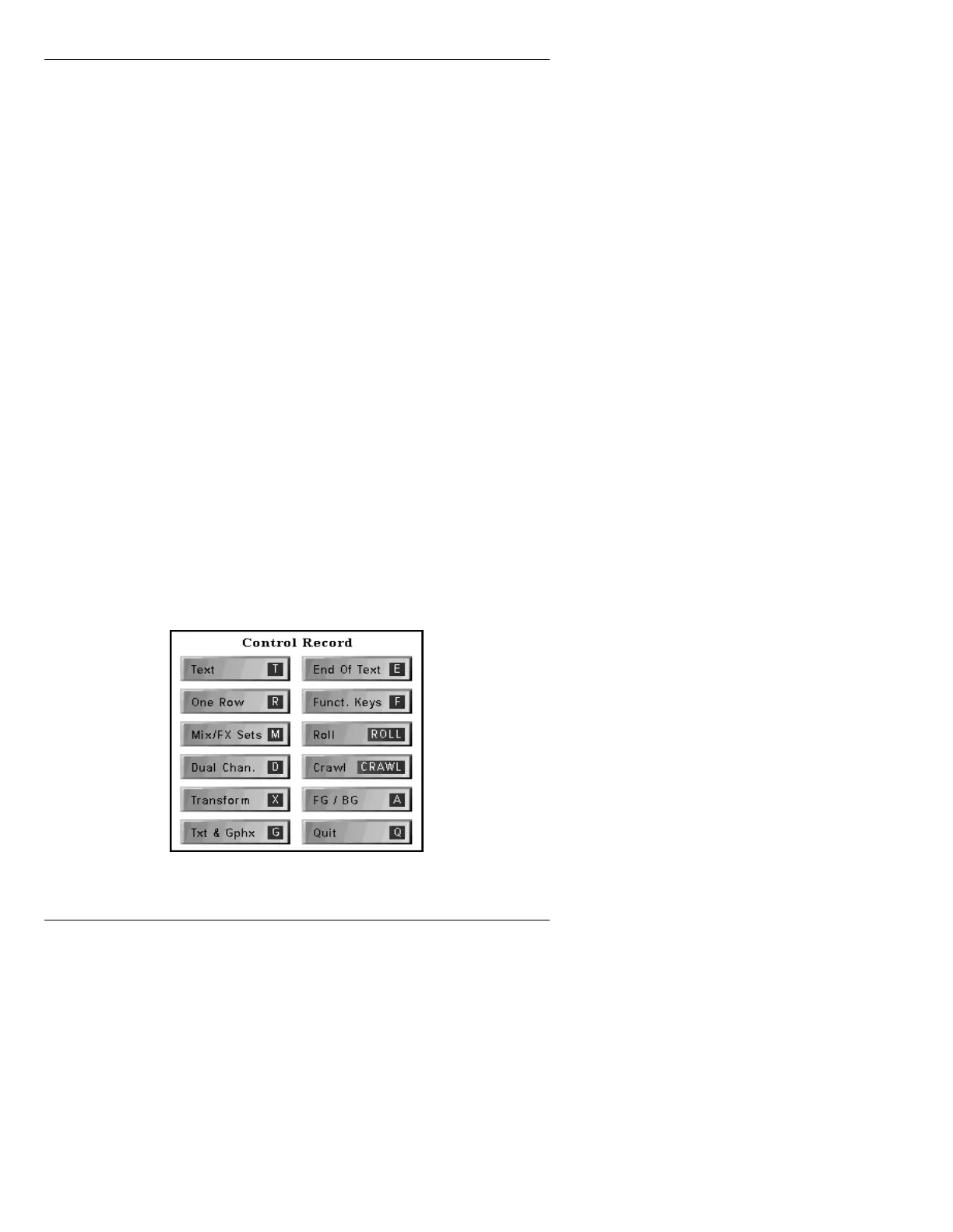
Different types of messages can be recorded using selec-
tive recording in the Control Record window. You may
record only text, only the background, a single row, a pal-
ette, or other types of message information.
To display the Control Record menu:
• Press
CNTL RCD.
Figure 8-18. Control Record Window



 To Next Page