CHYRON Corporation
Flash Font 13-56 Revision D
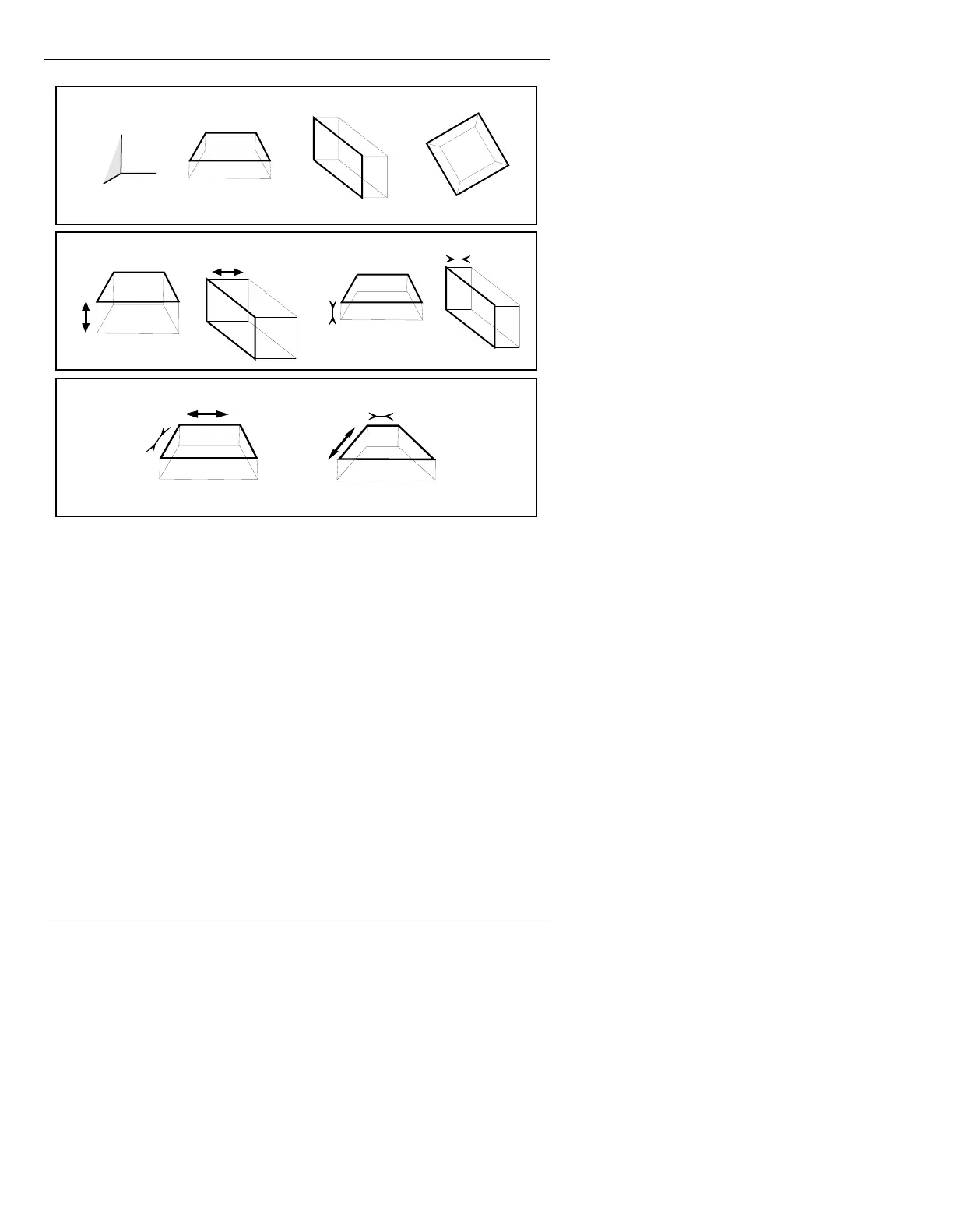
Figure 13-30. Rotation, Depth, & Eye Distance Effects
There are hundreds of possible combinations of Object
and Light conditions. More than any other feature, the
3D Utility requires experimental conversions to obtain
the result you want.
5HFRUGLQJRU5HDGLQJ
'$WWULEXWHV
The current 3D settings can be recorded and read back.
[ ] 1. After setting 3D parameters, press
RCD to
display the Record window (Figure 13-31).
X YZ
Rotation
Decrease
Increase
Depth
Decrease
Increase
Eye Distance
X
Y
Z



 To Next Page