iNFiNiT! Family Operation Manual
Revision D 20-17 Video Input Option
0$;,1(
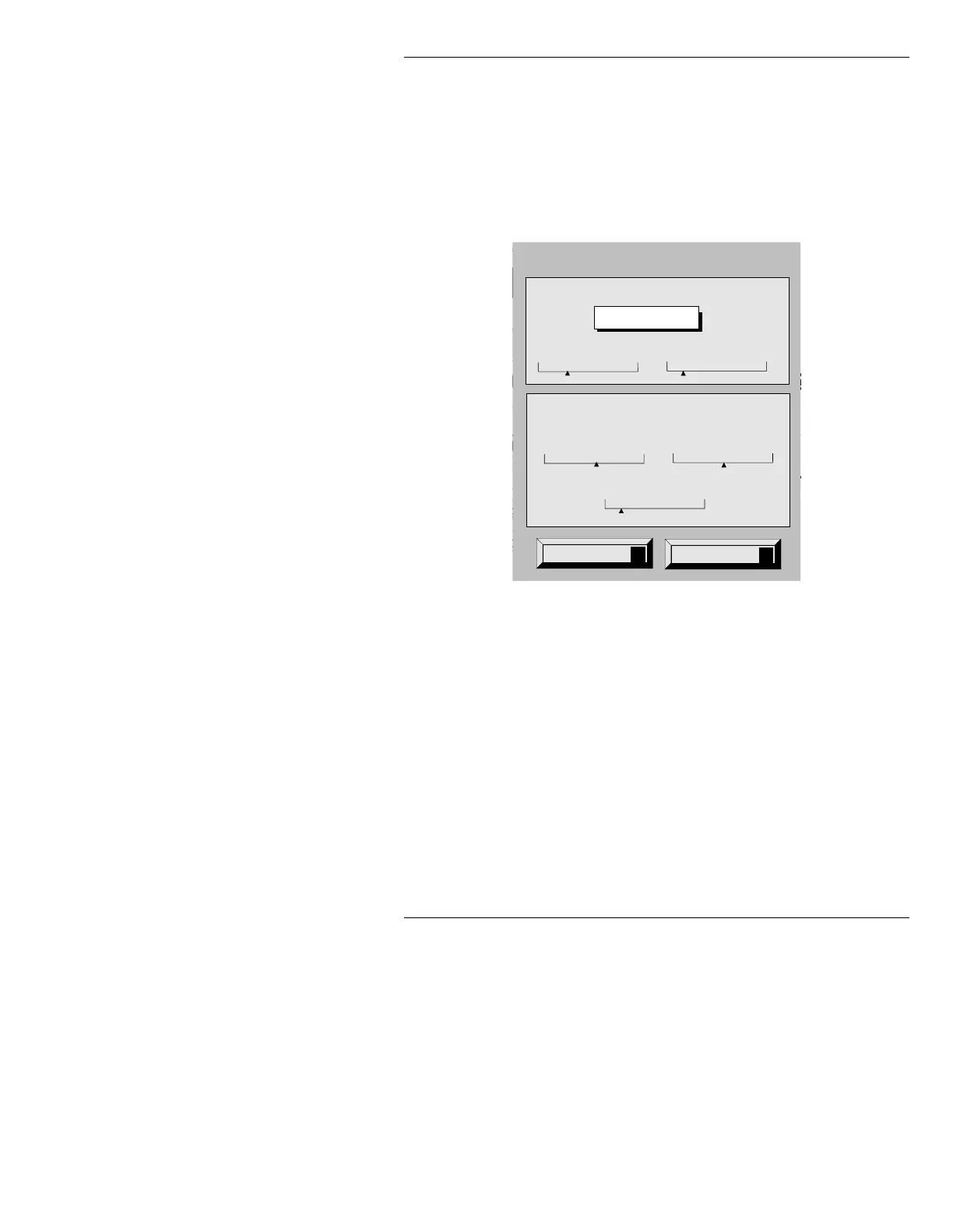
From the MAXINE! Video Input Control menu, press C
to display the Video Input Configuration menu (Figure
20-9). This menu provides both analog (RGB gain and
black) adjustments, and CCIR-601 digital video input
adjustments (if both options are present).
Figure 20-9. Video Input Configuration Menu - MAXINE!
ANALOG VIDEO INPUT MODULE ADJUSTMENTS:
•The Black slider adjusts the brightness of the image,
or more specifically, the black level with respect to
the video source. Set the slider so that a black input
results in a black (0 level) output.
•The
Gain slider adjusts the contrast of the image,
more specifically, the level of the incoming video
signal with respect to the output level of the video
source. Always set Black before setting Gain! Set
this slider so that a white input results in a white
(max level) output.
Swiss 721 (TM)
ID: 0001/5303 50 scanlines
No edge
23456
a
Αα
Aa
Aa
Aa
: C\FAMILY
ITE Char:
: 6146
e: OFF
Row: 0
Word Wrap: OFF
FONT DIR:
Mode: LOC
Buffer: 1
X: 68
Quit
Q
Help
?
Video Input Configuration
601
Gamma Value: 1.0
Phase
235 Key Offset
2
RGB
Gain
50 Black
27
Delay
188



 To Next Page