iNFiNiT! Family Operation Manual
Revision D 10-5 Colors & Palettes
• Press SHIFT CHAR Î or Ï. The slider
moves in increments of
10.
• Press
CLR, then enter a value on the
Address Keypad. Press
SHIFT CHAR Î
or
Ï. The slider moves in increments of
the value that was entered.
[ ] 3. Press
.
+XH
HUE varies color by using an electronic color-wheel
which cycles through the three primary video colors: red,
green, blue, then back to red.
The system measures
HUE in degrees, from 0° to 360°
(Figure 10-3). The three primary colors are exactly 120°
apart: pure red is
0°/360°, pure green is 120°, and pure
blue is
240°.
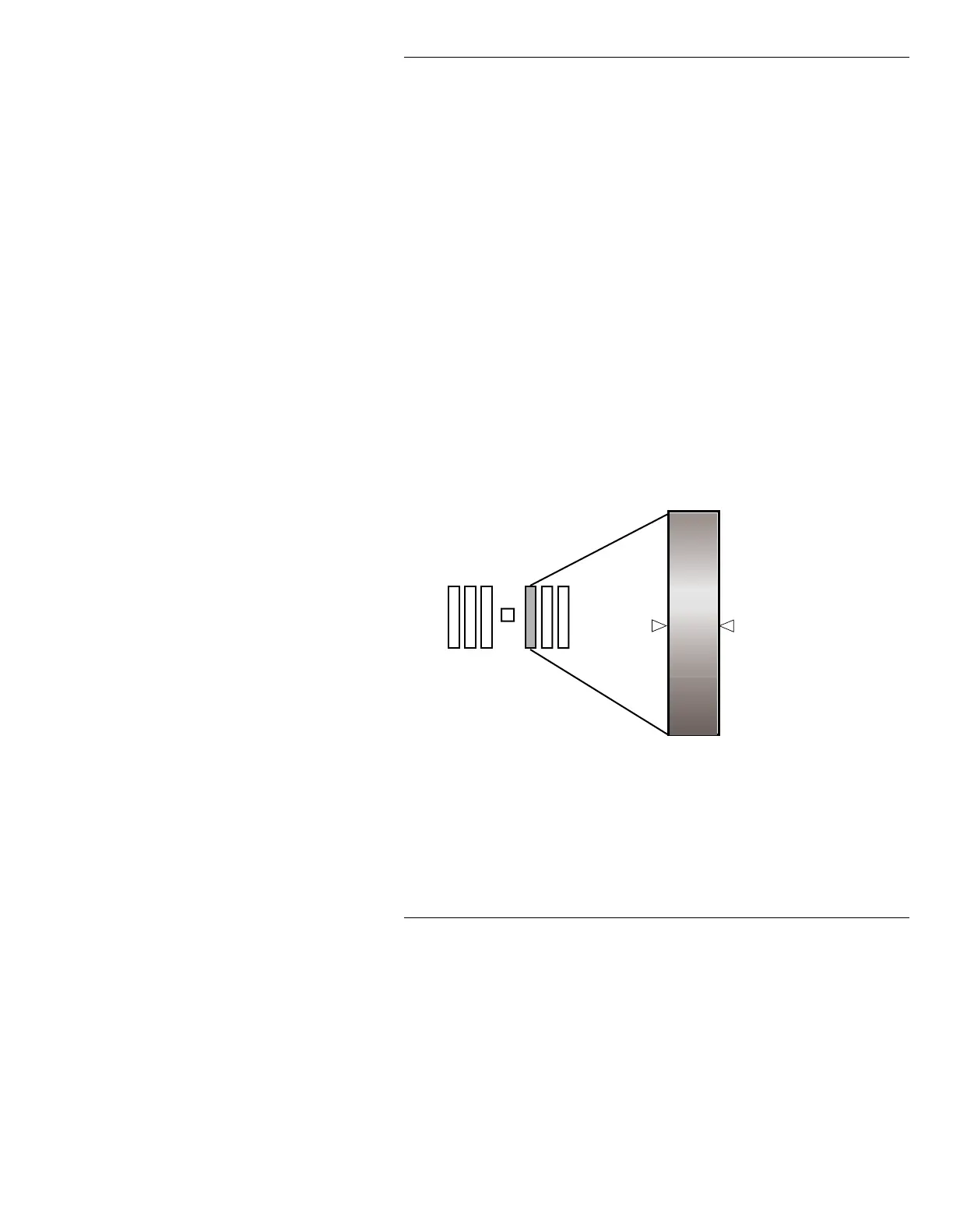
Figure 10-3. Hue Scale
When setting HUE, the number above the HUE slider is
not visible whenever
SAT or INT is set to 0.
HUE
360˚ pure RED
240˚ pure BLUE
120˚ pure GREEN
0˚ pure RED



 To Next Page