CHYRON Corporation
Advanced Read FX 15-12 Revision D
NOTE
In a sequence of messages, if font
size in one message is different from
font size in another message,
transitions that have rows
independently set may produce
unexpected results. It is good
practice to preview any Read Effect.
7UDQVLWLRQ3DWWHUQVDQG(IIHFW7\SHV
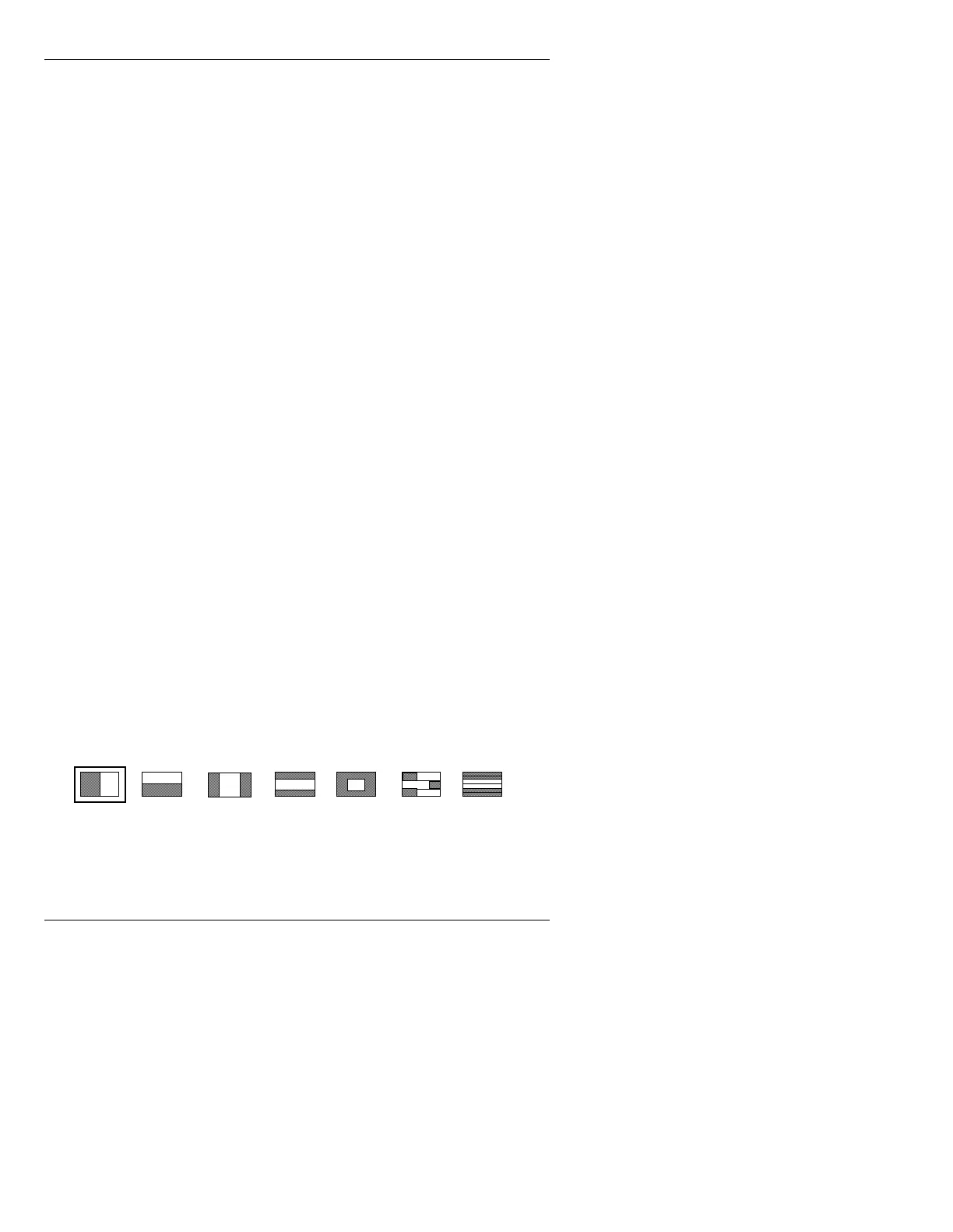
Transition Patterns govern how new text replaces old text
on screen when an Effect Type is executed. The icons for
these patterns are found across the top of the Read
Effects window, and are labelled
A - J. Only A - G are
visible when first entering the Read Effects main menu.
H - J can be accessed by pressing H, I, or J. The default
setting is
A.
Not all of the following Transition Patterns are available
to all Effect Types. If a Transition Pattern cannot be
used, the letter above the Transition Pattern icon is not
displayed.
To select a Transition Pattern:
• Press the letter corresponding to the desired Transi-
tion Pattern, or click on the Transition Pattern.
When a Transition Pattern is selected, the icon for the
selected pattern is highlighted.
Figure 15-7. Transition Patterns A - G: Default Setting
AB
CD
EF
G



 To Next Page