CHYRON Corporation
Flash Font 13-38 Revision D
(QWHULQJ
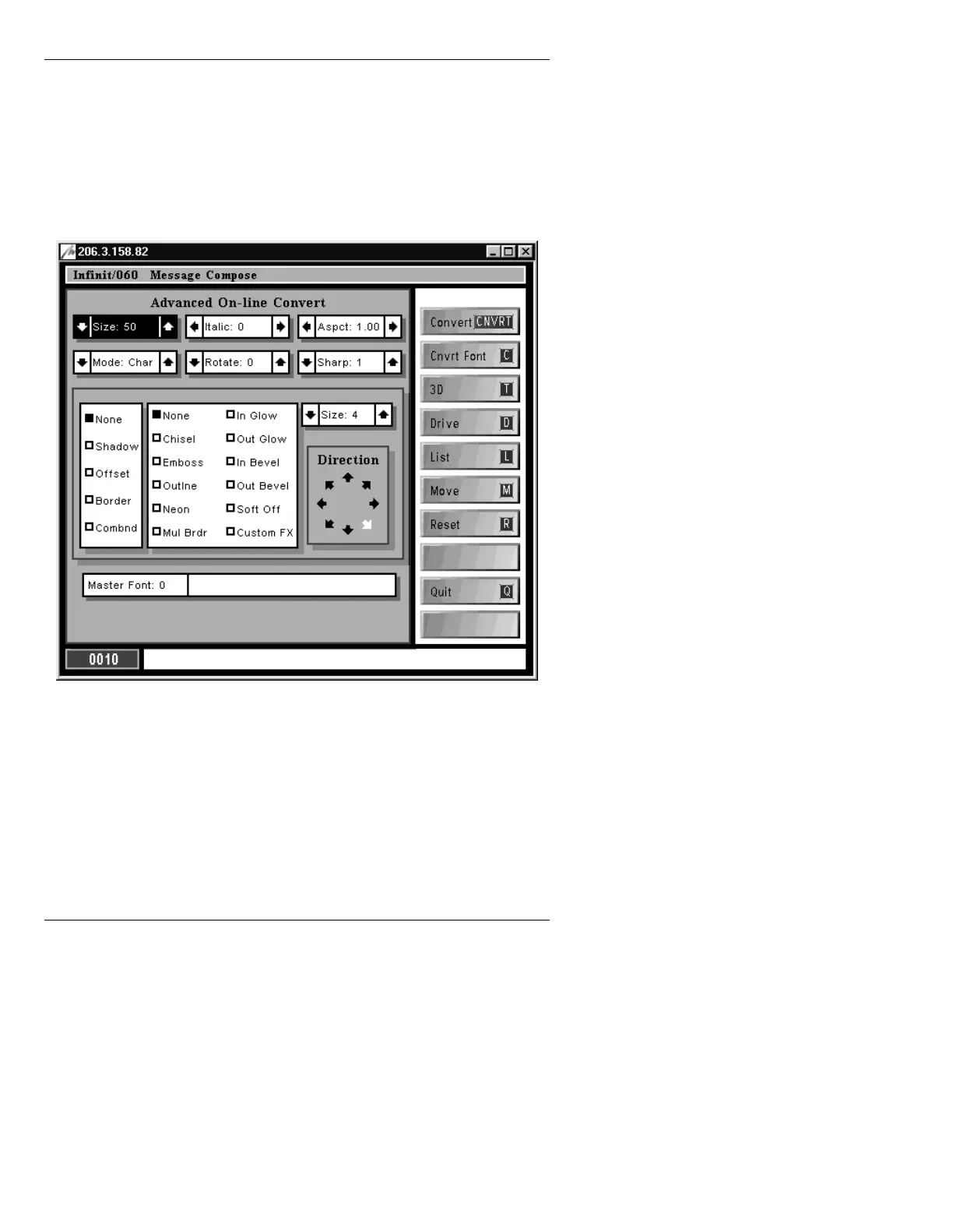
$GYDQFHG2Q/LQH&RQYHUW
• From Message Compose, press ALT CNVRT
(FLASH)
to display the Advanced On-Line Convert
main menu (Figure 13-22).
Figure 13-22. Advanced On-Line Convert Main Menu
On entry to Advanced On-Line Convert, the fields in this
window are not set to the current attributes of the charac-
ter. You may press the
COLOR FONT key to force the
attributes to be read from the cursor’s character on the
Edit Monitor. Then, as changes are made to the font char-
acteristics, the selected character, word or row is dis-
played in wireframe form, as shown in Figure 13-23.



 To Next Page