CHYRON Corporation
Font Create Utility 18-4 Revision D
)RQW&UHDWH0DLQ0HQX
If you are currently working in Message Compose or
another program, exit to the Program Loader menu using
the
MODE SLCT function (§5.2, §6.11).
To load Font Create:
• Cursor to the
Font Create icon, then press
or
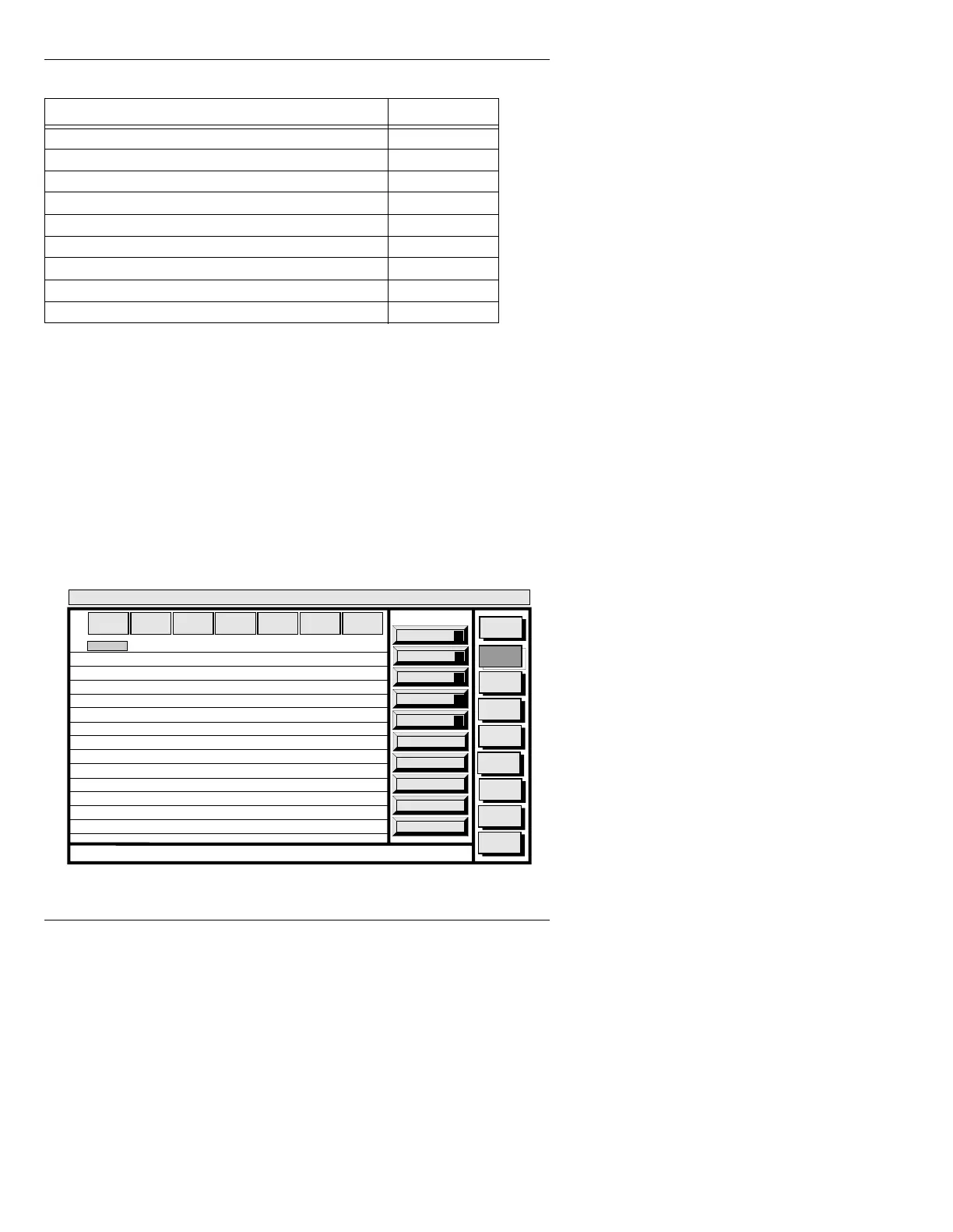
SPACE BAR. The Font Create main menu (Figure
18-2) is displayed.
Figure 18-2. Font Create Main Menu
Humanist 521 5290
Humanist 521 Bold Italic 5293
Dutch 766 Bold 5340
Flareserif 721 Americana Italic 5499
Modern 741 Onyx/Head 5519
Freeform 741 Bitstream Cooper Black 5631
Flareserif 831 Bitstream Amerigo Medium 5770
Swiss Slabserif 722 Serifa Bold Condensed 5836
Pi Font #1 General 9999
Table 18-1: Supplied Master Fonts
Master Font Name Font ID
Paste
A
Copy
O
Placement
P
List
L
Convert
C
Message
Compose
Font
Create
Disk
Utils
Network
Utils
Message
Compose
<System>
Font Create
< version >
11:27 9/26/95
CNTL
MASTER
FONT
MACH
FONT
FONT
SIZE
EDGE
DIR
EDGE
SIZE
OPT
IONS
EDGE
TYPE
1
2
3
4
5
6
7
8
9
10
11
12
13
14



 To Next Page