iNFiNiT! Family Operation Manual
Revision D 21-15 RGB Tools
To perform the edging:
• Press
X or select Execute.
After the edge has been drawn, the Crop Box expands to
the outer limits of the edge.
To fix the edge in place:
• Press
CNTL, Q, or select Quit.
If
ESC is pressed, the original screen is restored unless
soft round was used with image border.
)RQW8WLOLW\)
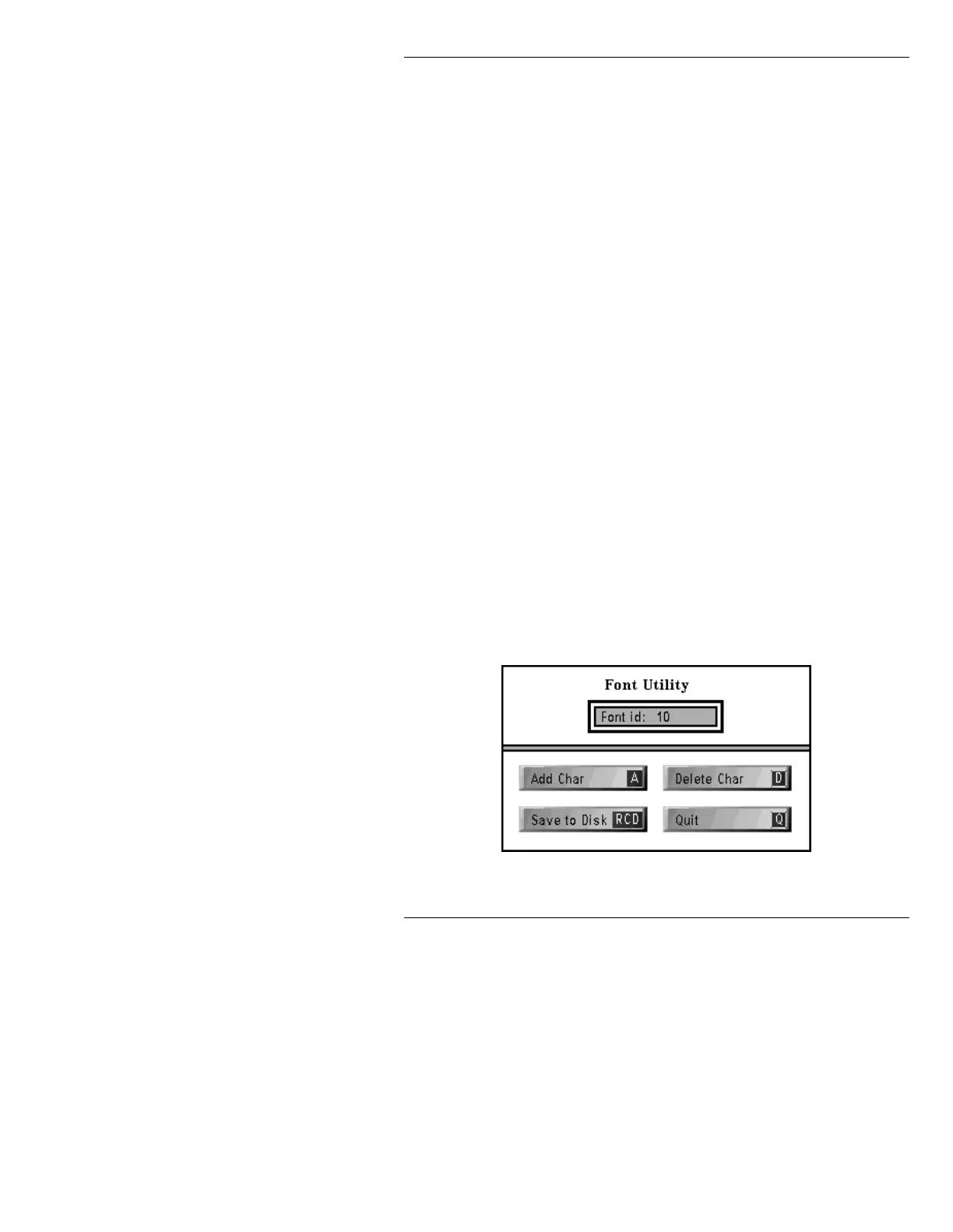
The Font Utility lets you add or delete characters in an
existing Machine Font, change a current font, or create a
new font. Press
F or select Font Utility to display the
Font Utility window (Figure 21-7). The Crop Box must
be used to define the extent (size and position) of an
object prior to entering the Font Utility.
A set of keystroke-assigned images is loaded into a Font
Key just like any other Machine Font. Keep in mind that
a large amount of information is contained in each image
(32 bits of color data per pixel), and a single Full Screen
NTSC or PAL image can consume over 1.5 megabytes of
disk space.
Figure 21-7. Font Utility Window



 To Next Page