CHYRON Corporation
RGB Tools 21-16 Revision D
The currently-selected font in Message Compose is dis-
played when this window first opens; pressing a different
Font Key (or
ALT and a Font Key for fonts 9-16) loads
that font into the buffer and updates the
Font ID: field.
If the Font Key is unoccupied, 0 appears in the field,
and Font Not Loaded. appears on the Prompt Line.
Font ID The currently-loaded Machine Font ID number. Entering
a font number directly loads that font into the selected
Font Key. If a font ID is entered and not found to exist,
XXXX FONT FILE NOT FOUND appears on the Prompt
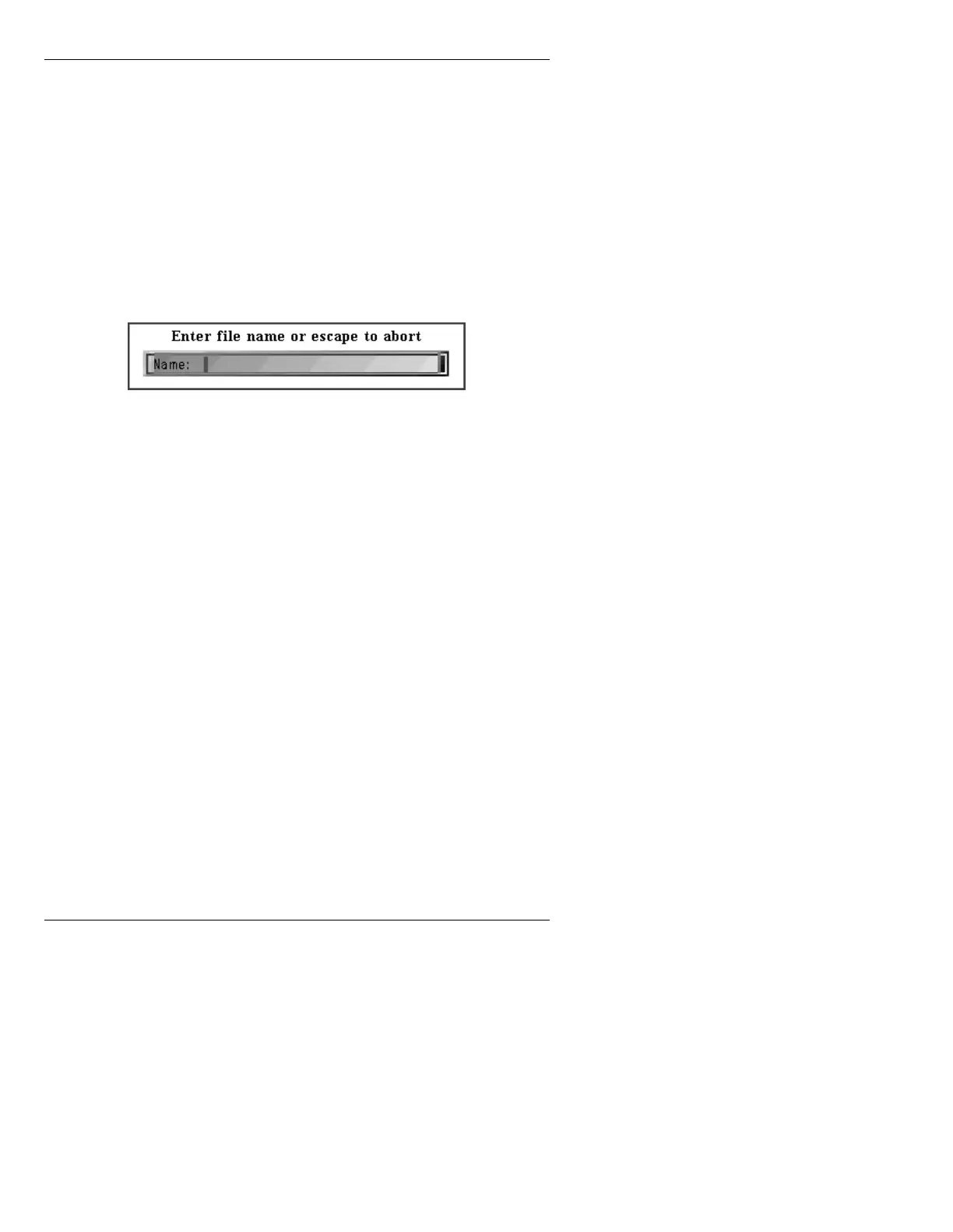
Line, and the following window appears:
Figure 21-8. FONT ID NOT FOUND
• Enter a name for the font, then press
.
Add Char Press A or select Add Char. Then, request a keyboard
key for the image, the
Add Char function adds the RGB
image to the current font. If the character exists, you're
prompted for overwrite permission.
The font is modified only in memory, not on the disk.
Delete Char Press D or select Delete Char. Removes the selected
RGB image from the font and requested key loca-
tion selected. The font is modified only in memory,
not on disk. Regular alphabet numbers, and marks,
characters cannot be deleted.
Save to Disk Press RCD or select Save to Disk to write the modified
font to disk. Overwrite request is prompted if the
font currently exists: either overwrite or enter a new
font ID number.
Pressing M before RCD disables character overlap, and
Disabled Mix For Character Overlap is displayed on the
Prompt Line.



 To Next Page