CHYRON Corporation
Formatting & Editing 7-40 Revision D
entering 50 results in 50-scanline vertical
moves, or
50-pixel horizontal moves).
Note that if the default
Super Shift Value is
not set to “
0”, this default value overrides any
value entered into the Address Keypad. It is
suggested that the default value be kept at
0, so
as to allow for quick changes in the
Super
Shift Value
.
[ ] 3. Hold the
SHIFT and SHIFT CHAR/ROW/PAGE
keys, and while holding them, press ÌÍÎÏ
as many times as is necessary to move the text.
6ZDSSLQJ5RZV
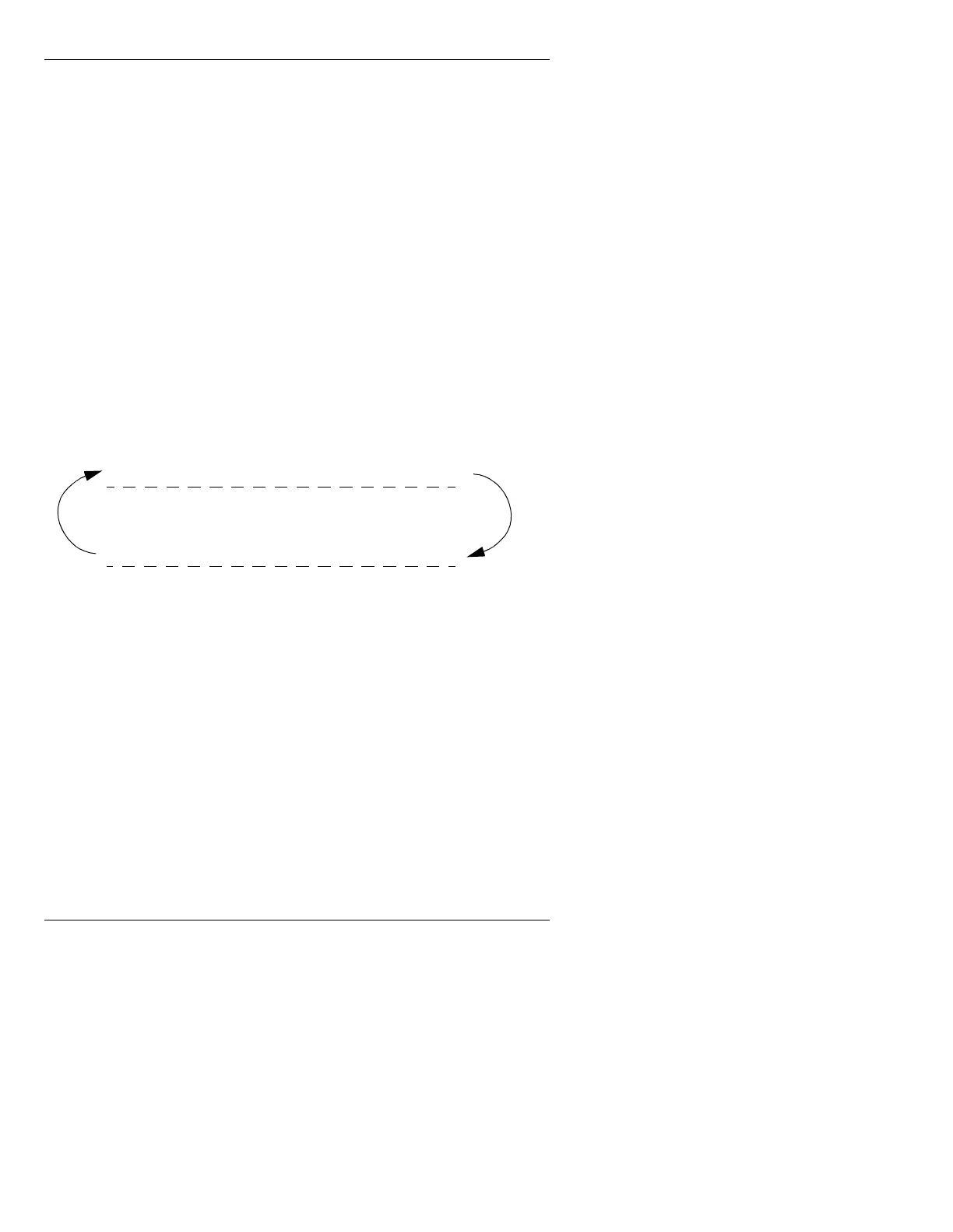
Row swap allows you to exchange the position of a row
with the one above or below it (Figure 7-6).
Figure 7-6. Row Swap Operation
To exchange a row with the row ABOVE it:
• Place cursor on the LOWER row, then press
CNTL Î.
To exchange a row with the row
BELOW it:
• Place the cursor on the UPPER row, then press
CNTL
Ï.
To swap the row at the top of the screen with the row at
the bottom of the screen:
• Press
CNTL Î
when the cursor is on the top row of
the screen, or
CNTL Ï when the cursor is on the bot-
tom row of the screen
Upper Row Of Text
Lower Row Of Text



 To Next Page