iNFiNiT! Family Operation Manual
Revision D 16-9 Mix Effects
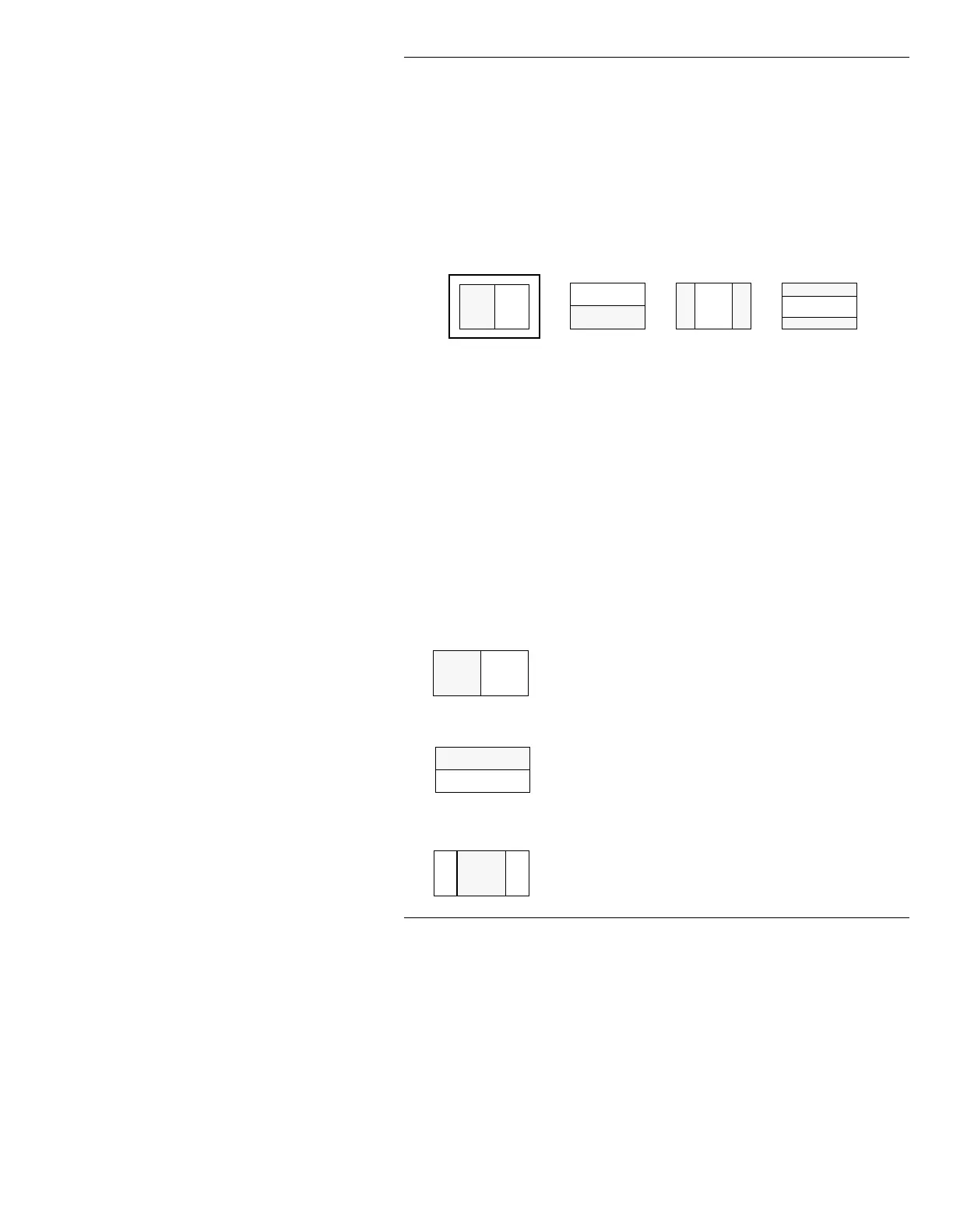
To select a Transition Pattern:
• Press the letter corresponding to the desired Transi-
tion Pattern or select using the mouse.
When a Transition Pattern is selected, the icon for the
selected pattern is highlighted.
Figure 16-4. Transition Patterns A - D,
Transition Pattern A Highlighted
:LSHV
Wipe is a full screen transition. As a Wipe executes, the
new image overwrites the old image. Neither image
moves. All patterns
A - D are available to Wipe.
The following Wipes are available:
Horizontal Slide/Wipe:
The new image
overwrites the old image from either the left edge
(
Reverse: Off) or the right edge (Reverse: On)
of the screen.
Vertical Slide/Wipe:
The new image
overwrites the old from either the top edge
(
Reverse: Off) or the bottom edge (Reverse:
On
) of the screen.
Horizontal Split Wipe:
The new image
overwrites the old image from the center of the
screen and wipes simultaneously out towards the
left/right edges of the screen (
Reverse: Off).
AB
CD
A
B
C



 To Next Page