CHYRON Corporation
RGB Tools 21-24 Revision D
)UDPH%XIIHUV%
This function can be executed only on systems equipped
with two or more frame buffers, and is not available from
within IMAGESTOR!
The
Frame Buffers function combines RGB and alpha
for images in the frame buffers assigned to CHANNELS
A, B and the PREVIEW CHANNEL, and then writes the
combined information into the currently active frame
buffer. Buffers are merged as specified in the Mix menu.
To perform a Frame Buffer Merge:
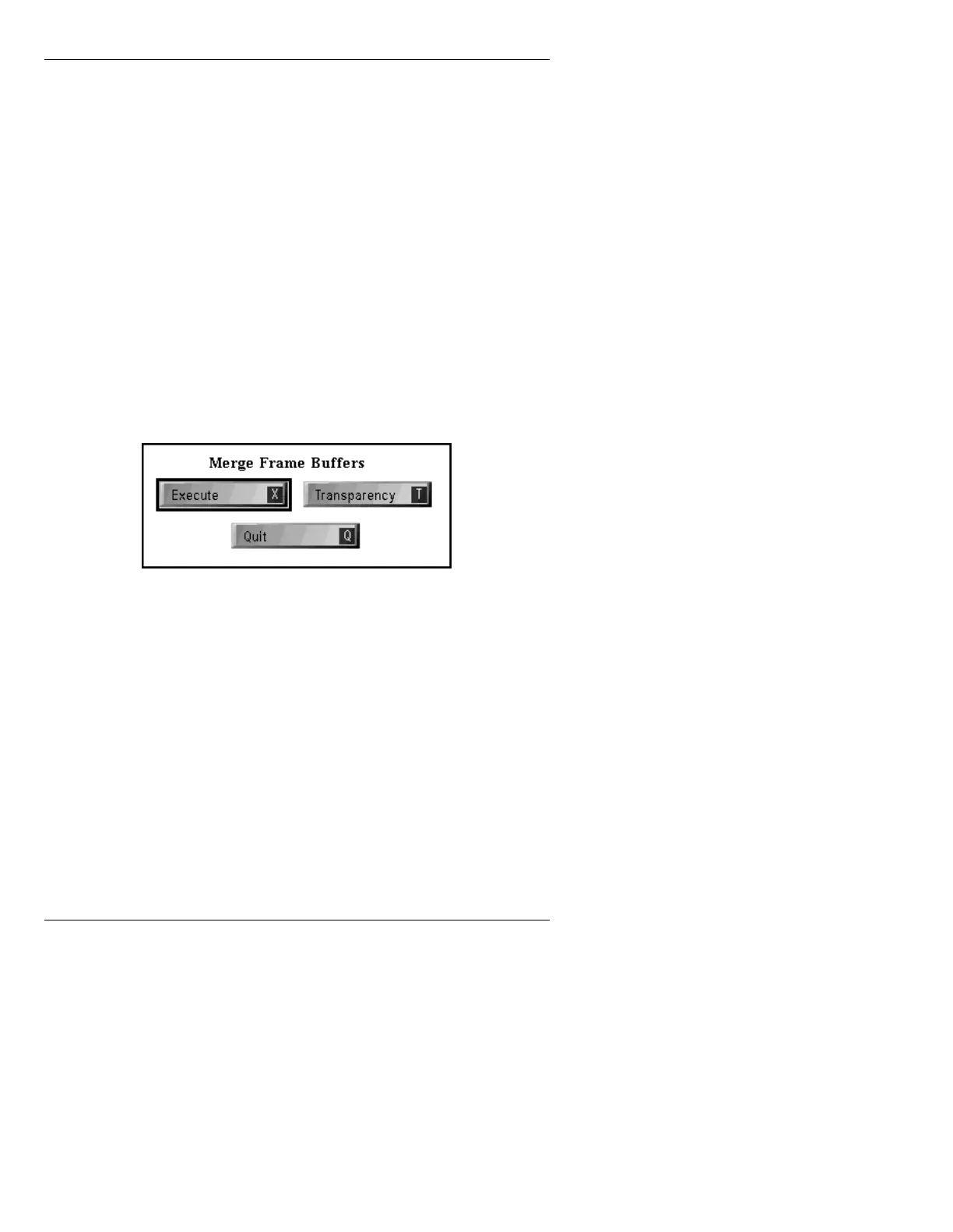
[ ] 1. From the Merge Control menu (Figure 21-13),
press
B or select Frame Buffers. The Merge
Frame Buffers menu is displayed.
Figure 21-14. Merge Frame Buffers Menu
[ ] 2. Transparency can be set one of two ways:
• The buffers assigned to CHANNELS A
and B display at 100% video.
• The Output Percentage set in the Mix Set-
tings window in the Mix or Multiple
Effects menu (§16.7 or §17.5 respectively)
are used.
NOTE: The buffer assigned to the PREVIEW
CHANNEL always displays as 100% video.
If the
Transparency icon is not highlighted
(default), the Mix Output Percentage settings



 To Next Page