iNFiNiT! Family Operation Manual
Revision D 21-23 RGB Tools
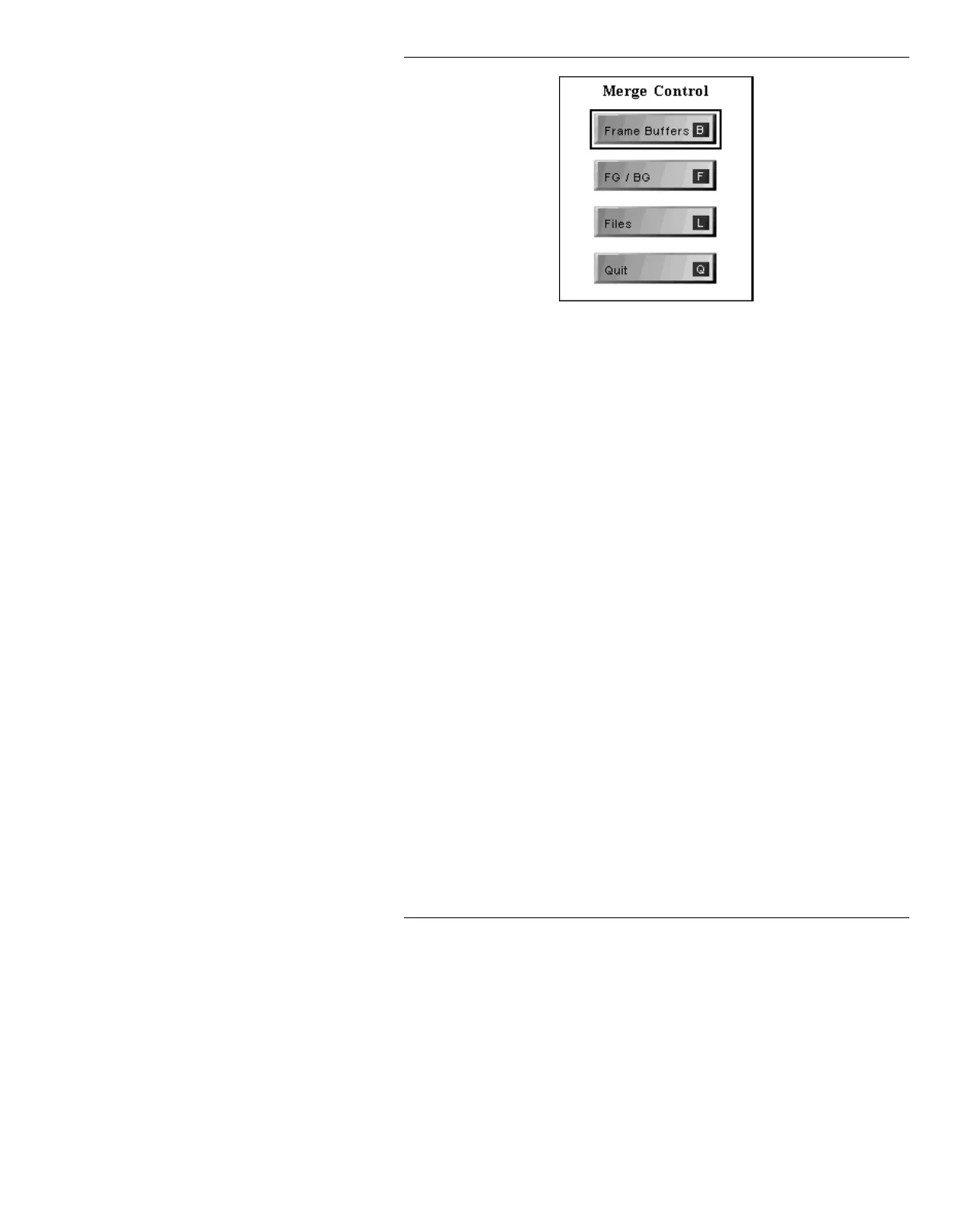
Figure 21-13. Merge Control Menu
To exit the Merge Control menu:
• Press
Q or select Quit.
NOTE
RGB Tools File Merge function is
available to IMAGESTOR! When the
Merge Buffers function is accessed,
the Merge Control menu is bypassed.,
and the Merge Files menu is
displayed.
See §21.11.3 for
information on file merge.
Merge Buffers is not available to the
secondary user of an iNFiNiT!
system.
The
Frame Buffers
function icon is not displayed
om a MAXINE! system.
The
FG/BG
function icon is not displayed if the
system is not equipped with Extended Effects
Frame Buffers or CLYPS Capable Frame Buffers.



 To Next Page