iNFiNiT! Family Operation Manual
Revision D 9-37 Advanced Playback
&UDZO 6HWX S
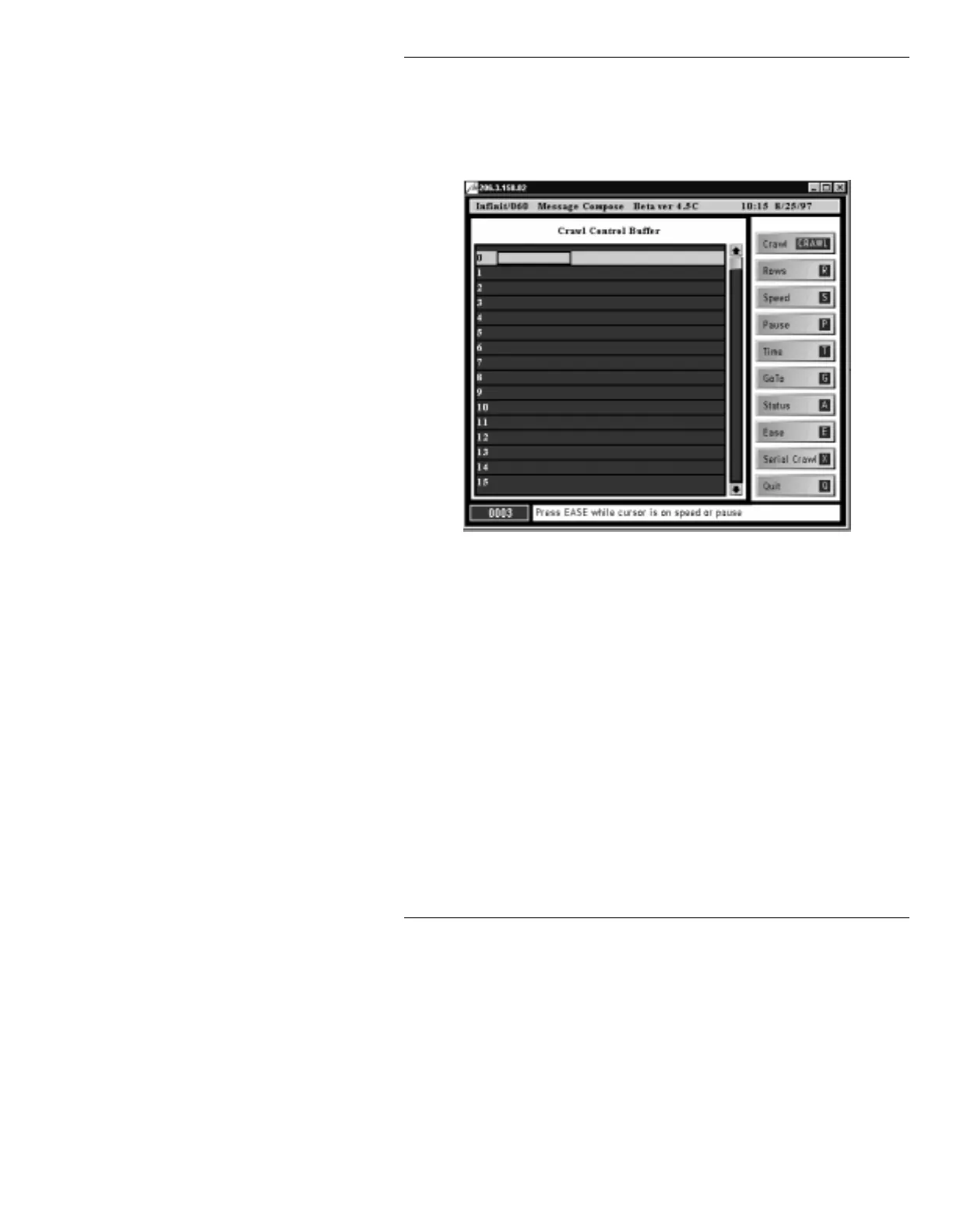
To display the Crawl Control Buffer (Figure 9-9):
• Press
CNTL or SETUP, then CRAWL.
Figure 9-9. Crawl Control Buffer
The leftmost cursor position on any row in the Crawl
Control Buffer list is the command column. The cursor
must be in the command column of a step in order to
apply an Ease command, or to change it to a new com-
mand. Depending on the command, there can be none,
one or two cursor positions to the right of the command
column, containing numerical data such as Speed, Time,
or message ID numbers.
The list displays 16 steps at a time. The list can contain a
maximum of 100 steps (numbered 0-99). To scroll
through the list:
• Use the cursor
ÎÏ keys, or press SHIFT PAGE
+ ÎÏ to scroll the list a page at a time.



 To Next Page