iNFiNiT! Family Operation Manual
Revision D 13-17 Flash Font
• Combnd 2 combines Border and Offset. The width
of the
Offset equals the set Edge Size, and the width
of the
Border equals 1/4 (rounded up) the set Edge
Size
.
Edge Size Edge Size can be set from 1 to 90 scanlines.
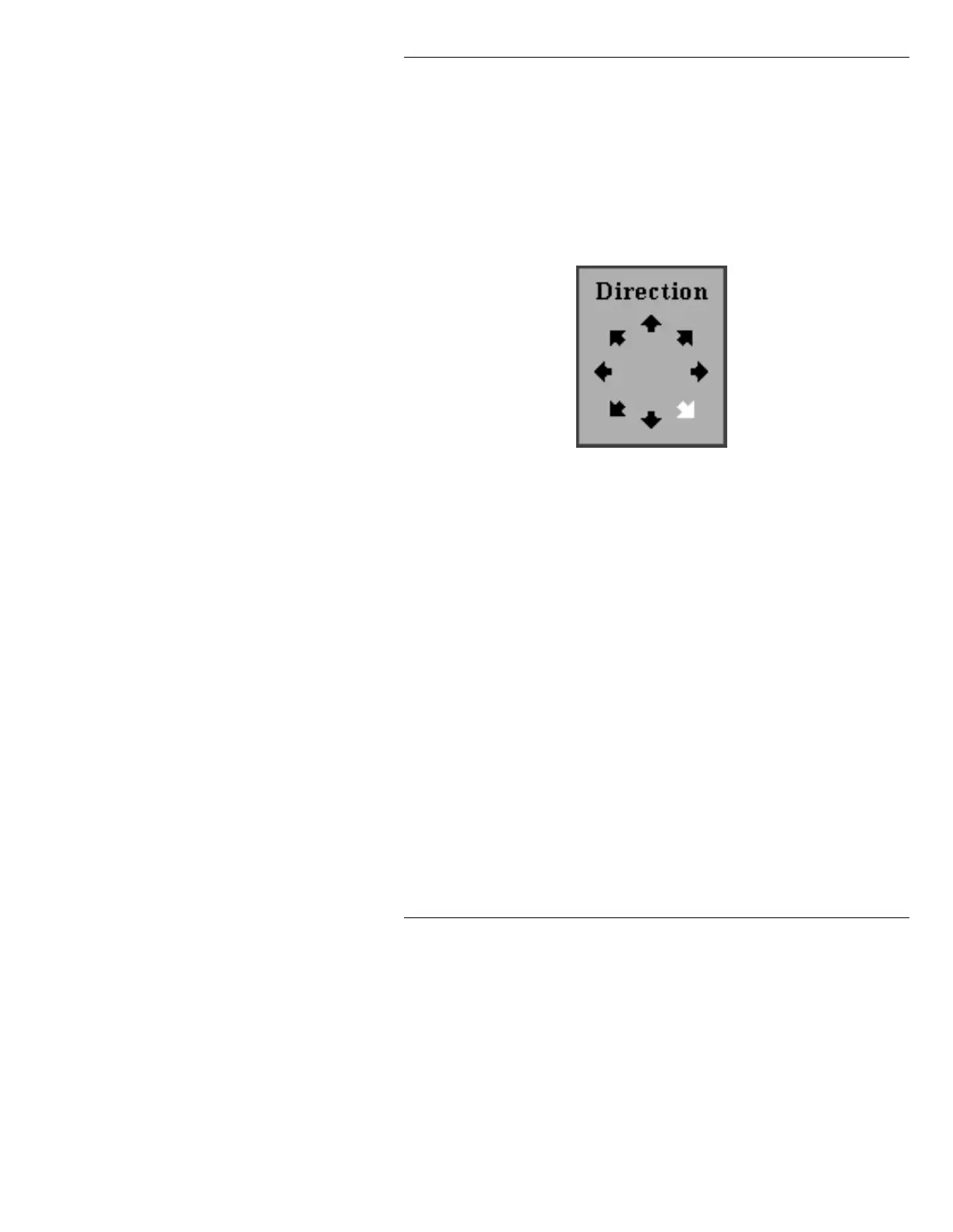
Edge An Edge Direction can be set in the Direction selection box
Direction (Figure 13-11).
Figure 13-11. Direction Selection Box
0DVWHU )RQW
This function changes the typeface of the character you
are currently working on, or selects a Master Font when
setting up a Flash Font from scratch.
To change the current Master Font:
• Highlight the
Master Font: field. Press CLR, then
enter a Master Font ID number. Press
.
The name portion of the field is read only, and is
updated when a new Master Font ID is entered.
If the cursor is not on a character upon entering Flash
Font, and the Master Font ID is shown as
0:
• Highlight the
Master Font: field. Press CLR, then
enter a Master Font ID number. Press
.
The name of the Master Font appears in the name
1
4
2
3
6
9
8
7
The number at each
arrow specifies the key
that can be pressed to
set the edge direc-
tion. The numbering
system emulates a
numeric keypad.



 To Next Page