iNFiNiT! Family Operation Manual
Revision D 3-31 Start-Up
NOTE - iNFiNiT! DDR USERS
Configuration of the Serial Port from
RS-232 to RS-422 on the iNFiNiT!
involves a jumper change on the CPU
Transition board. Failure to perform
the configuration can result in
equipment damage!
6HW 'UL YH 6(783 '
This function changes the active drive, allowing you to
boot from one drive, then load programs and files from a
different drive.
[ ] 1. Press
D or select the Set Drive icon from the
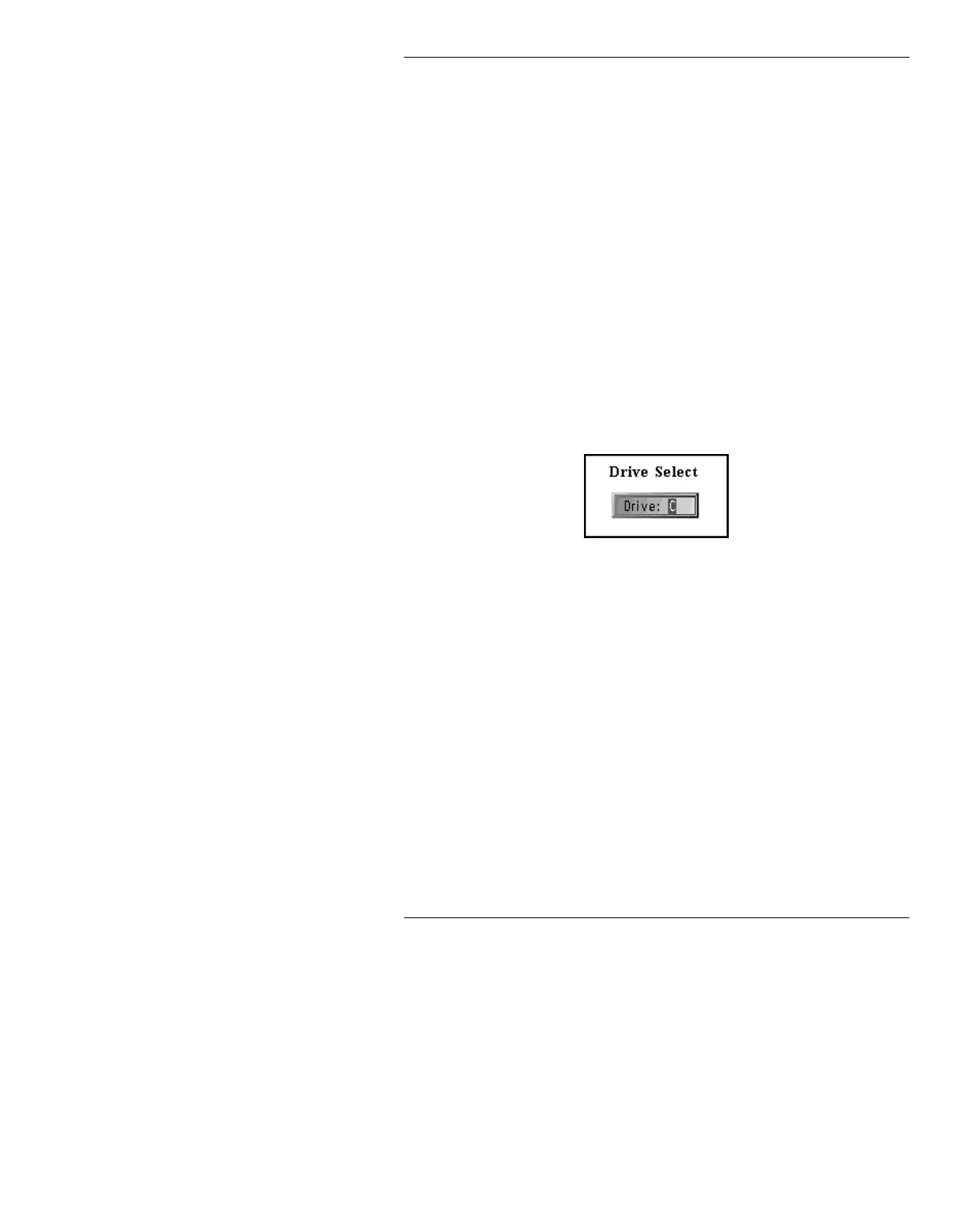
Loader Set Up menu. The Drive Select
window is displayed.
Figure 3-27. Drive Select Window
[ ] 2. Enter a valid drive letter, then press
.
Rebuilding Menu, please wait appears briefly
on the Prompt Line while the available
programs on the selected drive are displayed in
the Program Loader menu. If the new drive
does not contain system files, all the program
icons are left blank.
1HWZRUN6(7831
If the system is equipped with optional networking capa-
bility, each device on the network must have a unique
Ethernet/Internet/Subnet Mask address. This address is
set in Network Setup.



 To Next Page