CHYRON Corporation
Disk Utilities 19-14 Revision D
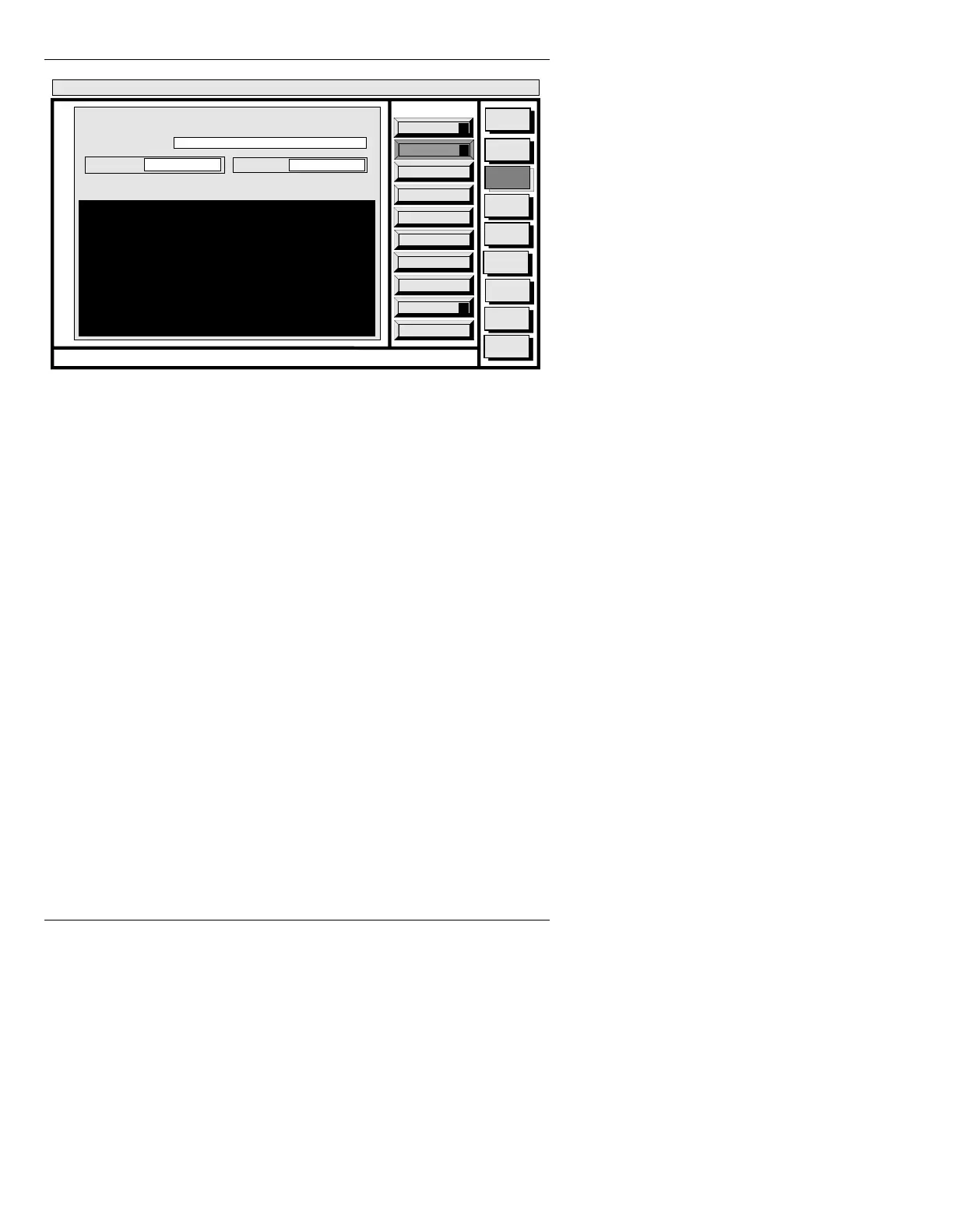
Figure 19-9. LIST Window
A list of the files in the current directory is displayed.
/LVWLQJ' LUH FWR ULHVRQ D'LV N
To change directories or drives:
•In the
CURRENT DIR: field, enter the letter identify-
ing the drive, the character
"/", and the directory
name.
For example, to list the contents of a directory called
NEWS stored on the Hard Drive:
•Enter
C/NEWS in the CURRENT DIR: field.
To list all directories on a disk:
• Enter the letter identifying the drive that contains
these directories in the
CURRENT DIR: field.
Quit
Q
List
L
Execute
X
Message
Compose
Advcd.
Font
Disk
Utils
Network
Utils
Fonts By
Wire
<System>
Disk Utility
< version >
15:07 5/29/95
LIST
CURRENT DIR:
FILE TYPE: ALL
C/MAX
PRINTER:
N
DIRECTORY NAMES
MACHINE
MESSAGE
EFFECT
-
-
-
-
CNTL



 To Next Page