iNFiNiT! Family Operation Manual
Revision D 3-41 Start-Up
[ ] 2. Press ALT 1. The Cell Ram Alignment menu
appears:
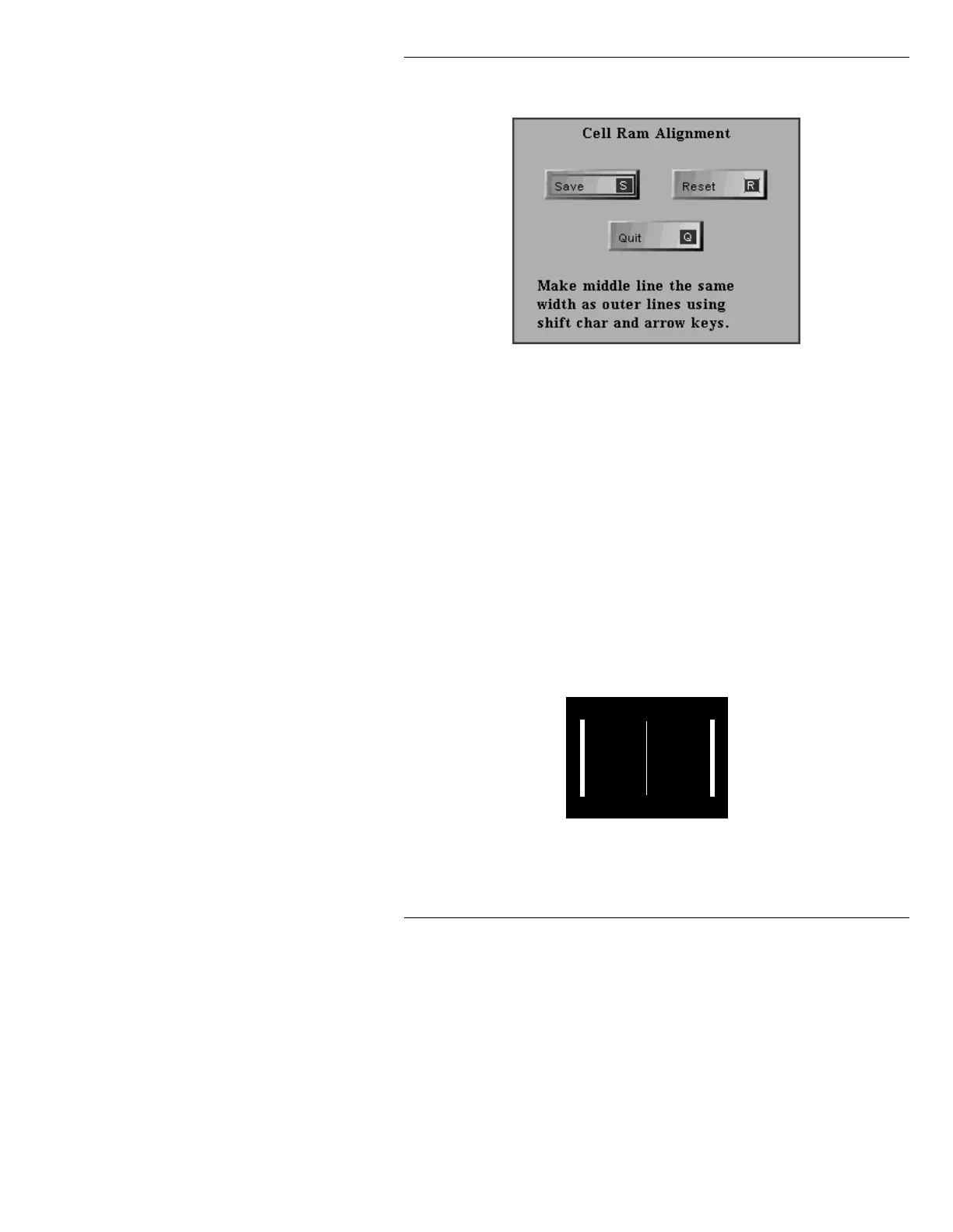
Figure 3-37. Cel RAM Alignment Menu
Additionally, three vertical white lines are
displayed on the Edit Monitor. They may
appear as two bright, thick lines on the outside
and one narrower, dimmer line in the middle
(Figure 3-38); or as 3 identical bright, thick
lines (Figure 3-39).
• If the lines appear as in Figure 3-39, the
alignment is properly set. Press
Q or select
Quit to exit this menu, and to exit the Cur-
sor Channel Alignment menu.
• If, however they appear as in Figure 3-38,
proceed to Step 3.
Figure 3-38. Unaligned Frame Buffer Cel RAM Alignment



 To Next Page