iNFiNiT! Family Operation Manual
Revision D 2-61 Installation
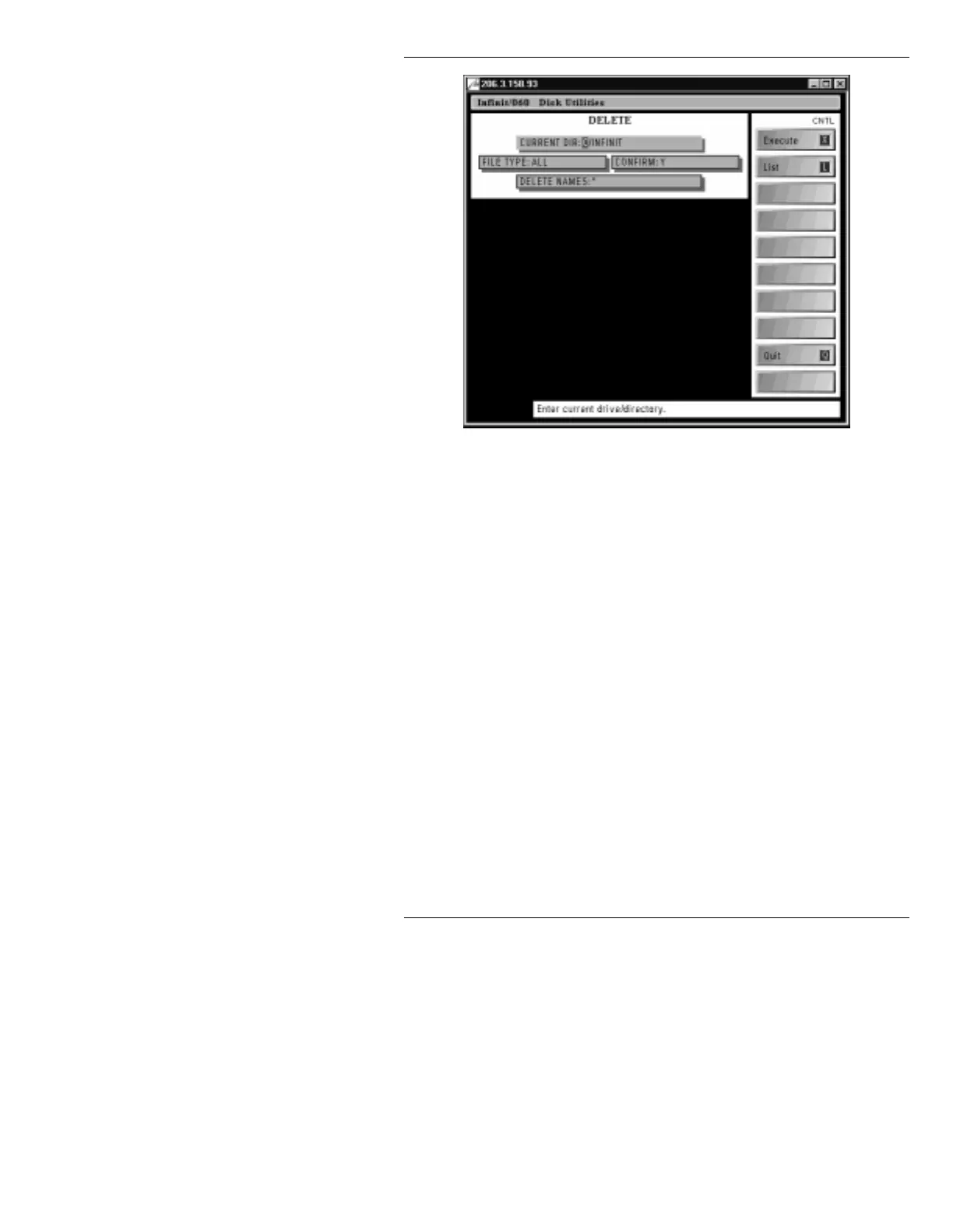
Figure 2-32. Disk Utilities DELETE Menu
[ ] 2. In the fields at the top of the Disk Utilities DELETE
menu, enter the following information:
CURRENT DIR: C/INFINIT/SYSTEM
FILE TYPE: ALL
CONFIRM: Y
DELETE NAMES: *
It is recommended, though not necessary, that
CONFIRM:
be set to
Y
. If
Confirm
is set to
N
,
Delete
executes without confirmation. If
Confirm
is set to
Y
, a pop-up window (such as in
Figure 2-35) appears asking if each specified file or
directory should be deleted.
[ ] 3. Press
CNTL L
or select
List
to list the directories
in the
C/SYSTEM
directory.



 To Next Page