iNFiNiT! Family Operation Manual
Revision D 2-63 Installation
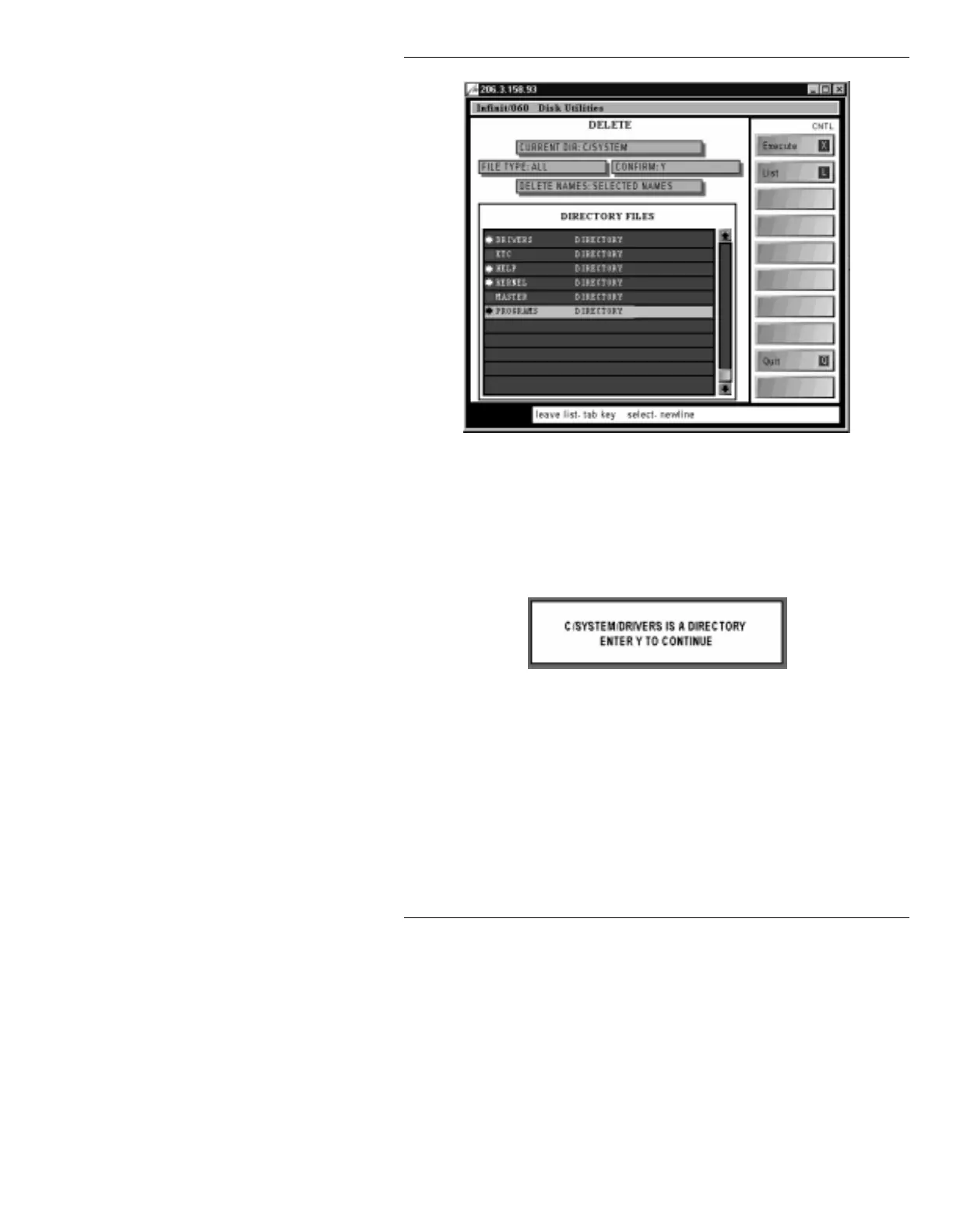
Figure 2-34. Directory Files List - Directories Selected
[ ] 4. Press
CNTL X
or select
Execute
. If
Confirm
is
set to
N
,
Delete
executes without confirmation. If
Confirm
is set to
Y
, a pop-up window (Figure 2-
35) appears asking if that directory should be
deleted.
Figure 2-35. Delete Permission
Press
Y
to delete the directory, or any other key to
stop the deletion.
Delete
execution will move to
the next directory. To completely exit
Delete
execution, press
ESC
.
When
Deletion complete.
appears on the Prompt
Line, the CHYRON software can be installed.



 To Next Page