iNFiNiT! Family Operation Manual
Revision D 13-29 Flash Font
[ ] 3. Enter the ID number of a Master Font.
[ ] 4. Adjust the attributes of the font as desired.
[ ] 5. When finished, repeat Steps 2 through 4 for
each Flash Font that you are creating.
[ ] 6. Press
CNTL, Q or select Quit to exit to the
Message Compose main menu. Flash Font
Typing mode is now activated.
The last Flash Font that was created is the font that is
now loaded. To toggle to the other available Flash Fonts:
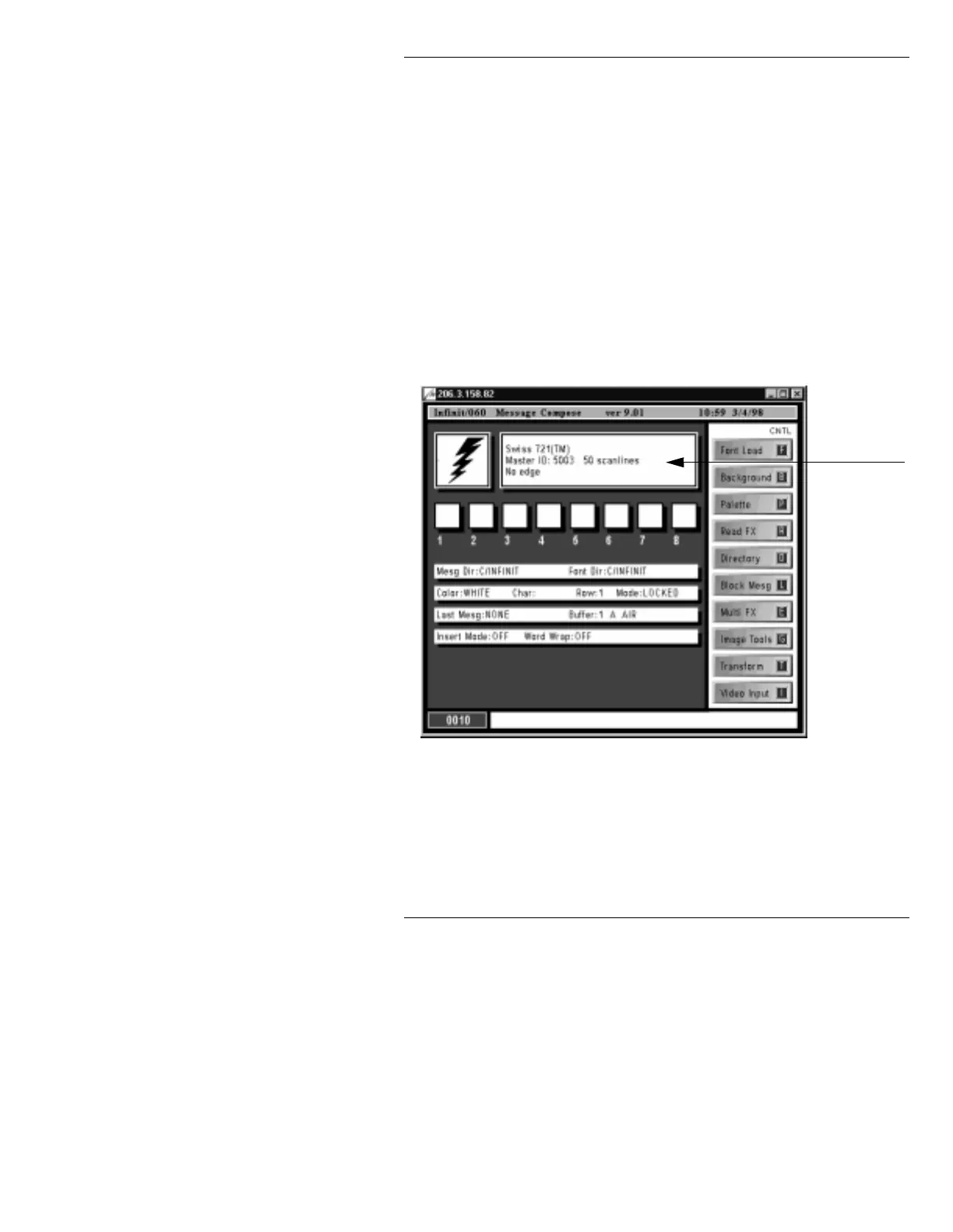
• Click on the
Font in Use area that displays the
description of the current font (Figure 13-19).
Figure 13-19. Font in Use Area
With 22 fonts available at one time, it is sometimes nec-
essary to alternate between using Flash Fonts and
Machine Fonts.
Font in Use
Area



 To Next Page