CHYRON Corporation
Flash Font 13-24 Revision D
rent color of the current font. For detailed information
on palettes, see Section 10, and in particular for subpal-
ettes, §10.4.
To set the background band:
[ ] 1. Press
K or select Background. The
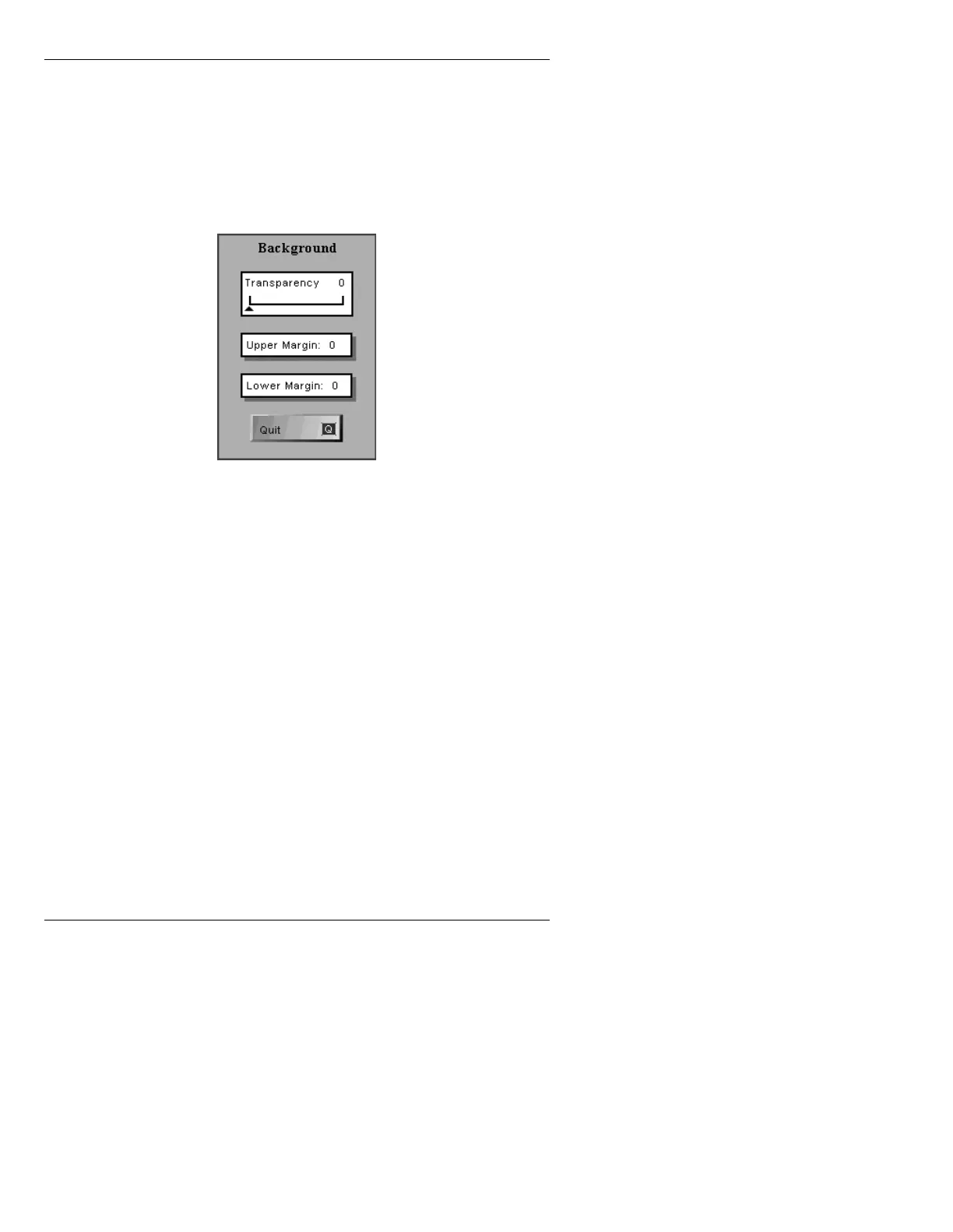
Background menu (Figure 13-16) is displayed.
Figure 13-16. Background Menu
[ ] 2. Highlight the Transparency slider, and adjust
using the mouse or
SHIFT CHAR + ÎÏ.
[ ] 3. Highlight the
Upper Margin field, then enter a
value from
-99 to 99. This value is the number
of scanlines the band extends above the top of
the character.
[ ] 4. Highlight the
Lower Margin field, then enter a
value from
-99 to 99. This value is the number
of scanlines the band extends below the bottom
of the character.
[ ] 5. Press
Q, CNTL, select Quit or click outside the
Background menu to exit to the Flash Font
menu.
The band appears behind all characters typed in this
Flash Font.



 To Next Page